
How to use the Avalon ASR model
Avalon is Aqua Voice’s speech recognition model. The current desktop app uses Avalon 1.5 by default.
Start dictating
- Install or update Aqua Voice using Downloads.
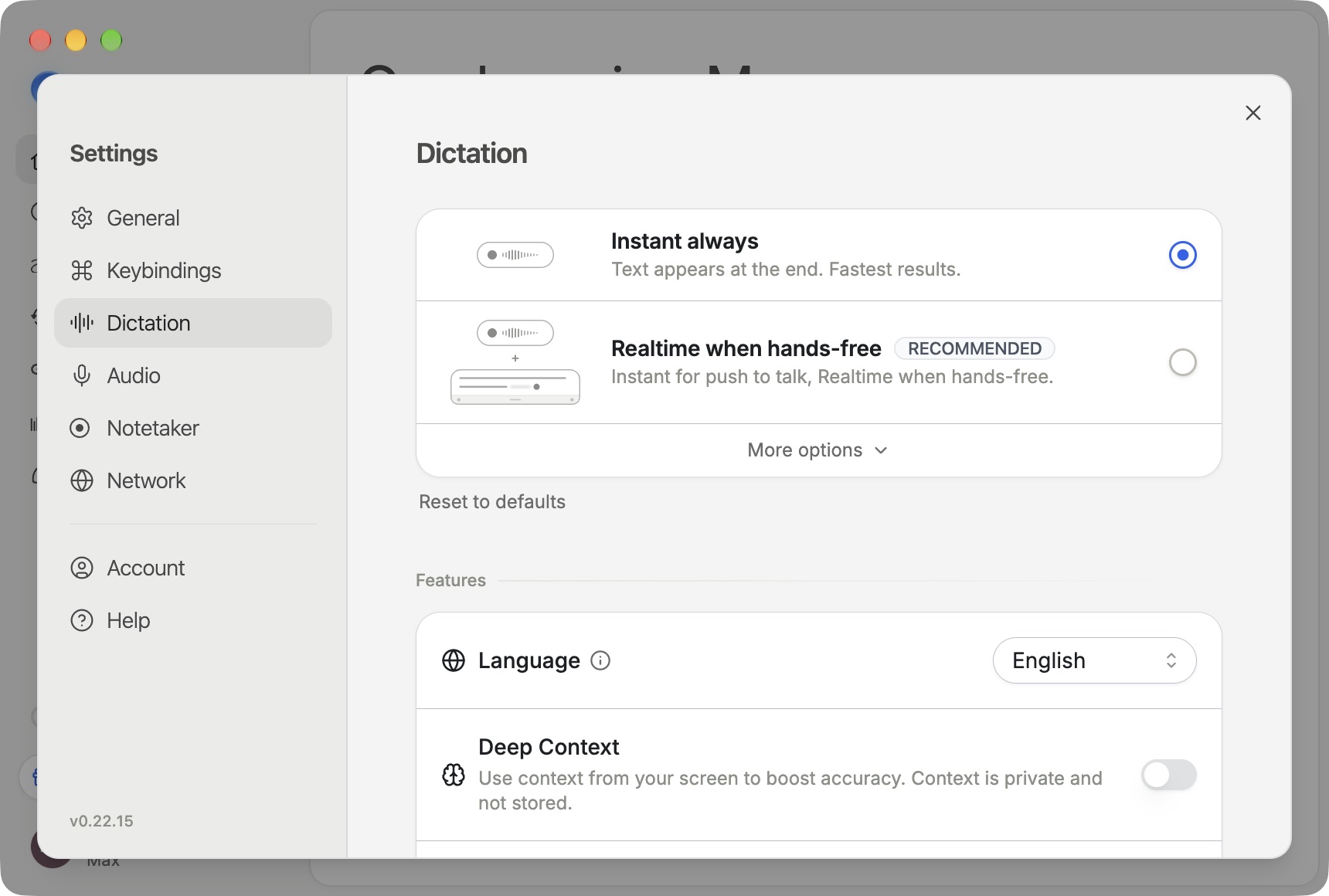
- Open Settings → Dictation and choose your language.
- Click in an editable text field, hold your activation key, speak, and release the key.
Use the Mac guide or Windows guide for setup and permissions. Regular desktop settings do not require a separate Avalon selection.
Choose a language and mode
See Languages for supported languages and Auto-Detect. Realtime Mode has its own account and language requirements.
Add names and specialist terms to your Dictionary. Use Custom Instructions for formatting preferences.
Use the API
Developers can use Avalon through the speech-to-text API. API credentials and billing are managed separately from the desktop app.
For product background, read Introducing Avalon.