

Aqua Pet
Aqua Pet is your desktop companion in Aqua Voice. Customize its appearance, see your progress, and share a card with friends.
Show and position your pet
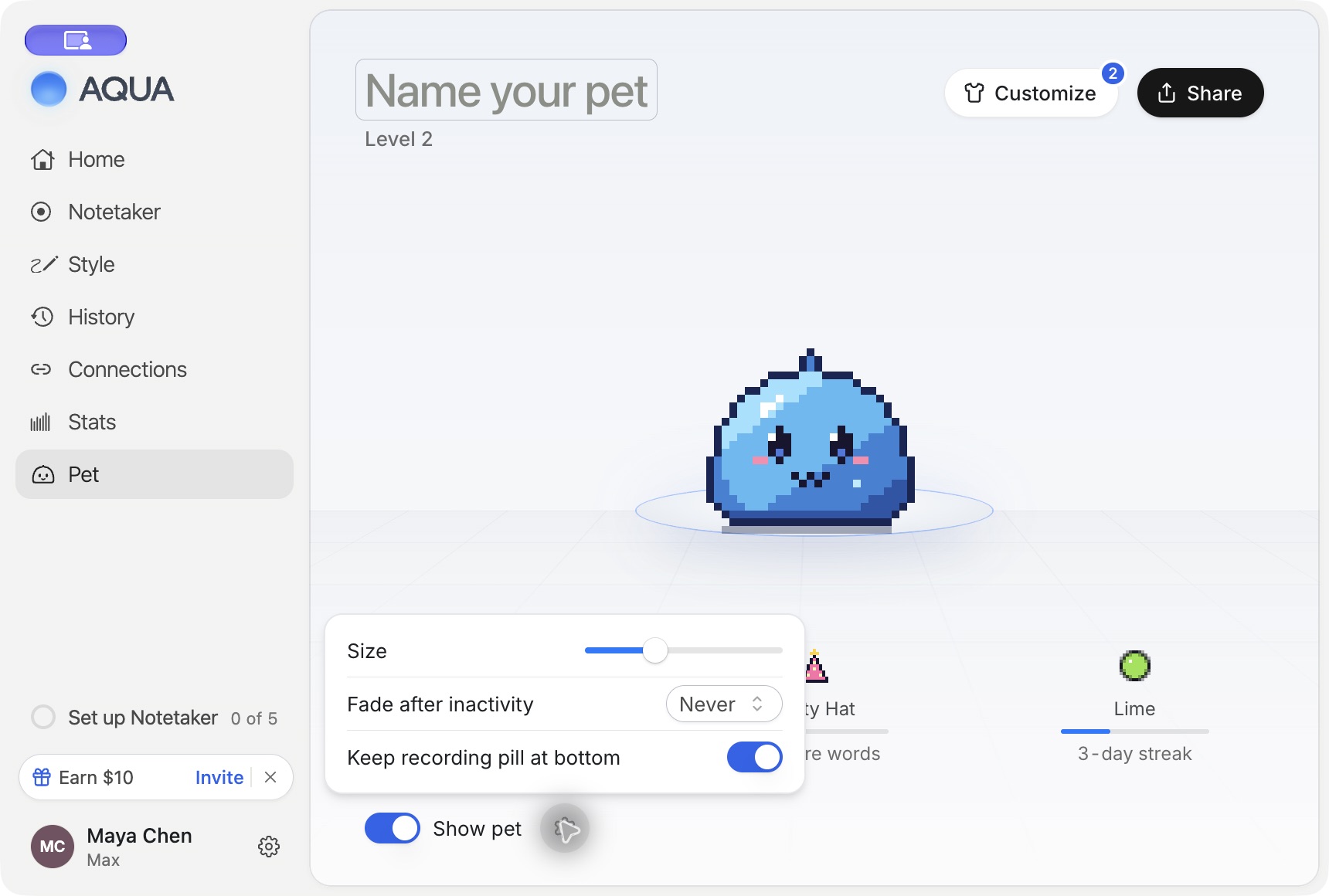
Open Pet in the desktop app and turn on Show pet. Drag the pet to place it where you want it. Turn off Show pet to hide it.
The settings button beside Show pet includes Size, Fade after inactivity, and Keep recording pill at bottom. Adjust these to fit the way you work.
Customize its appearance
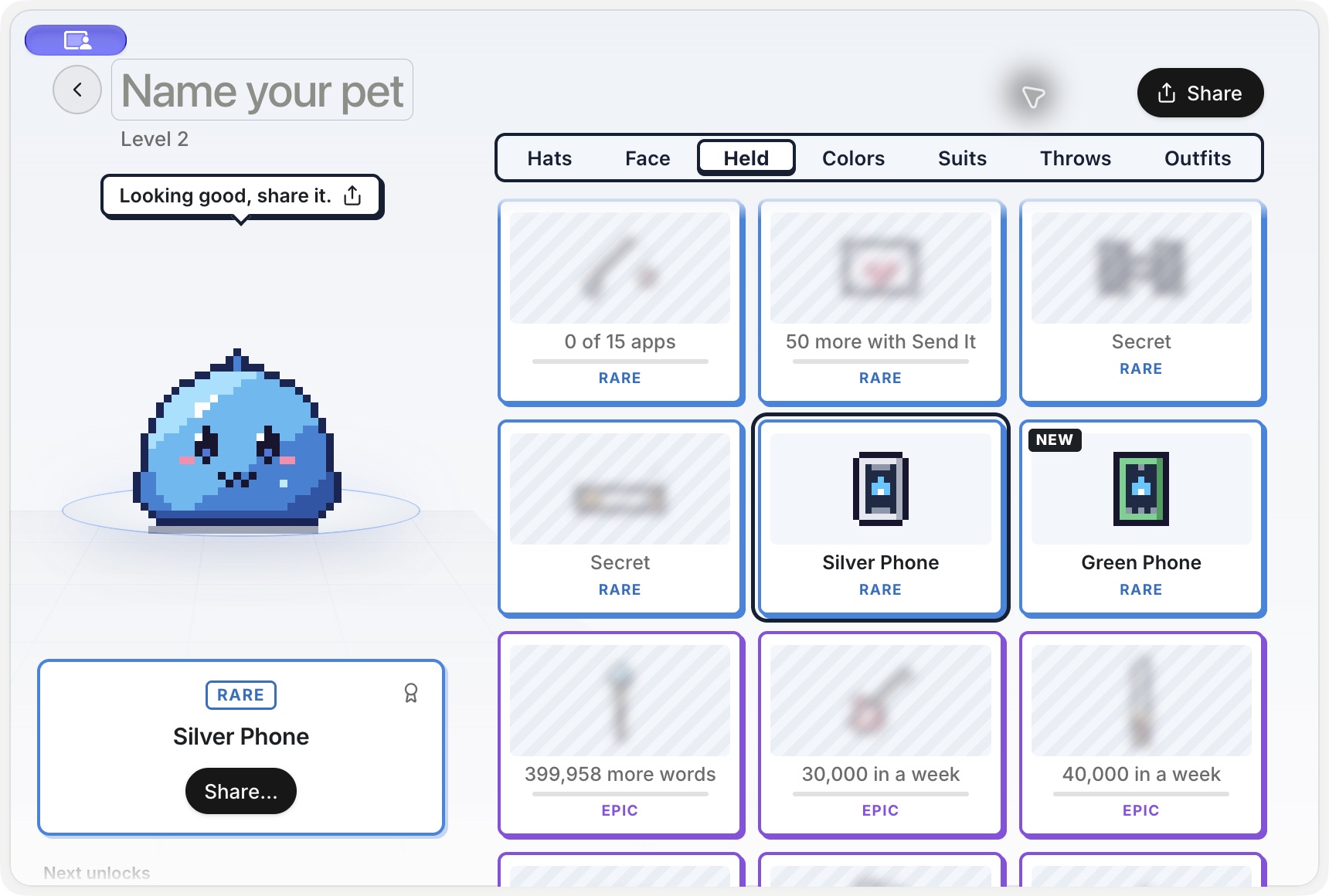
Open the pet's closet and browse the categories. Select an available item to wear it. For a complete unlocked outfit, choose Wear outfit. The details show whether an item is worn, available, or locked.
Choose a locked item to see its requirement and your progress. Requirements vary by item and can include dictation activity, invitations, or plan access. Use the requirement shown in the app for that item.
Share your pet
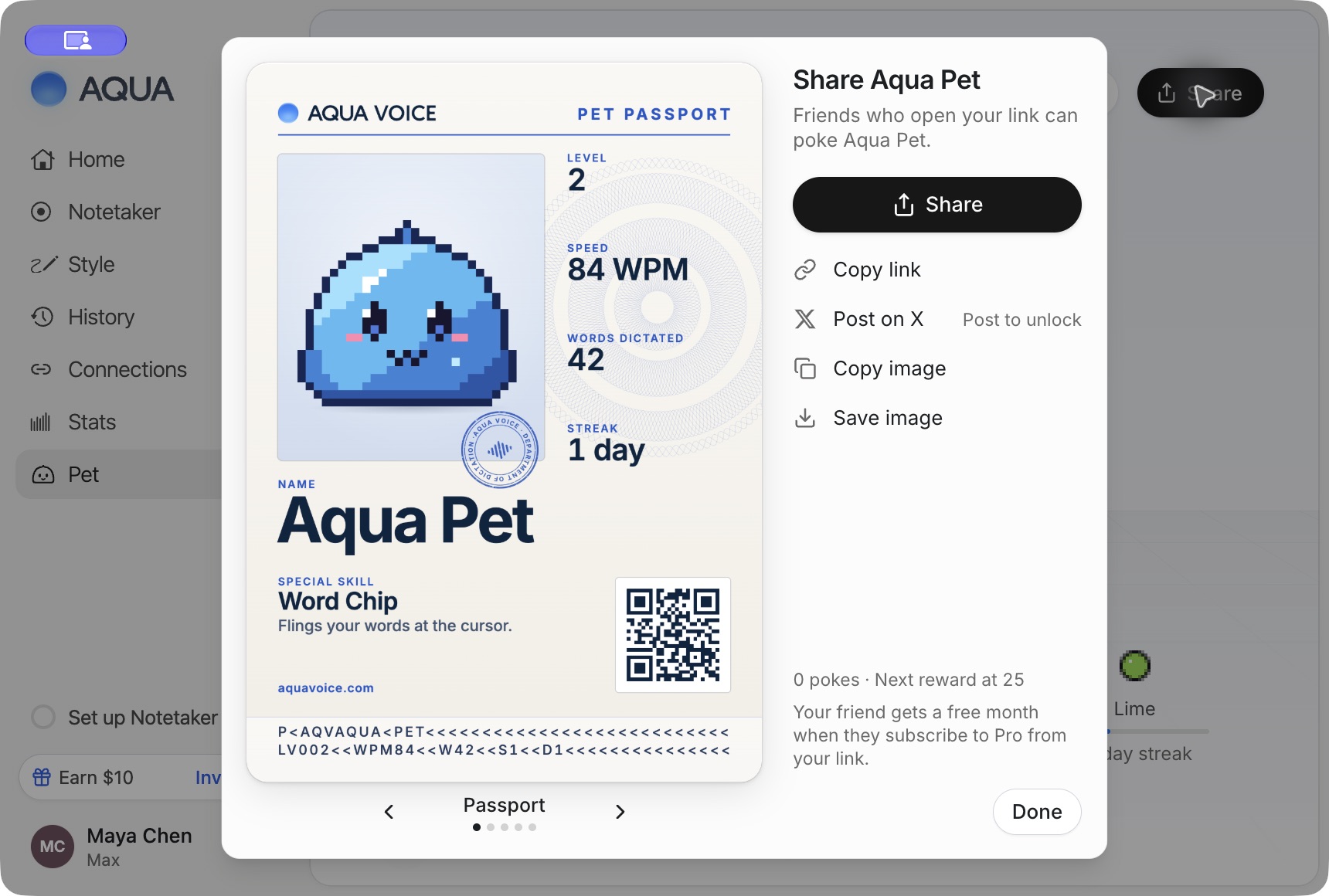
Use Share in the Pet page, or Share… for an available item, to open the sharing flow. Choose a card style and use Copy image or Save image. The flow also supports posting on X and checking a post link for the associated unlock.
Keep dictating
You can use your configured activation keys while the pet is visible. Hover over the pet to reach its available controls. To learn hands-free dictation, see Realtime Mode.
Use Aqua Pen from the pet to draw on your screen and capture screenshots.
Snooze your pet
Drag the pet into the bottom-right corner of its screen to reveal the snooze dial. Drop it on the duration you want. Use the corner's pet control to bring it back, or turn on Show floating bar in Settings → General to end the snooze.
See Stats and Sharing for activity cards and Referrals for your invitation link and referral status.