

Account and billing
Use your Aqua Voice account across Mac, Windows, iPhone, and Android. Subscription management depends on where you purchased it.
Use the same account on each device
Sign in with the same Aqua Voice account everywhere. If a device asks you to subscribe again, check the email address in account settings first. Contact support if the subscription still does not appear. Open your account.
Manage a subscription
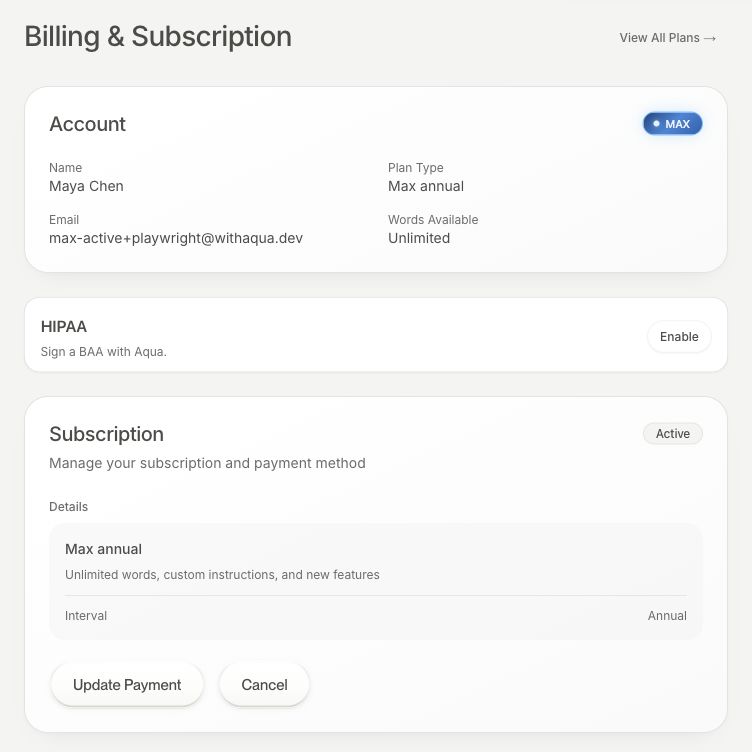
For a direct subscription, open Manage → Billing & Subscription on the web. The page shows the plan changes and cancellation controls available to your account. On desktop, you can reach your plan from Settings → Account.
For an Apple purchase, manage the subscription through your Apple account's subscription settings. For a Google Play purchase, use Google Play's subscription settings. Workspace members should ask the billing owner to make workspace changes.
Payment details and invoices
For direct Stripe billing, choose Update Payment from Manage to open the billing portal. Use the portal for payment details and available invoices. You can update billing details such as your name and tax ID where those fields are available.
Contact support if an issued invoice needs correction or the field you need is unavailable. Apple and Google Play purchases use the respective store's billing system.
Cancel or change your plan
Use the cancellation flow for the provider that bills you. Read the effective date and confirmation in that flow. For a direct subscription, the changes available are listed in Billing & Subscription. If the billing period you want is missing, contact support.
Delete your account
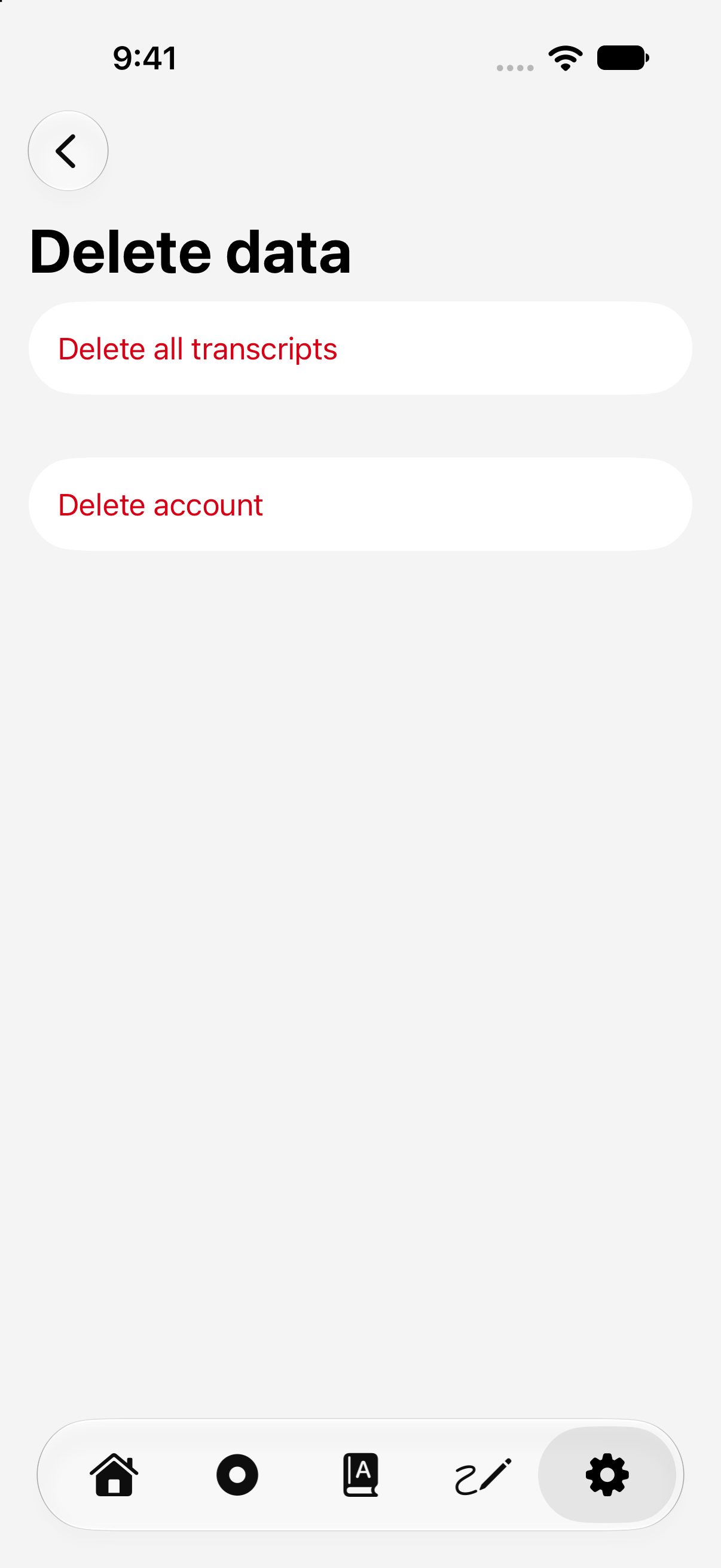
On iPhone or Android, open Aqua Voice's Settings and choose Delete Account to request deletion. You can also email support from your registered address.
Also cancel any active subscription with the provider that bills you. An account deletion request and subscription cancellation are separate actions. See the Privacy Policy for deletion and retention details.
Get billing help
Include your account email, purchase provider, and the issue you need help with. For a workspace, include its name. Contact support.
For workspace invoices and seats, see Business Billing and Seats. For invitation credits, see Referrals.