Aqua Voice works with the microphone you already have. It’s designed to be accurate even in sub-optimal conditions, so background noise, audio artifacts, and other issues generally won’t impact accuracy much.
However, we recommend using the best mic you can for the best user experience.
Name | Rating | Type | Price | Notes | Details | Link |
|---|---|---|---|---|---|---|
EarPods Microphone | 5 - Best | Wired | 20 | Simple, cheap, and effective. | link | |
| Electro-Voice RE20 / RE320 | 5 - Best | Wired | 310 | As Accurate as Aqua gets. | link | |
KeyboardMike Plus by Speechware | 5 - Best | Wired | 300 | Professional microphone designed for dictation | link | |
Shure MV7 | 5 - Best | Wired | 300 | Pro mic. | link | |
Macbook Pro Microphone | 4 - Good | Built-In | Not available in "clamshell" mode. | (M1 and later) | ||
Macbook Air Microphone | 4 - Good | Built-In | Not available in "clamshell" mode. | (M1 and later) | ||
iPhone Microphone | 4 - Good | Built-In | Good Microphone, be mindful of background noise. | |||
AirPods Max | 3 - Not Great Not Terrible | Bluetooth | 550 | The best AirPods to use with Aqua. | link | |
Tesla Bluetooth Microphone | 3 - Not Great Not Terrible | Built-In | Expect higher input latency. | |||
Studio Display Microphone | 2 - If You Must | Built-In | 1600 | Worse performance than AirPods Max. | link | |
AirPods (1st & 2nd Gen) | 1 - Don't Bother | Bluetooth | 180 | Highly compressed audio. | link | |
AirPods Pro (1st & 2nd Gen) | 1 - Don't Bother | Bluetooth | 250 | Highly compressed audio. | link |
No. Aqua Voice works with whatever you have. A better mic improves comfort and consistency, but accuracy is already strong, including on technical terms.
No, Apple disables the built-in microphone when the lid is closed. You can still select it as an input source, but no audio will reach Aqua.
Prefer wired. Bluetooth adds latency.
If you want to go wireless, note that AirPods and AirPods Pro have especially high startup latency.
If you want a wireless option with lower connection latency, these options work well:
6–12 inches from your mouth is usually optimal.
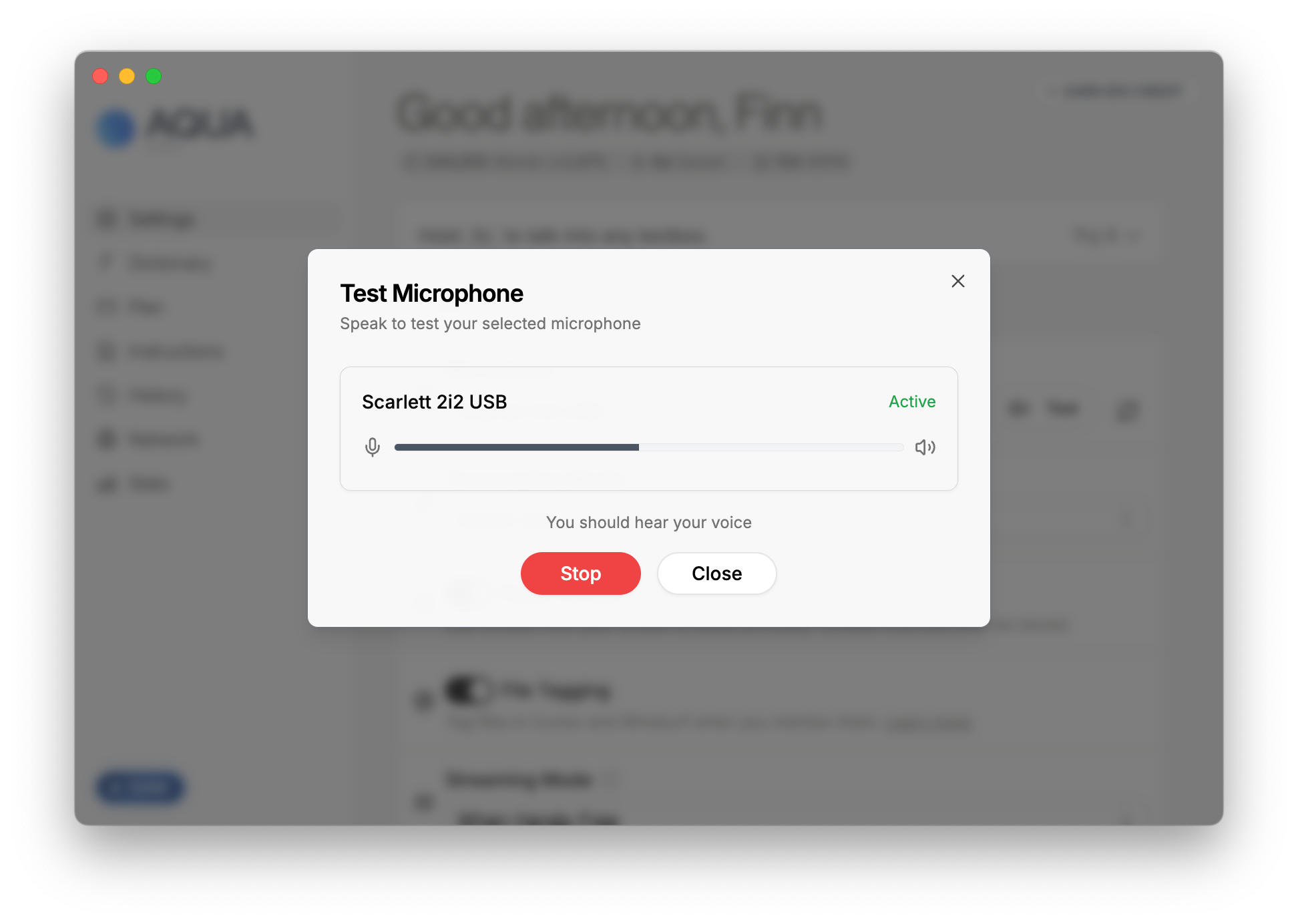
It depends on your microphone setup, but as you speak, you should see the waveform move in Aqua. If you can't, your audio levels are probably too low.
Aqua is robust to most background noise.
Yes, these systems work with Aqua. They're generally not necessary, however, and may increase latency depending on your hardware.
Download Aqua for Mac & Windows

