

Get started on iPhone
Use the Aqua Voice keyboard to dictate into apps on your iPhone.
Set up the keyboard
- Install Aqua Voice from the App Store using the link on Downloads.
- Open Aqua Voice and sign in with your account.
- Follow setup to allow microphone access.
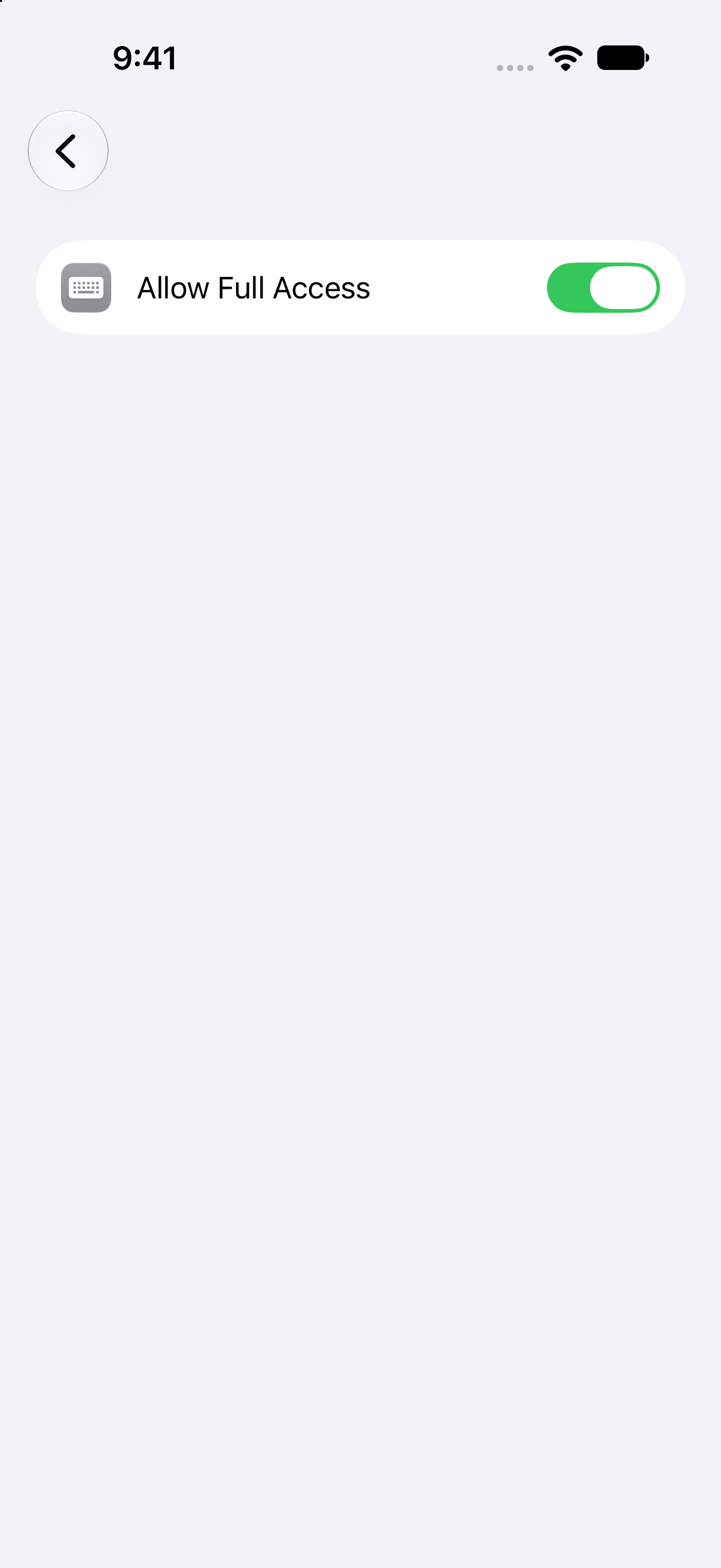
- When setup opens Settings, open Keyboards, turn on Aqua Voice, and enable Allow Full Access. Full Access lets the keyboard communicate with the app to start a microphone session.
- Return to Aqua Voice and complete the practice dictation.
Dictate in another app
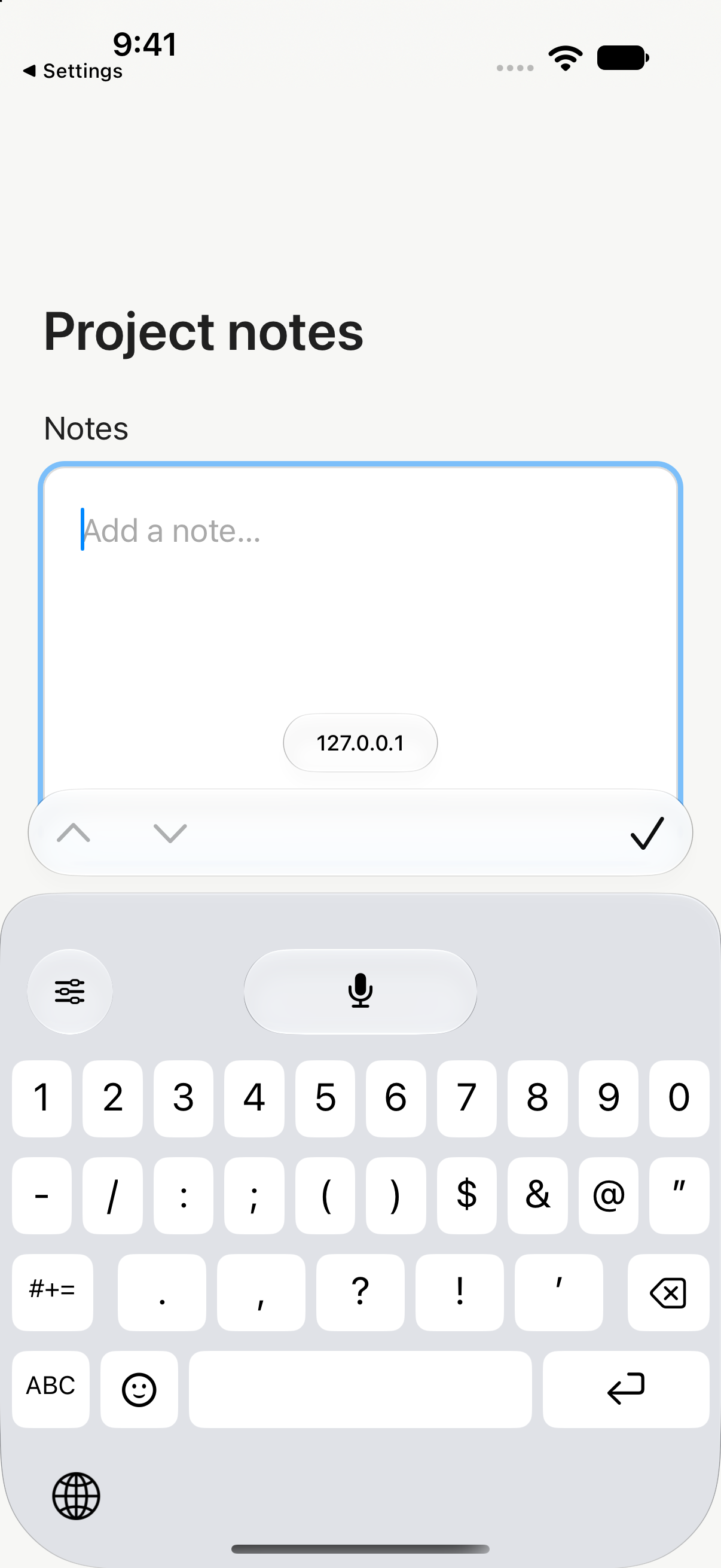
- Tap a text field to show the keyboard.
- Use the globe key to switch to the Aqua Voice keyboard.
- Tap the microphone and follow the prompt to start the microphone session in Aqua Voice if needed. Return to the text field.
- Speak, then tap the finish control. Your words appear in the text field.
The keyboard can use an active microphone session. If that session has ended, it asks you to open Aqua Voice again. iOS uses its own keyboard in secure text fields, including password fields.
Use the Action Button
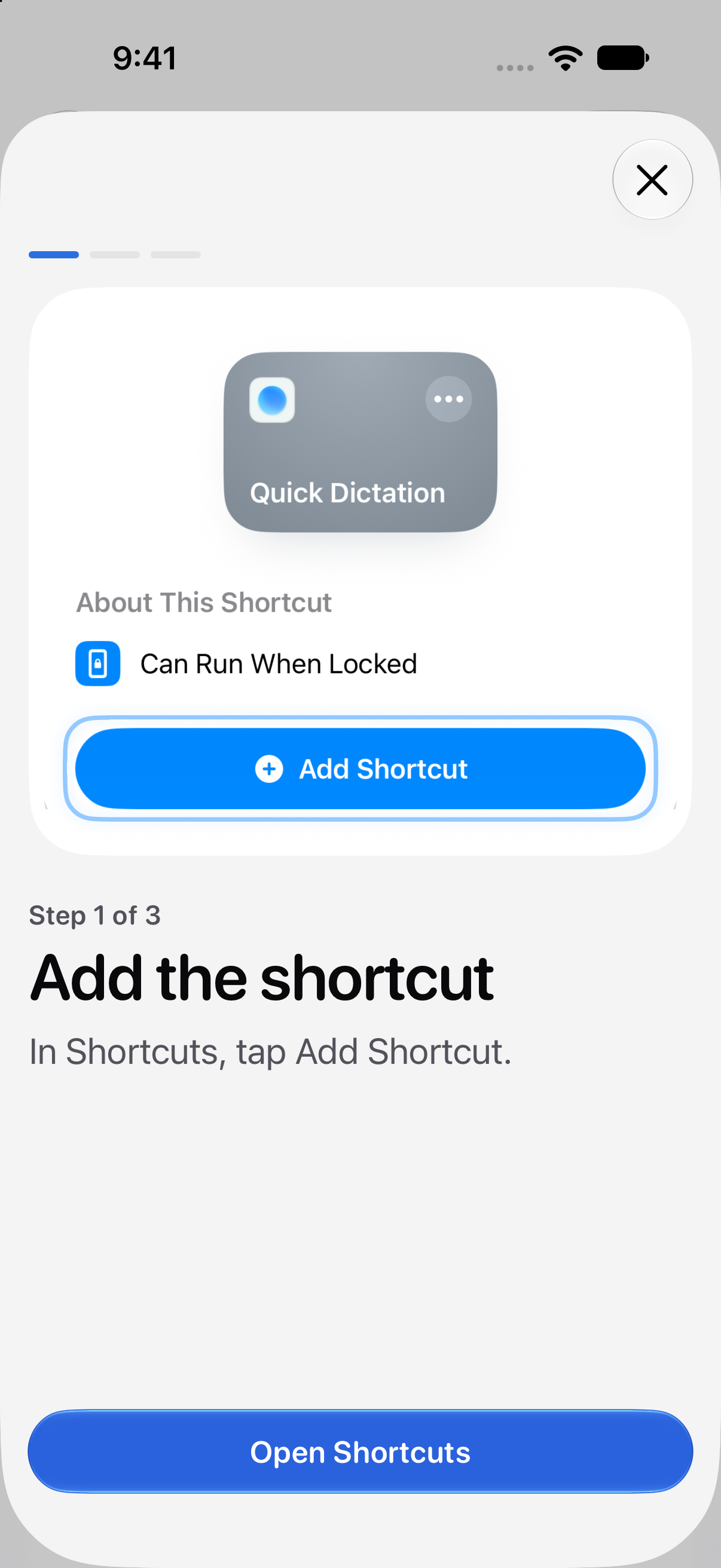
On an iPhone with an Action Button, follow Aqua Voice's Quick Dictation setup to assign the shortcut. Long-press the Action Button to begin and long-press it again to finish. With the Aqua Voice keyboard open, the result goes into the field. With no keyboard open, Aqua Voice copies the result so you can paste it.
Check your settings
Use the same account as desktop to access your subscription. Review Account and billing if the app does not recognize it. To record an in-person meeting, open Notetaker in the app.
If the keyboard is missing, check that it is enabled in Settings. If recording does not start, check microphone access and Full Access, then open Aqua Voice again. See Troubleshooting.