







Frequently asked questions.
How accurate is the transcript?
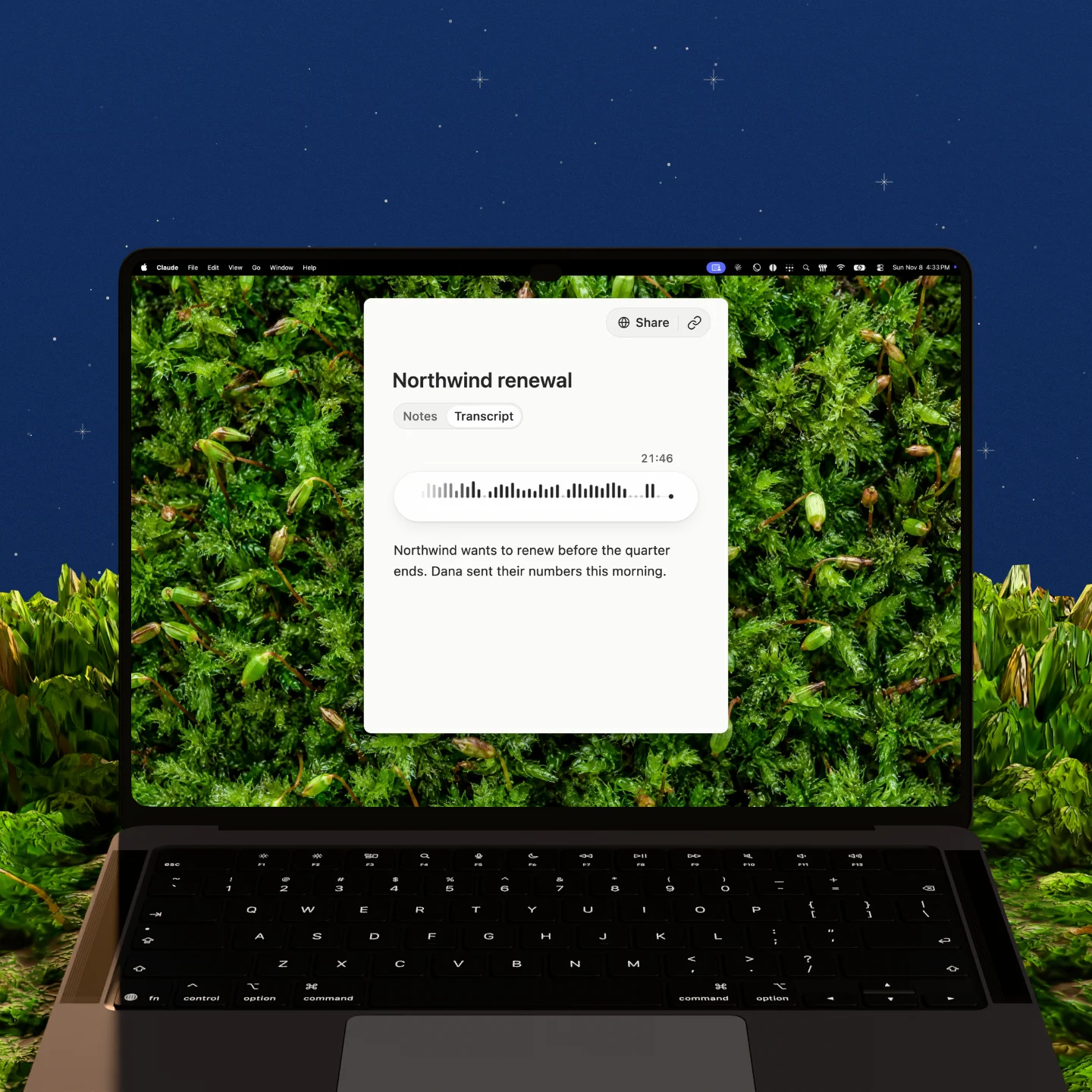
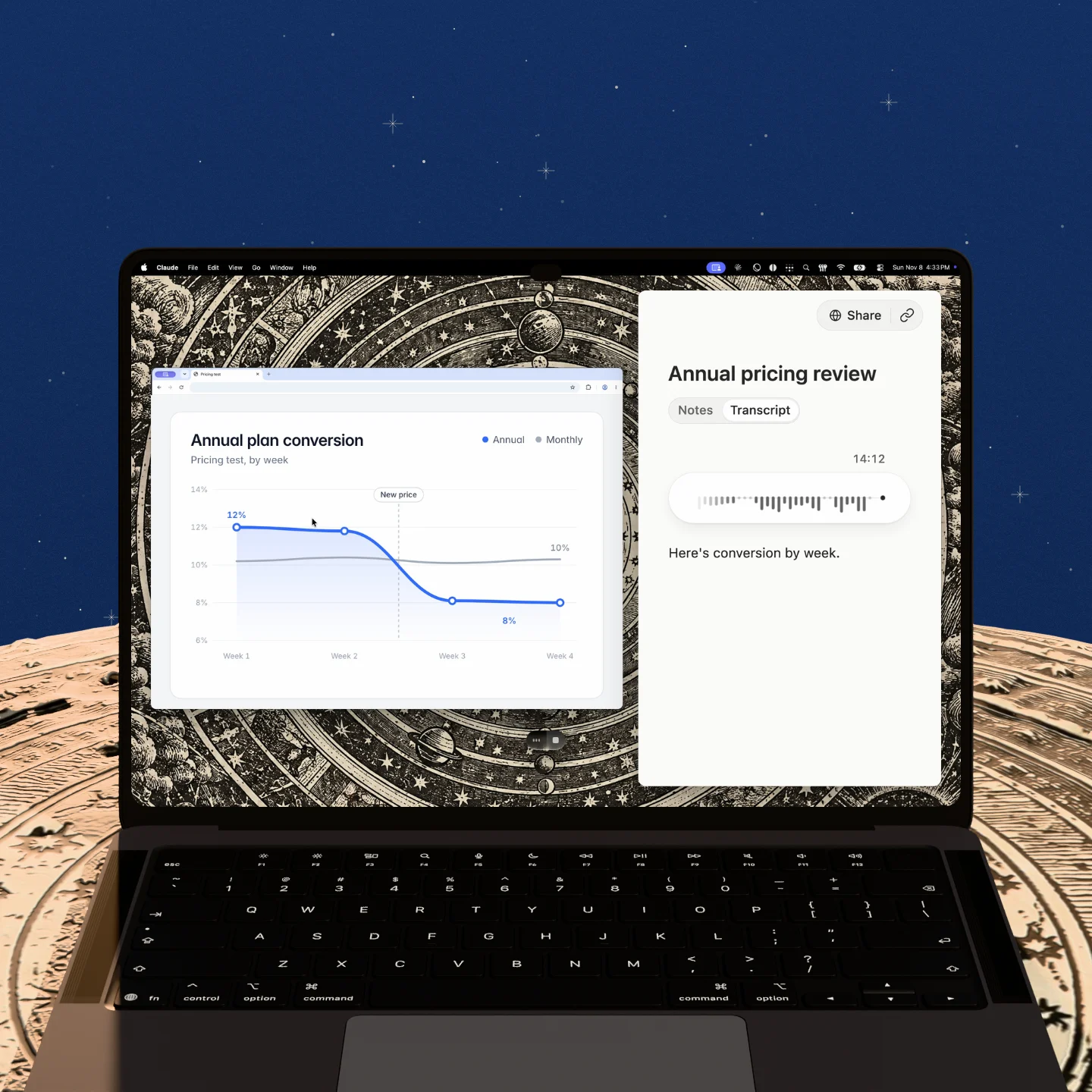
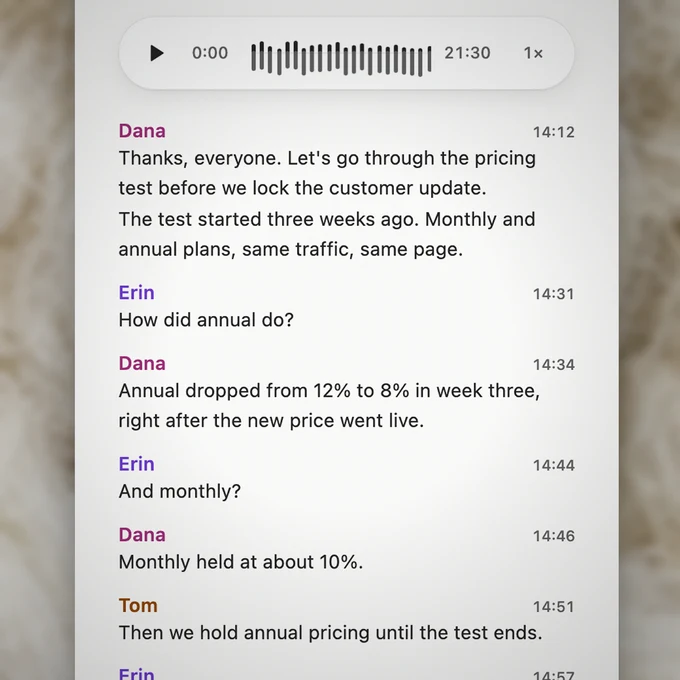
Aqua Voice writes the transcript as people talk and labels every line with who said it. Name a speaker once, and Aqua Voice can recognize their voice in later meetings. After an English meeting, Aqua Voice reads the transcript again to fix misheard words and words given to the wrong person. The best test is your own meeting: take notes with Aqua Voice next to the tool you use now, and compare.
Does Aqua Voice join the call as a bot?
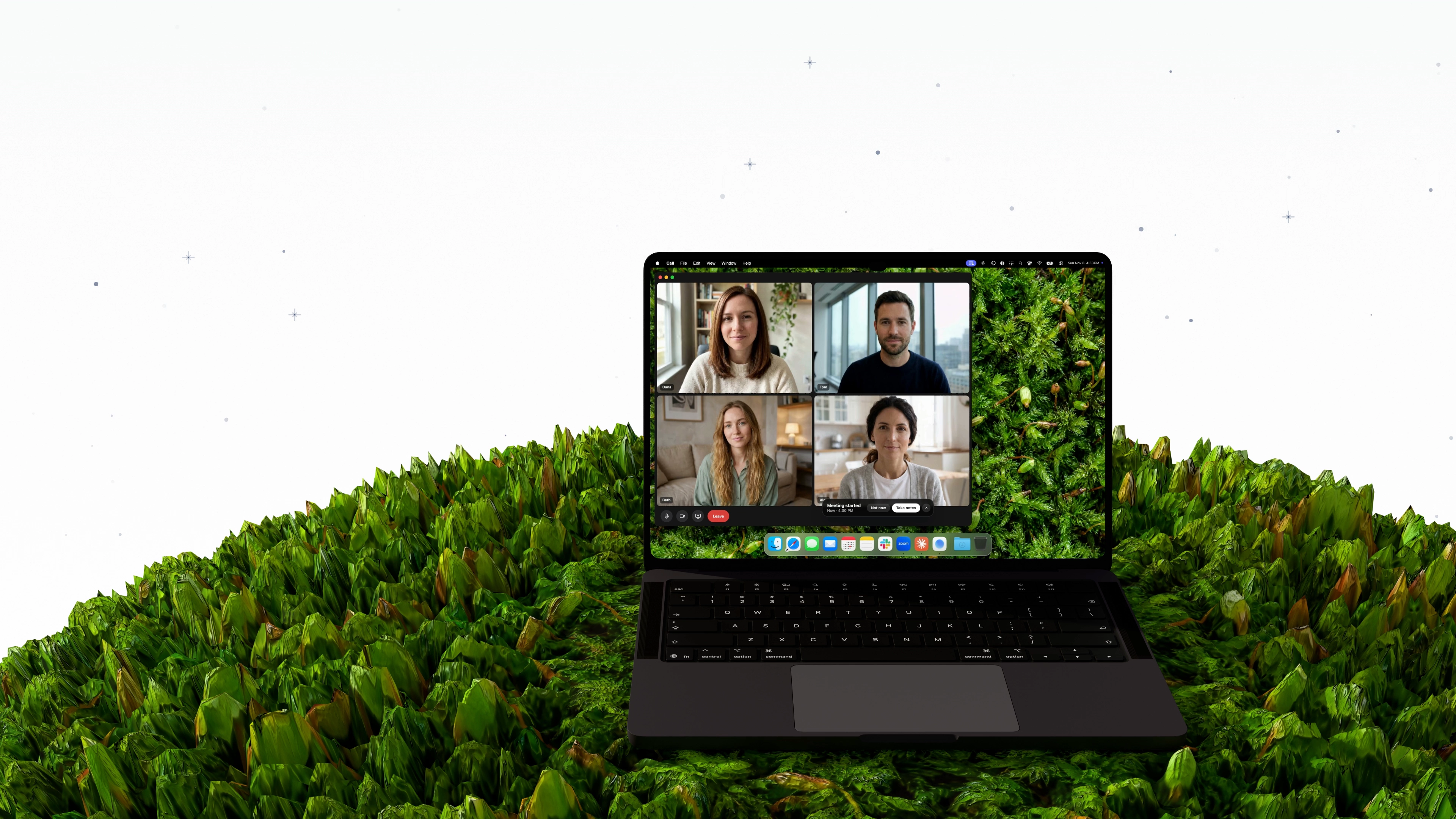
No. Aqua Voice captures your microphone and computer audio on your own device. You can use it with a call you can hear, or with an in-person conversation through your microphone.
Do I need to tell people I’m recording?
Yes. Let everyone know before you start. Aqua Voice doesn’t join the call as a bot, so no one gets a notice from Aqua Voice. Recording laws differ from place to place, so check the rules that apply to you and the people you meet.
Can I use it for in-person meetings?
Yes. Start a note when the meeting begins, and Aqua Voice takes notes through your microphone. It tells the voices apart, so each line still shows who said it.
Which languages can a meeting be in?
Notetaker follows the dictation language in Aqua Voice’s Settings. Leave it on Automatic and Aqua Voice detects the language of the meeting.
Which platforms and calendars are supported?
Notetaker runs in Aqua Voice for Mac, Windows, iPhone, and Android. On a Mac, capturing your computer’s audio requires macOS 14.2 or later. You can connect Google Calendar or Outlook to see upcoming meetings.