



@0xferruccio
For coding prompting with voice nothing beats @aquavoice All the other transcription apps don't work well with code like tailwind class names
Aqua Voice is used by people at


Claude, ChatGPT, Cursor, Codex, VS Code, Windsurf, Zed: if it speaks remote MCP with OAuth, it can call Aqua. One URL, no per-client setup.




Ten tools connect your agent to Aqua. Read tools return your available stored data. Write tools require write permission and can change your customizations, settings, or session feedback. Session tools return only the history of the account you connect as.
“Summarize my last three brainstorm dictations from this week and pull out anything that sounds like a hiring commitment.”
“Read the transcript of yesterday's customer interview, draft a two-paragraph follow-up in my voice, and file it as a Linear ticket.”
“Aqua heard Baseten as Base 10 in my last message. Fix it and send Aqua the correction.”
“Add every product code name in this design doc to my Aqua dictionary, and turn ML into machine learning only when casual messaging is off.”
Read and update your Aqua dictionary, writing instructions, and language from your agent. You can also send feedback on a past dictation.
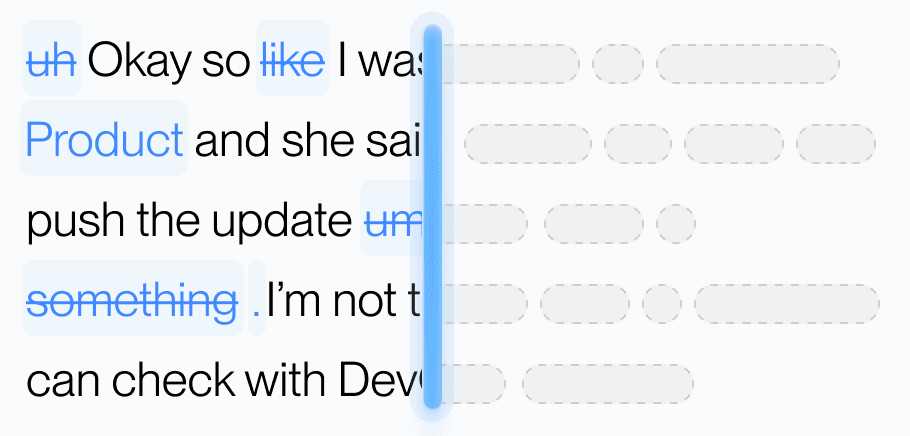
Send feedback on a dictation, including the words you meant to say.
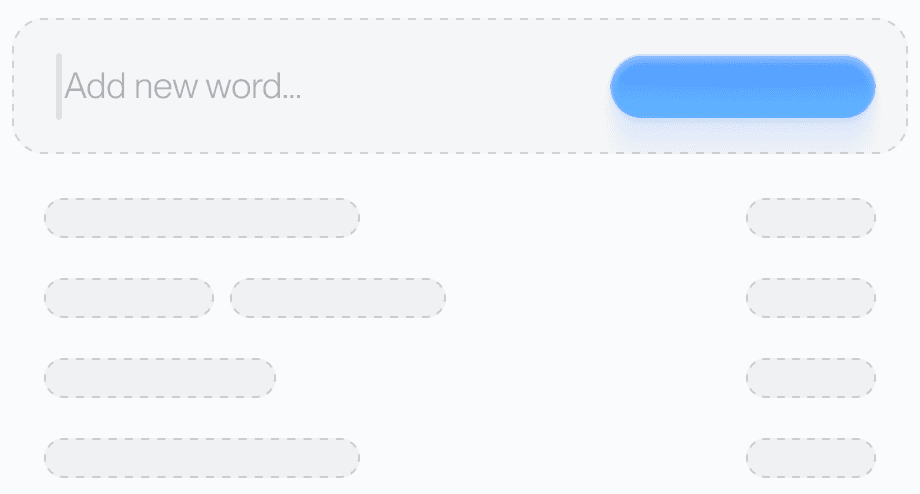
Names, brands, product codes. Your agent adds them atomically against a revision number, so two clients never overwrite each other.
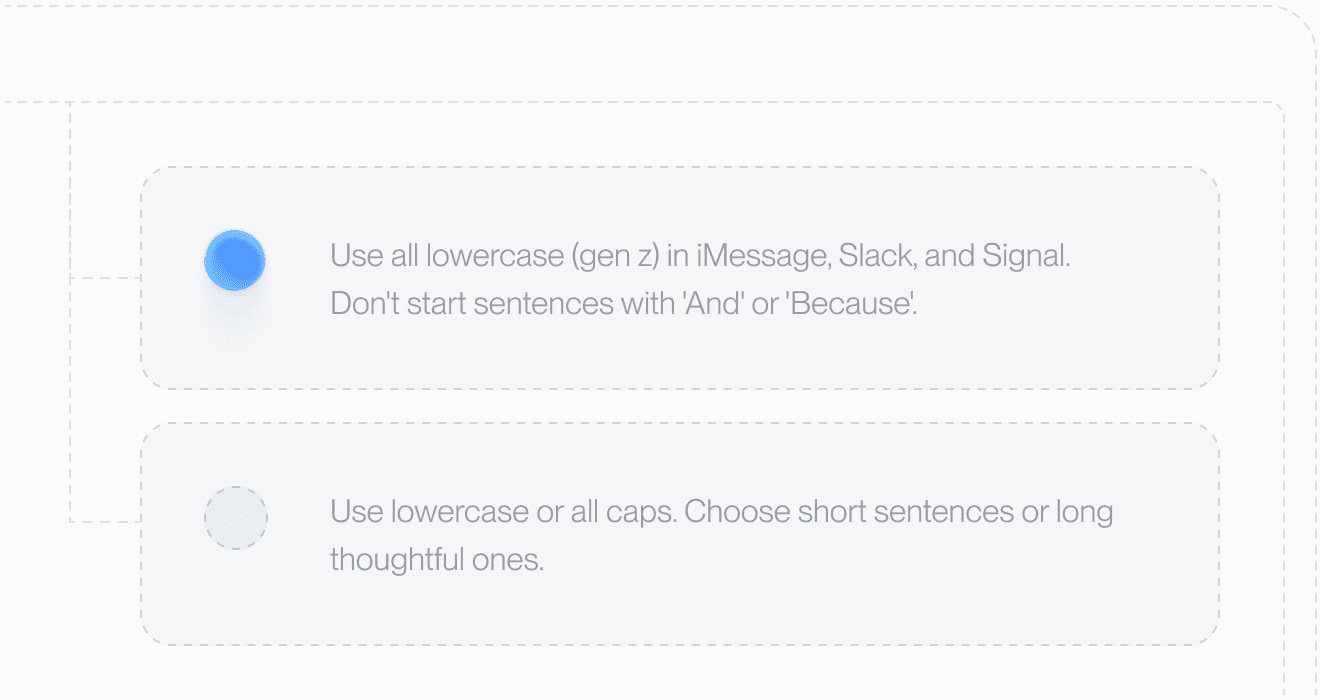
Casual on Slack, structured in docs. Your custom instructions live in the same payload as the dictionary, so an agent can read them and revise them.

Ask your agent to choose from 49 languages. It changes one setting and leaves the rest exactly as they were.
Most dictation tools stop after they type. Aqua's remote MCP lets your agent search past dictations, file corrections, and update your dictionary and settings.
For terminal workflows, Aqua CLI manages your dictionary, replacements, and instructions, and transcribes audio files with an API key. Use MCP to connect an agent through remote tools and Aqua sign-in.
One URL. Any client that speaks remote MCP. No password form.
Then ask your agent to call aqua_get_me. It should name your account and your privacy mode back. Full tool reference in the API docs.
Students get 70% off Pro and Max.
No. That is Aqua typing into Claude's input for you. This is Claude reaching back into your Aqua account to read past dictations, correct itself, and change your settings. Both are useful. Together they close the loop.
Read permission covers your account identity, available stored sessions and transcripts, customizations, and supported settings. Write permission also allows feedback and changes to customizations and settings. Review the requested permissions when you connect; your client may request both together. Your agent can read only the history of the Aqua account it connects as.
No. Every session an agent can see belongs to the connected user.
Any client that supports remote MCP with OAuth. Claude Desktop, Claude Code, ChatGPT (custom MCP server in Plugins), Cursor, Codex, VS Code with the MCP extension, Windsurf, and Zed.
The transport returns 403 with an insufficient_scope challenge naming the exact scope missing. Most clients prompt to re-authorize instead of failing opaquely.
Feedback is saved on that dictation. It does not change text already inserted into another app or guarantee a future correction. See the Trust Center for Aqua's data policy.
Yes. Any Aqua account can connect, on every plan. Your AI app must support remote MCP, and some workspaces need an admin to approve new connectors.
Use your Aqua account to read past dictations and manage your preferences from your agent.


