
@0xferruccio
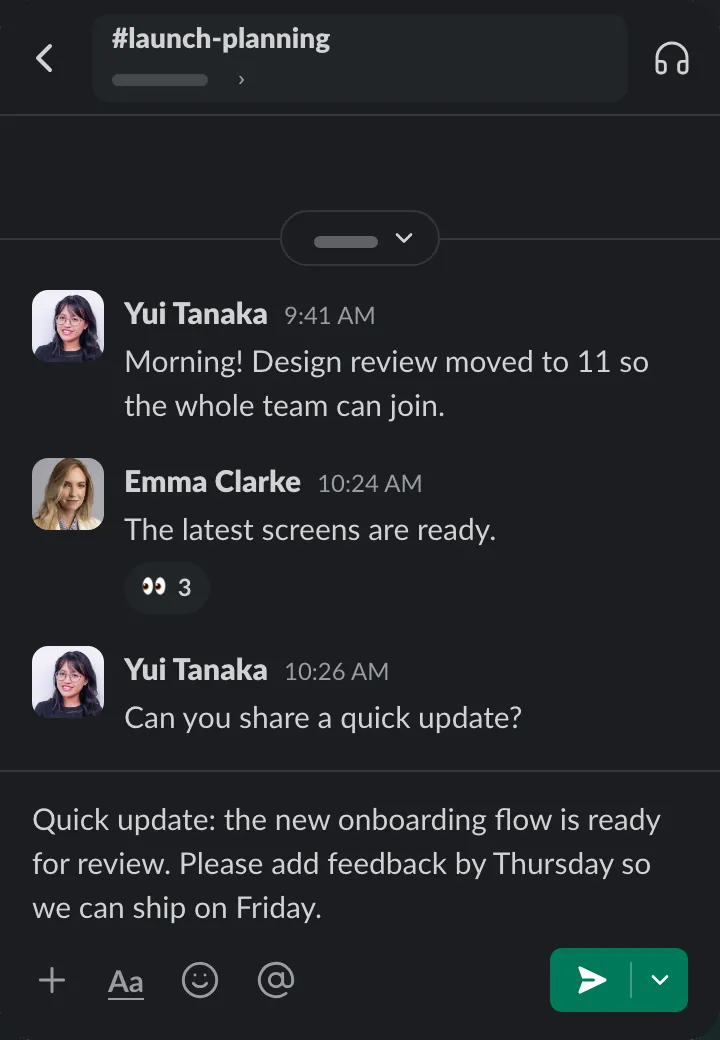
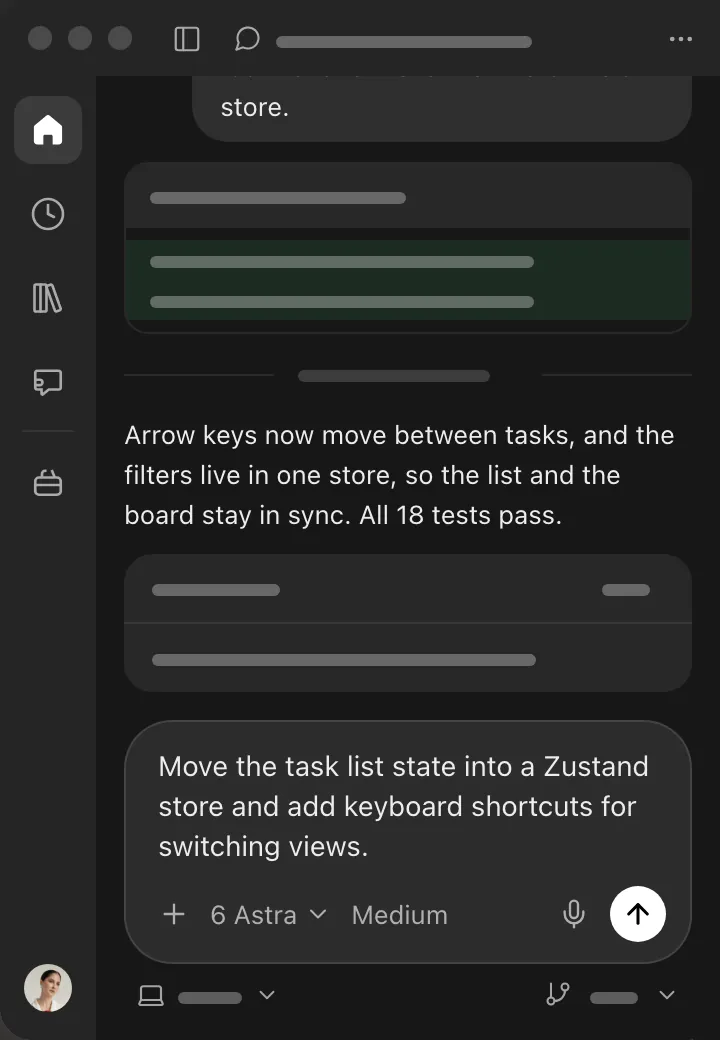
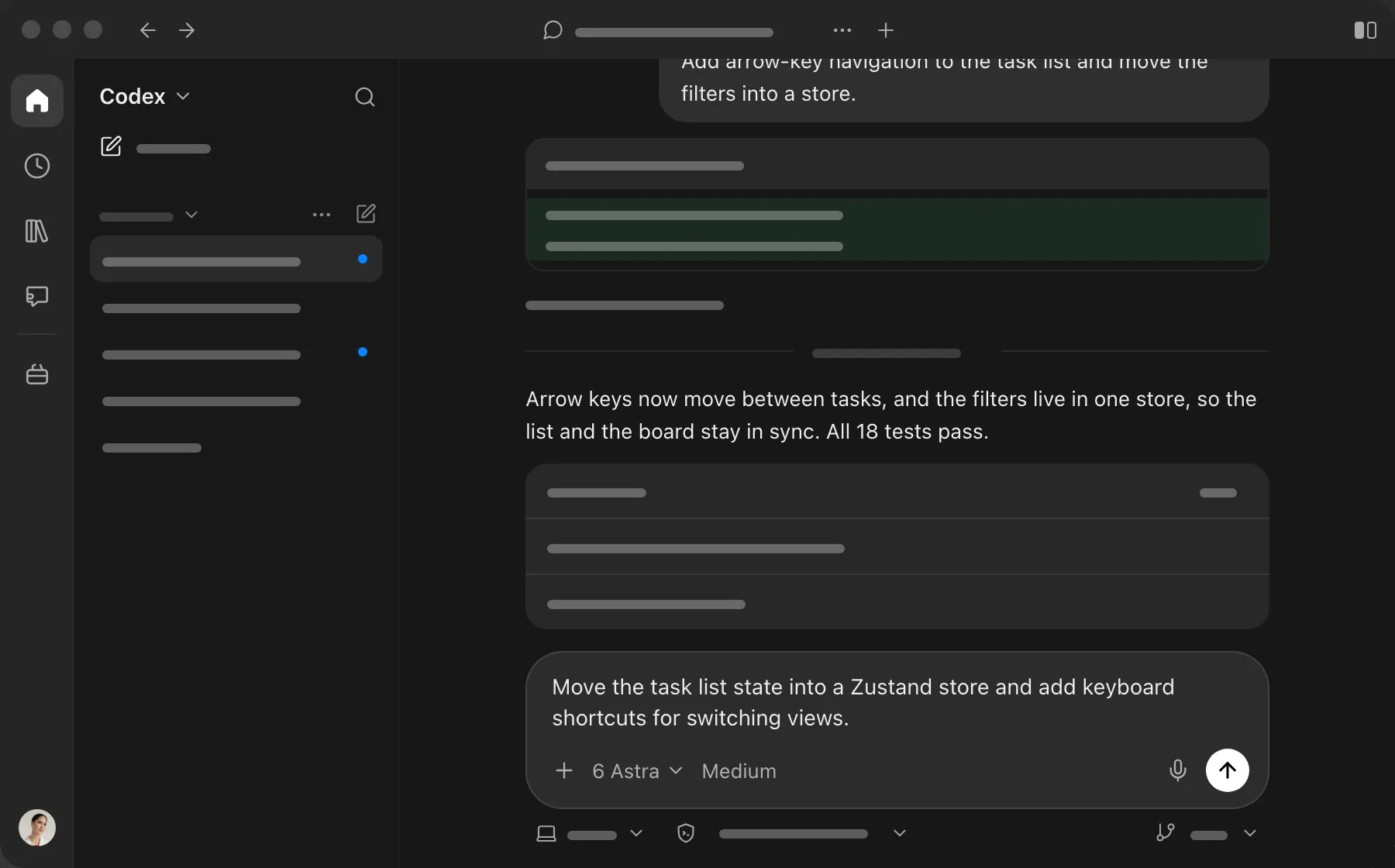
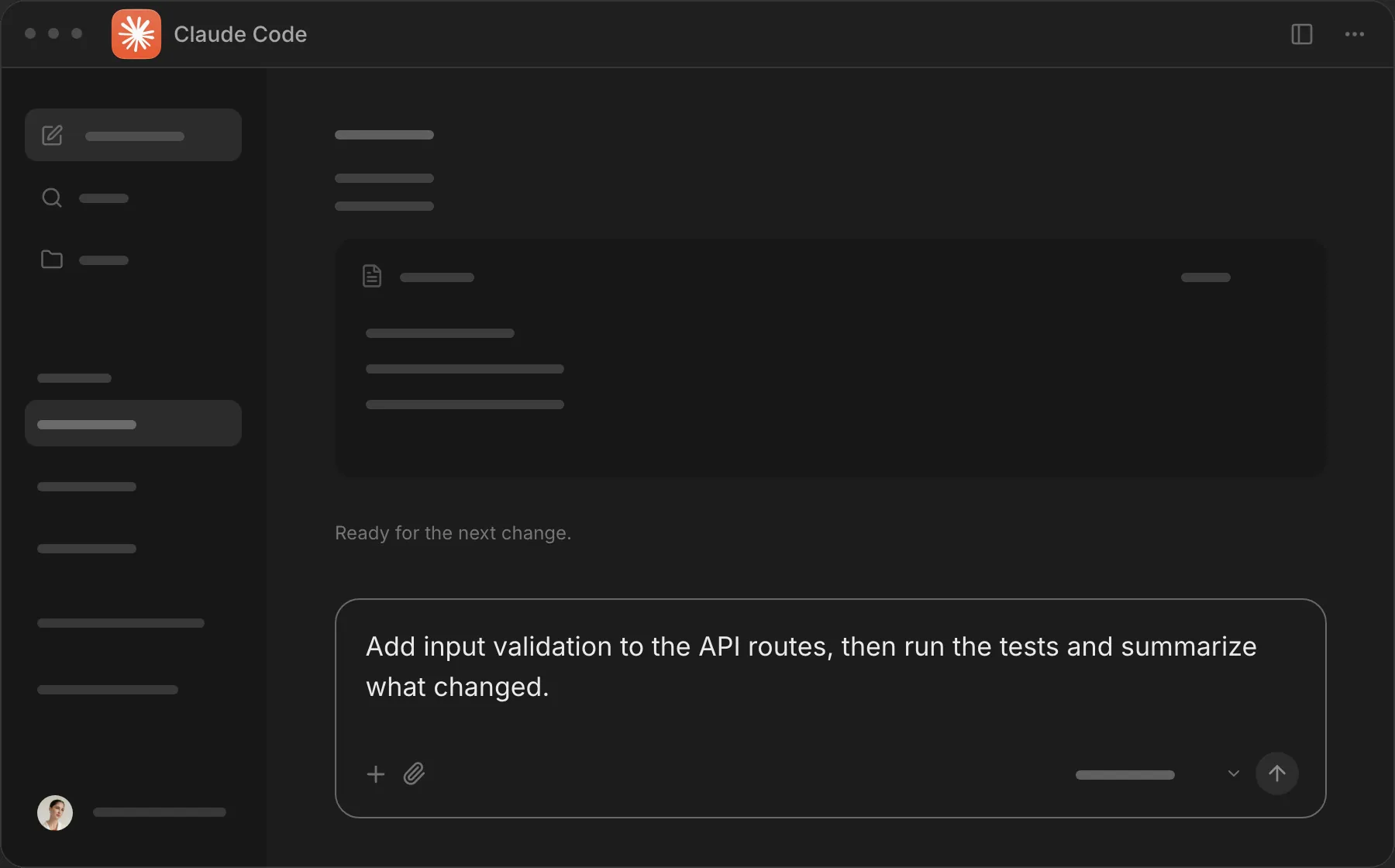
For coding prompting with voice nothing beats @aquavoice All the other transcription apps don't work well with code like tailwind class names
Used by people at


fn on a Mac keyboard, or any key you choose.
Hold fn and talk. Let go, and clean text lands at your cursor.
Designed for
Designed for

Designed for
6h 23m
Saved coding weekly
230wpm
Write 5 times faster
Designed for
Designed for

Designed for

4h 56m
Less typing every week
47s
Average reply time
Designed for

Designed for

Designed for
 9to5Mac
To illustrate the difference between the two, I simultaneously activated Aqua Voice on one Mac and standard Mac dictation on the other, and then read out the opening to Steve Jobs’ famous commencement speech. The Mac version had 17 errors; the Aqua Voice version had just one. You don’t have to specify punctuation, paragraph breaks, or other formatting. Aqua Voice does it all intelligently and automatically. Ever since installing it, dictation has become my standard way of writing anything on my Mac, including all my 9to5Mac pieces.

 Wirecutter
Aqua Voice was the only app we tested that reliably recognized dictated code. While other dictation apps mention support for vibe coding, Aqua Voice was the only app to faithfully write every character when we (tediously) spoke a line of HTML code. It was also one of the only newer dictation apps to show a live preview of dictated text. But it also missed text in the middle of longer dictation sessions, and it overzealously added custom dictionary words when they weren’t spoken.

 Aestumanda
For context, my dictation setup includes a SpeechWare KeyboardMike, a microphone specifically designed to deliver the best possible dictation performance. Whatever tool you use, a high-quality external microphone will almost always outperform the Mac’s built-in mics. For disabled users and heavy dictation users alike, when speech-to-text works reliably, it transforms independence and productivity. Aqua Voice feels like a breath of fresh air - and a reminder that Apple could deliver this, too. Imagine if Voice Control incorporated this level of AI flexibility and accuracy: the Mac would become a far more empowering tool for users who can’t use a keyboard.

The same voice, with a little more freedom.
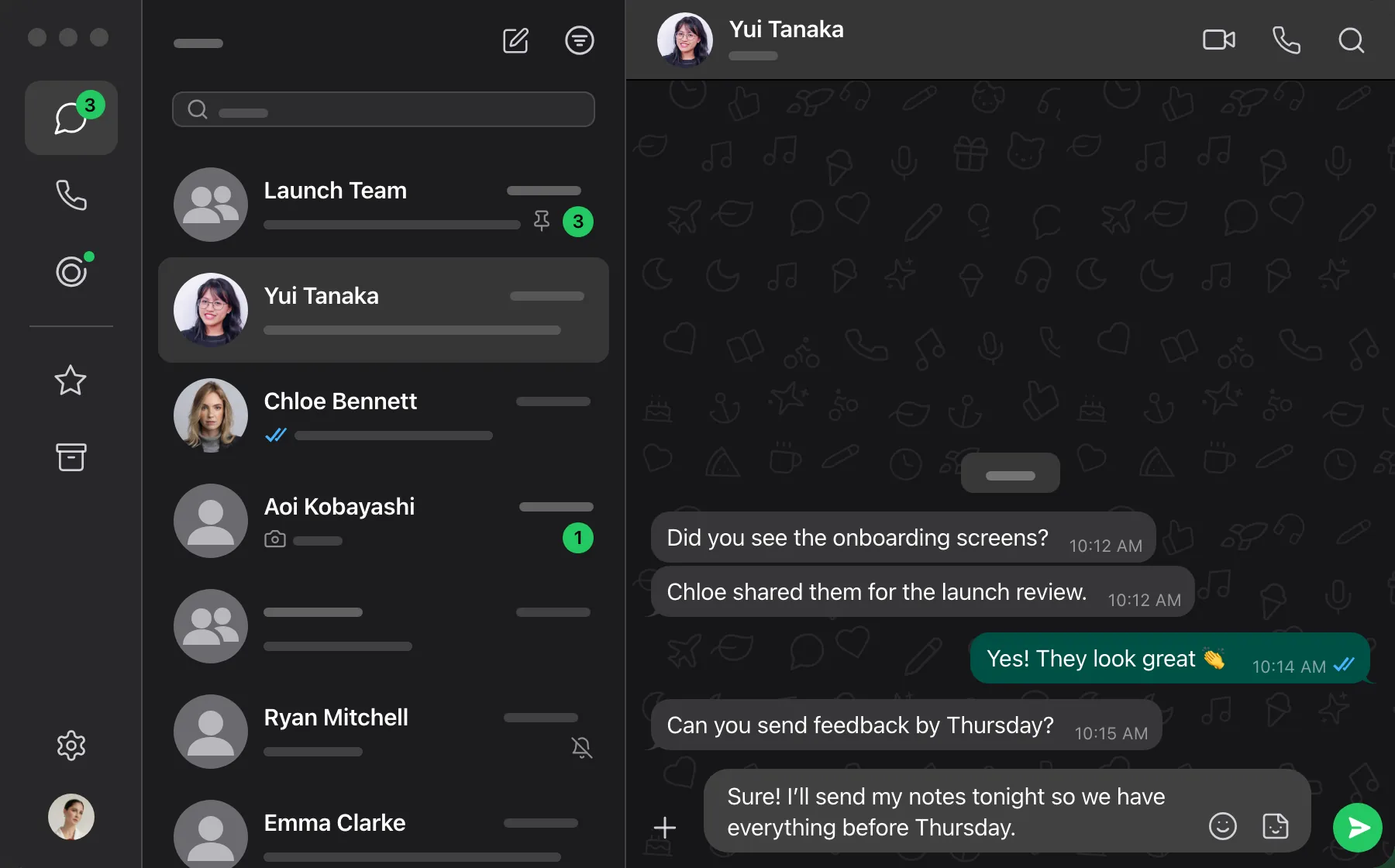
Reply, jot down an idea, or change your mind.
Explore our security and privacy practices in the Trust Center.
Privacy Mode.Dictation audio and transcripts are not stored on our servers.
SOC 2 Type II / ISO 27001.Independent audits of our security practices. Read the reports in our Trust Center.
GDPR / HIPAA.Built for sensitive work. Sign the BAA in the app before using protected health information.
Business controls.Set team-wide privacy policies, Zero Data Retention, and single sign-on in one place.
Students get 70% off Pro and Max.