The Dictionary is made for difficult words: from names and terms that are hard to spell, to business acronyms that are used only at your company internally, to even fantasy names you’ve invented for your novel.
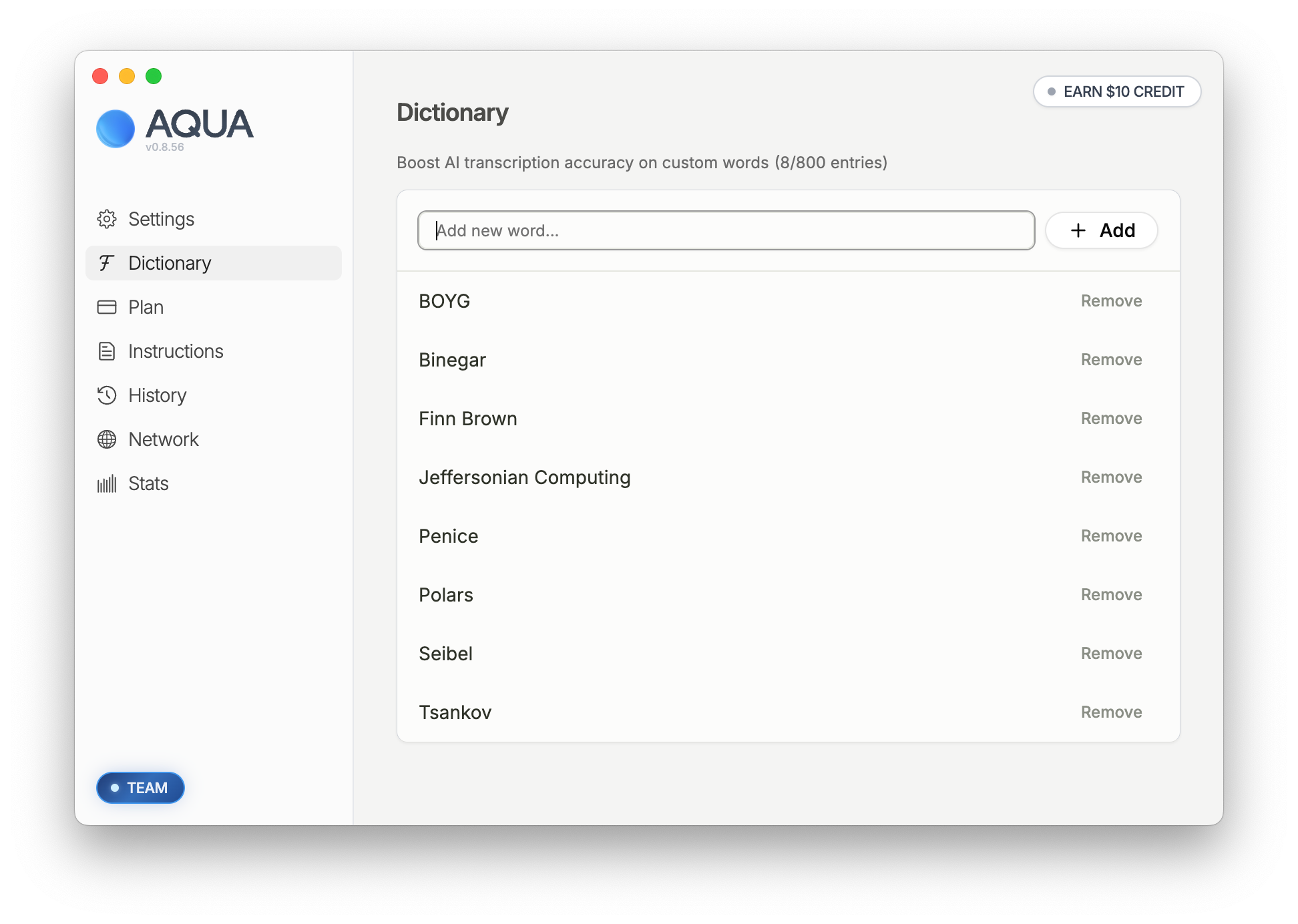
To add entries to your dictionary, type the new term in the text box at the top, and then click + Add
Removing Dictionary terms:
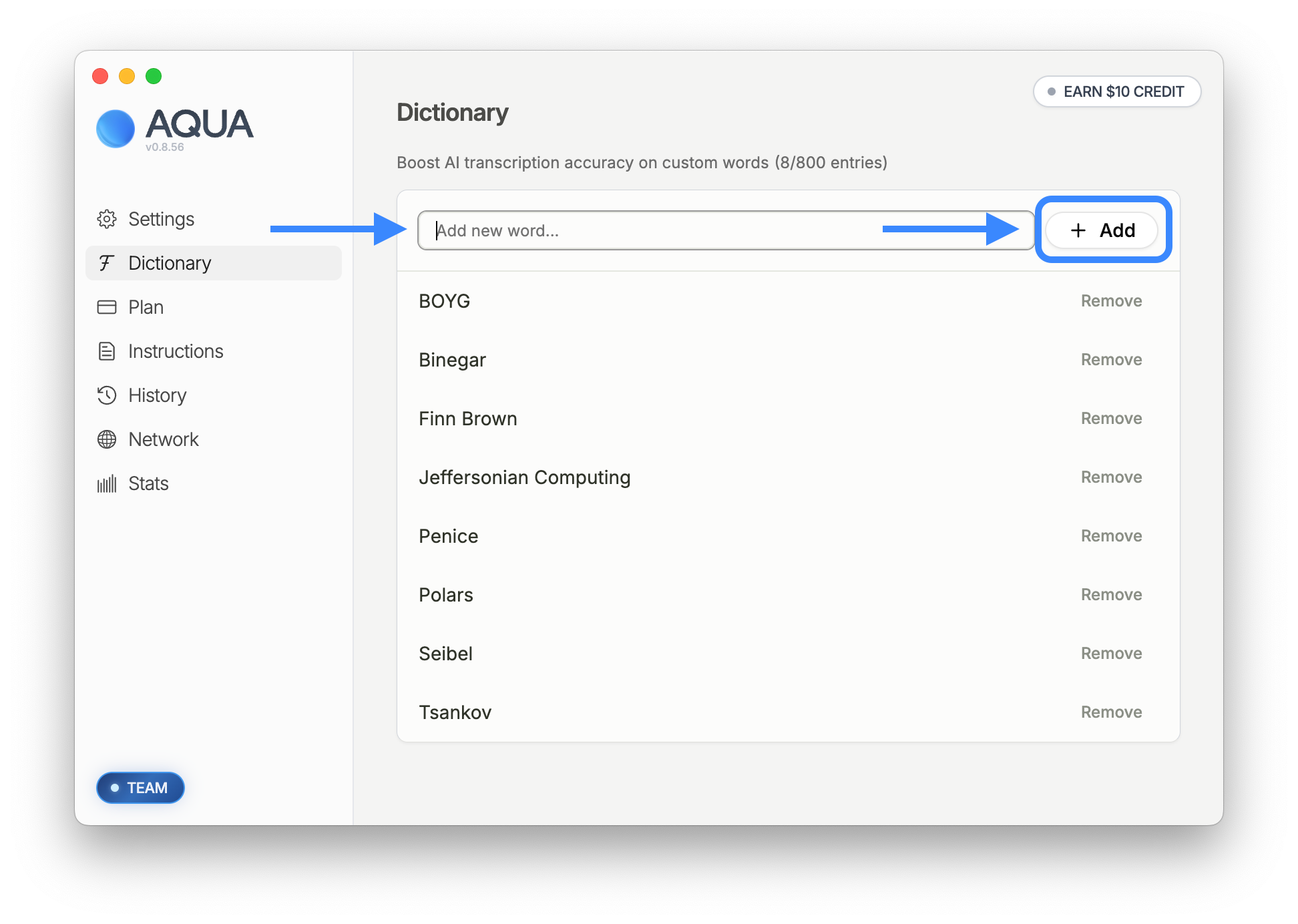
To remove entries from your dictionary, just click on the Remove button.
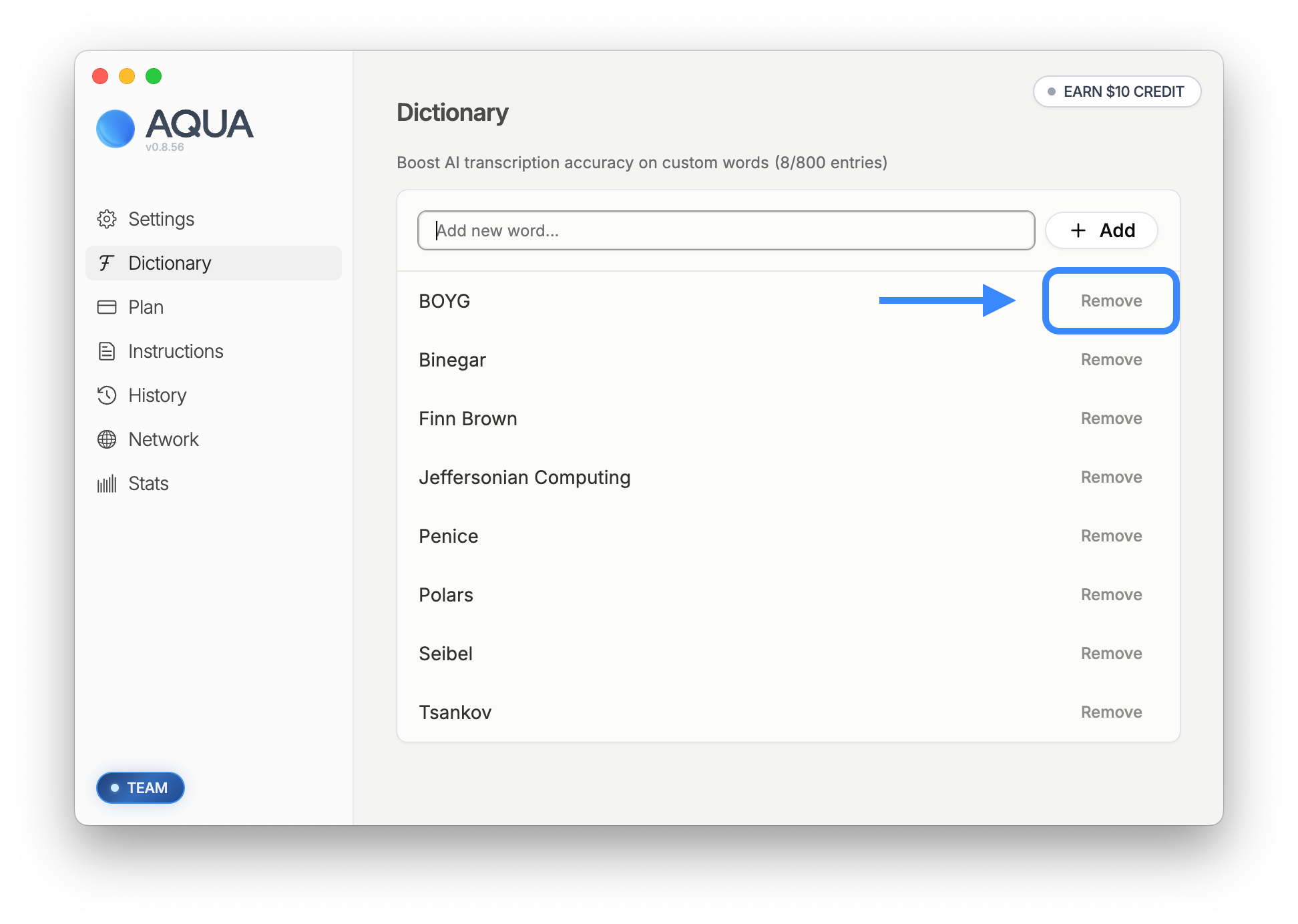
Aqua Voice’s Dictionary can handle many types of entries: from international names, technical terms, to newly created made up words. Here are some examples:
Used in an example
Used in an example:
Names from around the world, niche technical terms, and made up names that you just came up with; Aqua Voice can understand them all.
To change your dictionary from a terminal or a coding agent, use the Aqua CLI.

