

@ColinHughesUK
I reported an Aqua Voice punctuation bug on macOS. It was fixed within days. Small team, responsive development.
Speak, and Aqua types it in any Mac app: clean, punctuated, and ready to edit. Built for people who write for a living.
Aqua for Mac installs from your Mac. We can email you the link:
Or get Aqua Voice for iPhone
Chapter 2
Hold
Space
and try yourself
Trusted by winners at


Chapter 2
Trusted by
Mail, Slack, Notion, Cursor, Safari: if you can place a cursor in it, you can dictate into it. No per-app setup.






Aqua listens at up to 230 words per minute and refines as you speak, so the text that lands is the text you meant.
Powered by Avalon
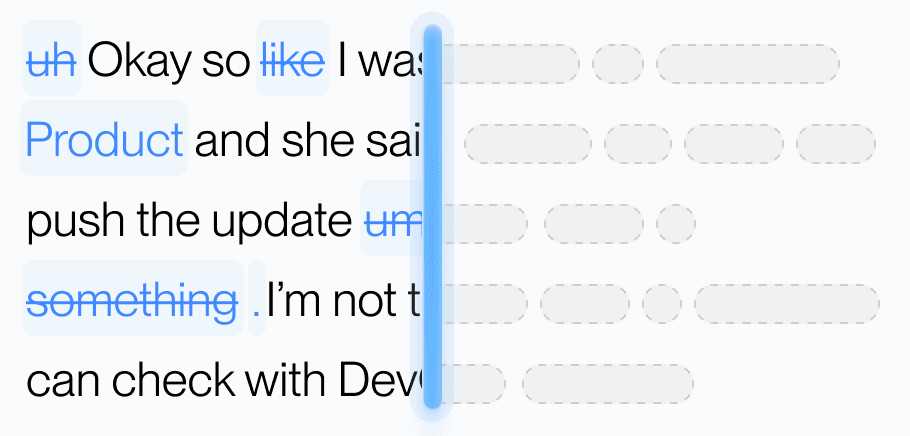
Aqua’s model trained on real workflows to understand natural speech, correct grammar, and preserve every word while refining your text in real time.
Dictionary
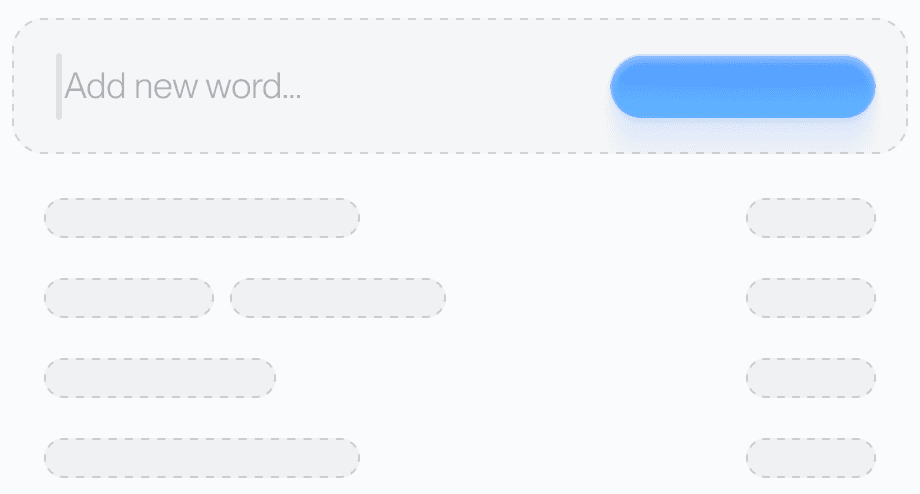
Teach Aqua the words you use most, like names, brands, or technical terms, and watch accuracy improve instantly.
Custom prompting
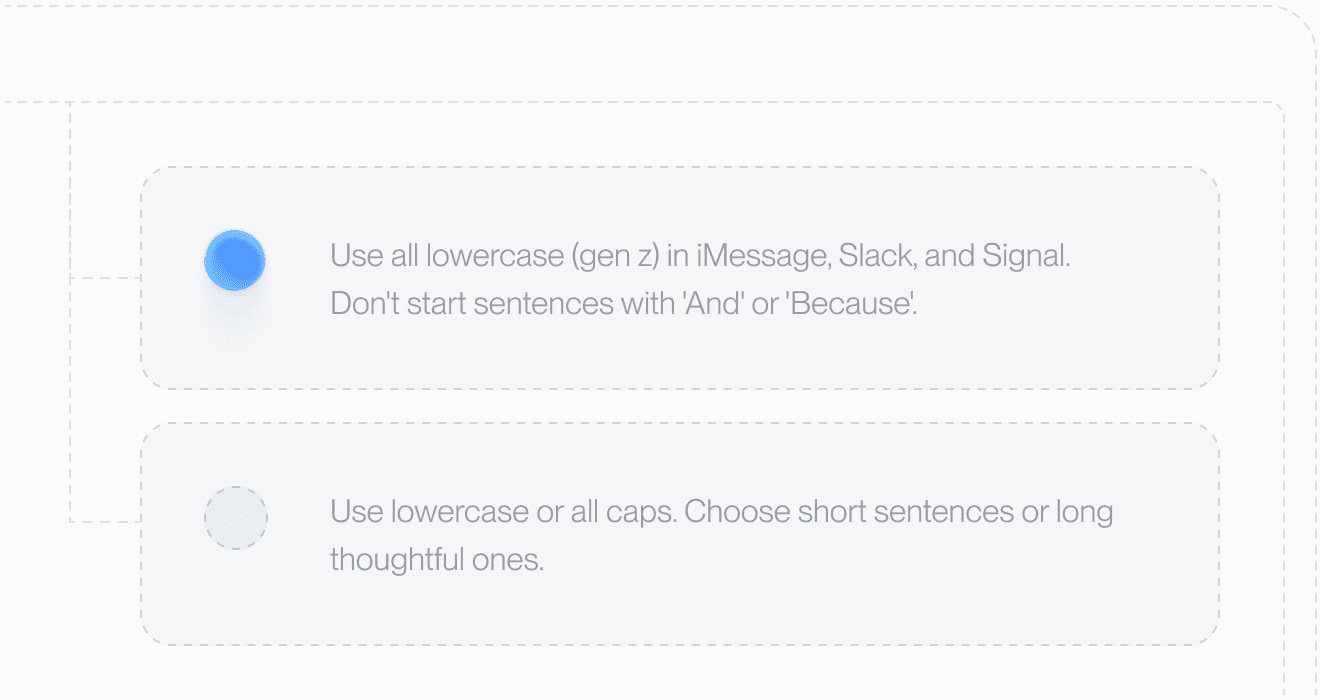
Set your tone and rules. From lowercase Slack messages to structured docs, Aqua adapts to your preferences automatically.
49 Languages

Understands 49 languages with clarity and precision, adapting naturally to how you speak.
Avalon, the model inside Aqua Voice, scores 97.4% on AISpeak-10, our public benchmark of AI and technical vocabulary. Whisper Large v3, the open-source reference model, scores 65.1% on the same test. Avalon was trained on real technical speech, so it lands the words generic models miss: names, code, and commands like kubectl or git checkout. At its October 2025 debut it ranked #1 among proprietary models on the public OpenASR leaderboard.
AISpeak-10 is Aqua’s English technical-speech dataset. Avalon transcribed the key term correctly in 97.4% of clips, versus 65.1% for Whisper Large v3. This measures key-term recognition, not overall transcript accuracy or a head-to-head test of these apps. See the evaluation and results.
AISpeak-10 measures whether each clip’s key term was transcribed correctly.
Wondering how it compares to the dictation already on your Mac? We ran the head-to-head: Aqua Voice vs Apple’s built-in dictation. Or skip the reading: your first 1,000 words are free, so you can test it on your own vocabulary.
Used by people at
Individuals
Get started for free
1,000 free words
Avalon transcription model
Unlimited, tuned dictation
Unlimited words
Custom Instructions
Expanded Custom Dictionary
AI power-user features
Everything in Pro
See words live with Realtime Mode
“Send it” voice command
Early access to new features
Organizations
For teams of 2 or more
Everything in Max
Centralized billing
SSO/SAML + SCIM
Advanced Reporting
Zero Data Retention
Team-wide Dictionaries
More than 20 users? Contact us
Get volume discounts and active user billing.
1,000 free words is about 7 minutes of talking at a normal pace. No credit card required.
Yes. One universal Mac download runs natively on both Apple Silicon and Intel Macs. One subscription also covers Windows, iPhone, and Android.
Built-in dictation types the words it hears. Aqua types the sentence you meant: punctuated, formatted, and accurate on names and technical terms, in every app you use. We published a side-by-side comparison with Apple's built-in dictation so you can see the difference on real passages.
Aqua processes audio in the cloud, where the Avalon model runs; there is no offline mode. Our security practices are independently audited (SOC 2 Type II and ISO 27001), we're GDPR and HIPAA compliant, and Team plans add an org-wide Privacy Mode.
The free Starter allowance is your test drive: 1,000 words is about 7 minutes of talking at a normal pace. When you hit it, upgrade to Pro for $8/mo billed annually to keep dictating without limits.
Open the file, drag Aqua Voice to Applications, and grant microphone and accessibility permissions when macOS asks. That is how Aqua types into your other apps. From there: hold the key, talk, release.
That is your call to make, and this page gives you the evidence: 97.4% accuracy on the AISpeak-10 benchmark, real-time typing in every Mac app, and a side-by-side comparison with Apple's built-in dictation. Your first 1,000 words are free, so you can judge it on your own vocabulary before paying anything.
Aqua supports 49 languages, with the same real-time dictation experience as English.