
@utkusays
just subscribed to aqua voice and wow you guys are cooking, best dictation app i've tried so far
Used by people at


Right Alt on a PC, or any key you choose.
Hold right Alt and talk. Let go, and clean text lands at your cursor.








Select any text, hold right Alt, and say what should change. See Edit Mode
Tap right Alt twice and talk hands-free. Included with Max. See Realtime Mode
Aqua reads the names on your screen as you start talking. See Deep Context
Speaking with Aqua
230 WPM
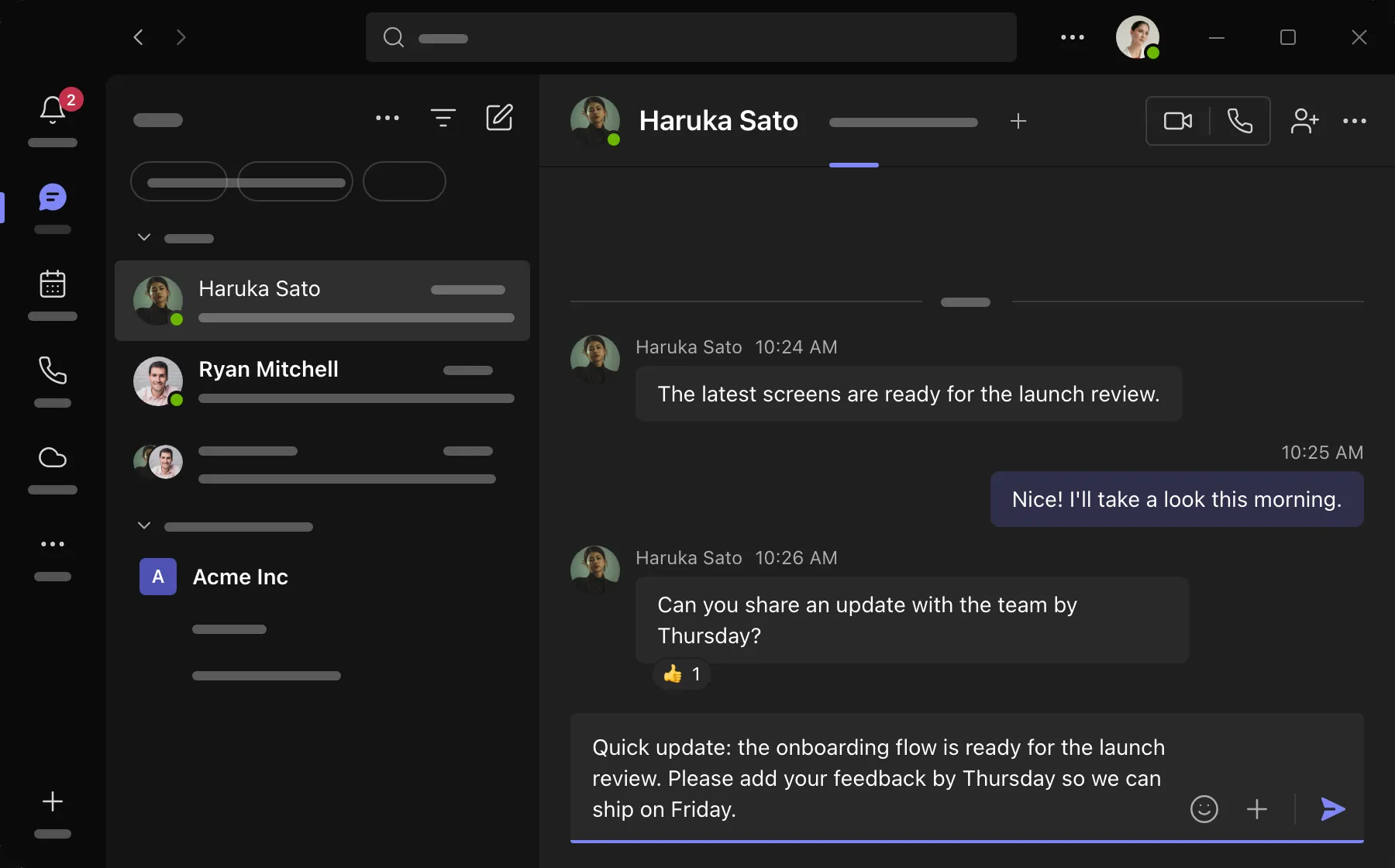
Make a new React component called TaskDashboard. Add a useState hook for selectedTaskId initialized to null, and another for isSidebarOpen set to true.
Typing
40 WPM
Make a new React component called TaskDashboard. Add a useStateuseState hook for selectedTaskId initialized to null, and another for isSidebarOpen set to true.



Perfect drafts, ready to send without a single change, on Voice Arena’s independent dictation benchmark, run on a Mac in US English.Read the resultsVoice Arena
Avalon, the model inside Aqua Voice, was trained on real technical speech, so it writes the words general models miss: names, code, and commands like kubectl or git checkout. In November 2026, Aqua Voice ranked #1 on Voice Arena's independent dictation benchmark, run on a Mac in US English.
Your first 2,000 words are free, so you can test Aqua on your own words before you pay.
Windows voice typing (Win+H) is free and built in, and if you dictate a few sentences a month, it may be all you need. Aqua is for people who write all day. It punctuates and formats as you speak, removes filler words, learns your names and terms from a custom dictionary, and works the same in every app, from Word to your browser.
The honest trade: Aqua processes audio in the cloud, so it needs an internet connection.
Designed for
Designed for

Designed for
Designed for

Students get 70% off Pro and Max.
Yes. Aqua Voice supports Windows 10 and 11, and one subscription also covers Mac, iPhone, and Android, so your dictation moves with you.
Windows voice typing is free and built in, and for a few sentences a month it may be all you need. Aqua is for people who write all day: #1 on Voice Arena's independent dictation benchmark in November 2026, a test run on a Mac, 97.4% accuracy on the AISpeak-10 benchmark, automatic punctuation and formatting, a custom dictionary for your own vocabulary, and 49 languages, in every app you type in.
Aqua processes audio in the cloud, where the Avalon model runs. Our security practices are independently audited (SOC 2 Type II and ISO 27001), and we're GDPR and HIPAA compliant. Turn on Privacy Mode and Aqua keeps none of your dictations. Team plans can turn it on for the whole team.
The free Starter allowance is your test drive: 2,000 words is about 14 minutes of talking at a normal pace. When you hit it, upgrade to Pro for $10/mo billed annually to keep dictating without limits.
Run the installer and grant microphone access when Windows asks. From there: hold the key, talk, release, and Aqua types into whatever app you are using.
Yes. Both run the same Avalon model, with the same 97.4% AISpeak-10 accuracy and the same 49 languages.
Yes. Your custom dictionary, replacements, and custom instructions sync between Android, iPhone, Mac, and Windows when you use the same Aqua account.
Yes. Notetaker takes notes in Zoom, Google Meet, Teams, and other calls on your PC. It listens to your microphone and your PC's audio, so no bot joins the call. Your first 3 meetings are free, Pro includes 3 a month, and Max and Business include unlimited meetings.