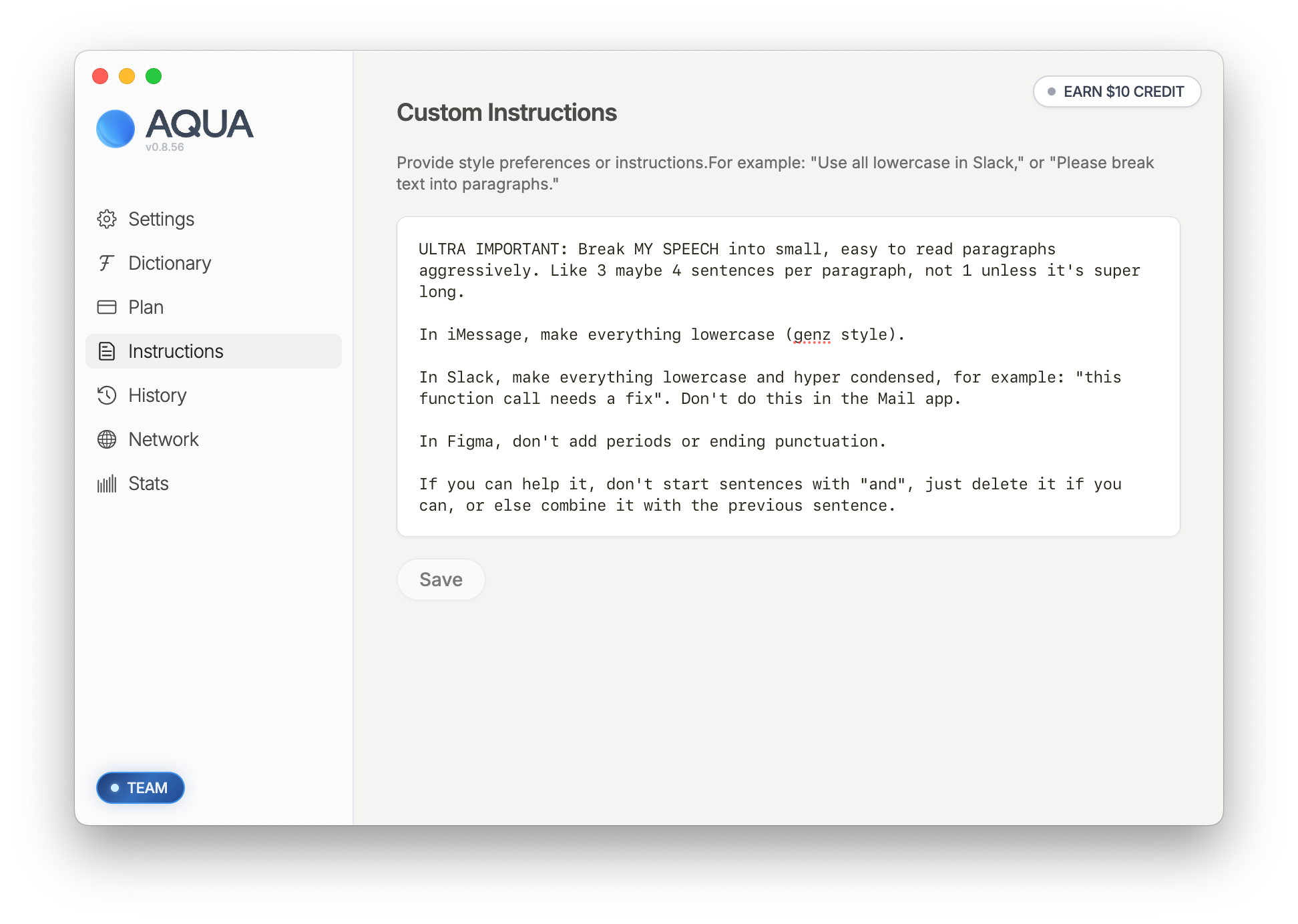
Aqua can format your text in any way you want: from emails, casual text, to specific region preference. For optimal performance and reliability, we recommend adding examples of the desired output.
TLDR on Custom instructions:
Instructions are understood best by Aqua when listed and with an example of what you want.
Instructions for emails:
You can include details on your format, frequency of periods and paragraph breaks. Aqua will also remember the unique way you sign off your emails.
Example you can copy and paste:
Write like a human:
Avoid computer-speak and make sure Aqua writes like a human
Example you can copy and paste:
Speak like a local:
Some words are spelled differently in different places. You can tell Aqua you want your text in the local vernacular.
Example you can copy and paste:
Remove filler words:
On top of removing obvious filler words, you can tell Aqua how much you want to be concise.
Example you can copy and paste:
To change your custom instructions from a terminal or a coding agent, use the Aqua CLI.