




@0xferruccio
For coding prompting with voice nothing beats @aquavoice All the other transcription apps don't work well with code like tailwind class names
Prompt faster. Build more. Aqua understands the language of development, frameworks, libraries, model names, CLI syntax, and keeps up with how developers actually think out loud.
Start with the voice coding workflow for a complete prompt example, vocabulary setup, and review steps.
Build faster by speaking your way through every prompt.
Run every agent from one IDE. Brief them all by voice.

Get the output you want by speaking your prompt directly.

Think out loud. Let Aqua turn it into your best prompt.
Talk your way through a task. Claude Code does the work.

Narrate your intent. Codex handles the implementation.

Speak your intent. Let Cursor write the code.
Brief Devin out loud and let it build.

Describe what you need and let Gemini do the rest.
Assign the work out loud. Copilot takes it from there.

Give your AI teammates their next task out loud.

Tell your agent everything. It remembers.
Text your assistant without typing a word.

Tell Muse what you need. It handles the rest.

Your assistant runs on your machine. Now it runs on your voice.

Pick any model. Brief it by voice.
Ask better questions. Get better answers. Just speak.

Write code, comments, and commits without leaving the keyboard behind.
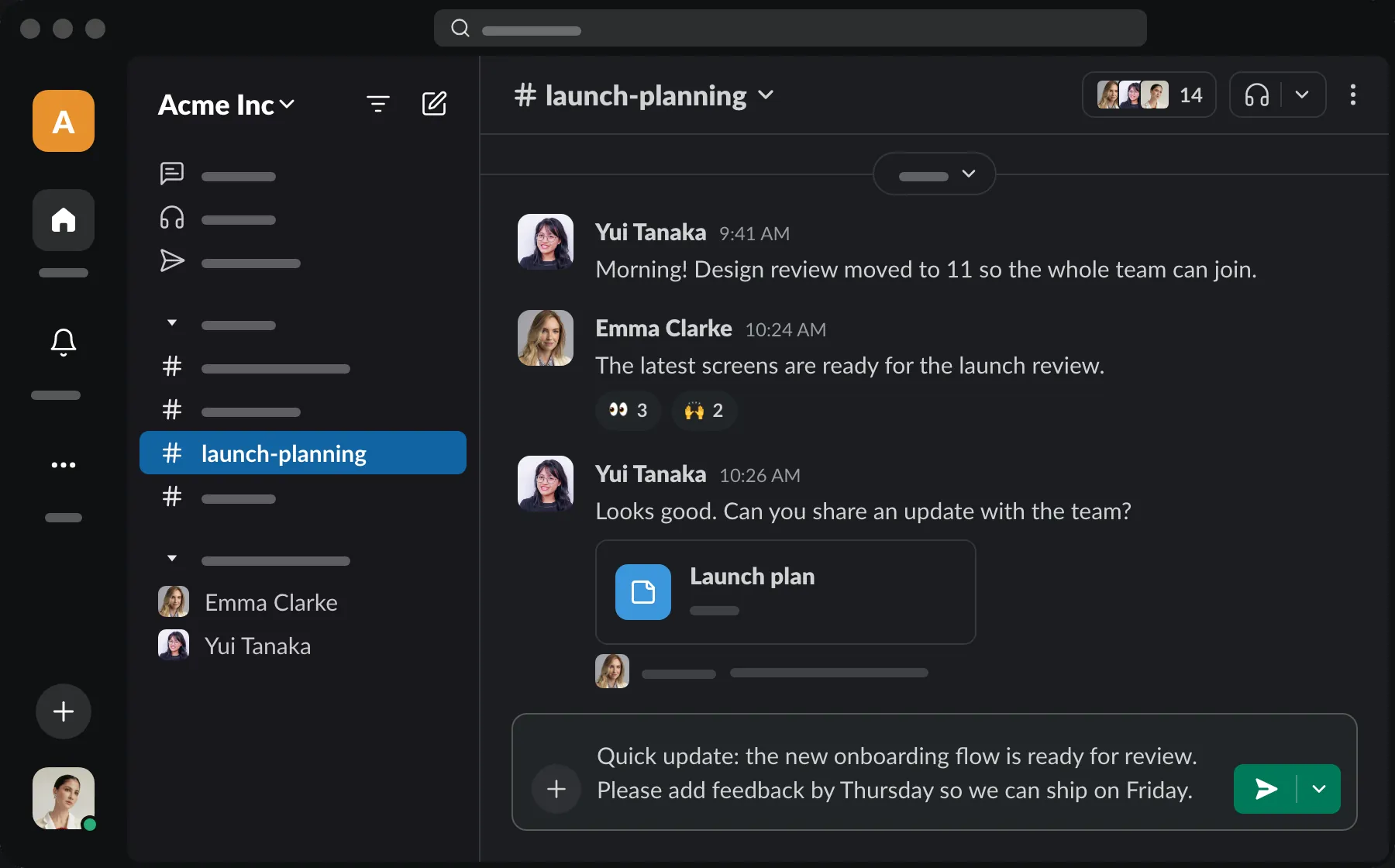
Reply faster without losing your train of thought. Aqua formats your message to match the channel, keeping your tone right whether you are in a team standup thread or a casual DM.

Keep up with the server without breaking your flow.

Your words, your tone. Dictated in seconds.
One app, every conversation. Aqua keeps you moving.

Post the update without typing the update.
Say it, send it. Nothing leaves the conversation.

Stop switching context. Just speak and send.

Fast channels, faster replies. Speak instead of type.

From quick replies to long threads. Say it, send it.
Speak your commands, flags, and scripts without slowing down to type them out. Aqua is accurate enough to trust in the terminal.
Clear your inbox without sitting down to type it all out. Speak your replies and Aqua formats them, ready to send.
From quick notes to long-form docs, Aqua keeps your ideas flowing at the speed you think them. No more losing a thought while you find the right words.
For drafting and revision, see the voice writing workflow . To choose an activation method and test your setup, use the reduced-typing checklist .
Get your first draft down before the idea fades.

Log issues, updates, and comments at the speed you work.
Narrate your data, formulas, and notes without touching the keyboard.

Write faster in Word without losing your train of thought.

Capture every idea at the speed you think it.
Think out loud. Build your knowledge base as you speak.
Used by people at


fn on a Mac keyboard, or any key you choose.
Hold fn and talk. Let go, and clean text lands at your cursor.