
Languages
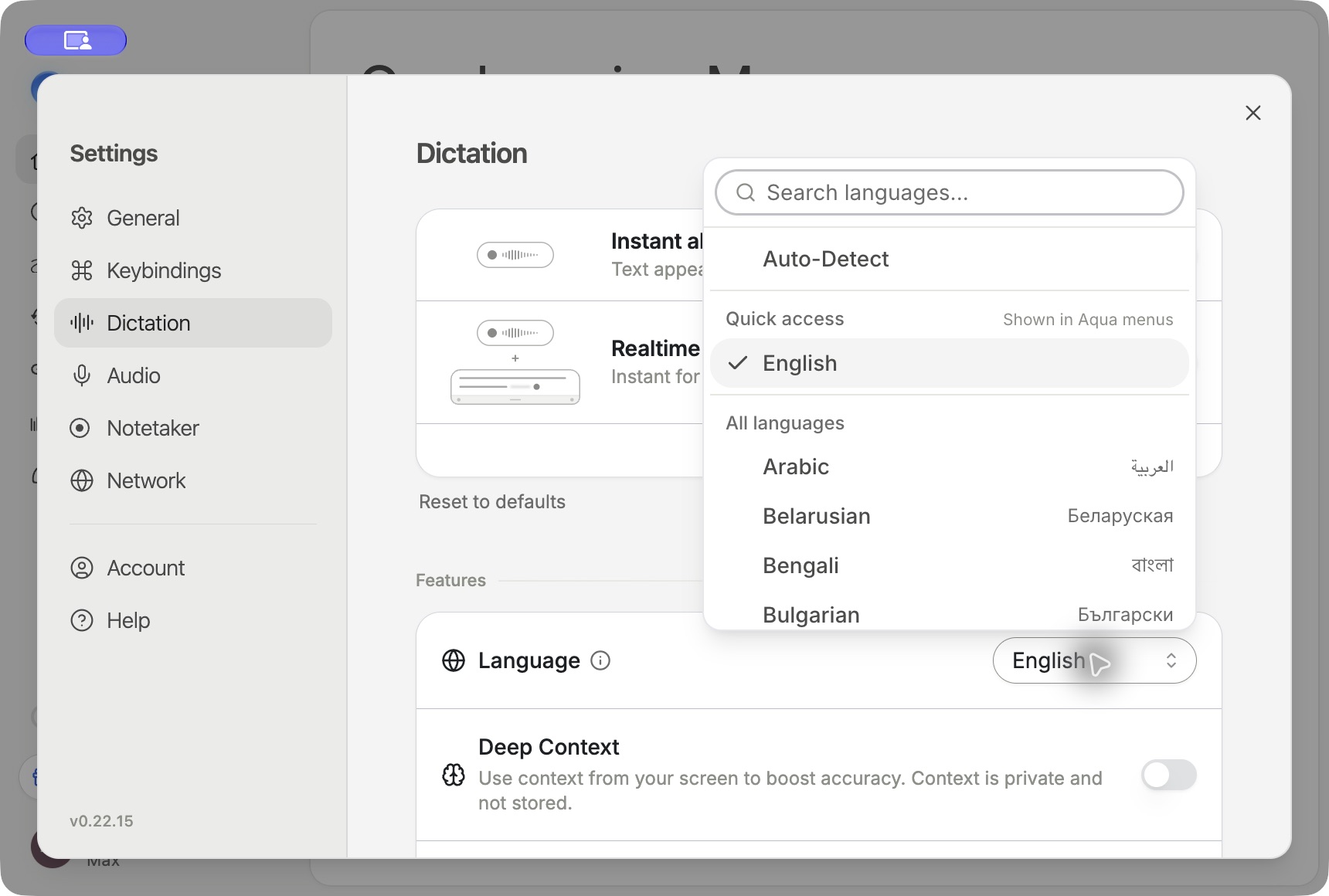
Choose your dictation language in Settings → Dictation on desktop. The language picker also lets you save languages for quick access.
Supported dictation languages
- Arabic
- Belarusian
- Bengali
- Bulgarian
- Cantonese
- Catalan
- Croatian
- Czech
- Danish
- Dutch
- English
- Estonian
- Finnish
- French
- Galician
- German
- Greek
- Hebrew
- Hindi
- Hungarian
- Indonesian
- Irish
- Italian
- Japanese
- Korean
- Latvian
- Lithuanian
- Malay
- Maltese
- Mandarin
- Marathi
- Mongolian
- Norwegian
- Persian
- Polish
- Portuguese
- Romanian
- Russian
- Slovenian
- Spanish
- Swahili
- Swedish
- Tamil
- Thai
- Turkish
- Ukrainian
- Urdu
- Vietnamese
- Welsh
- Yiddish
Auto-Detect and Realtime
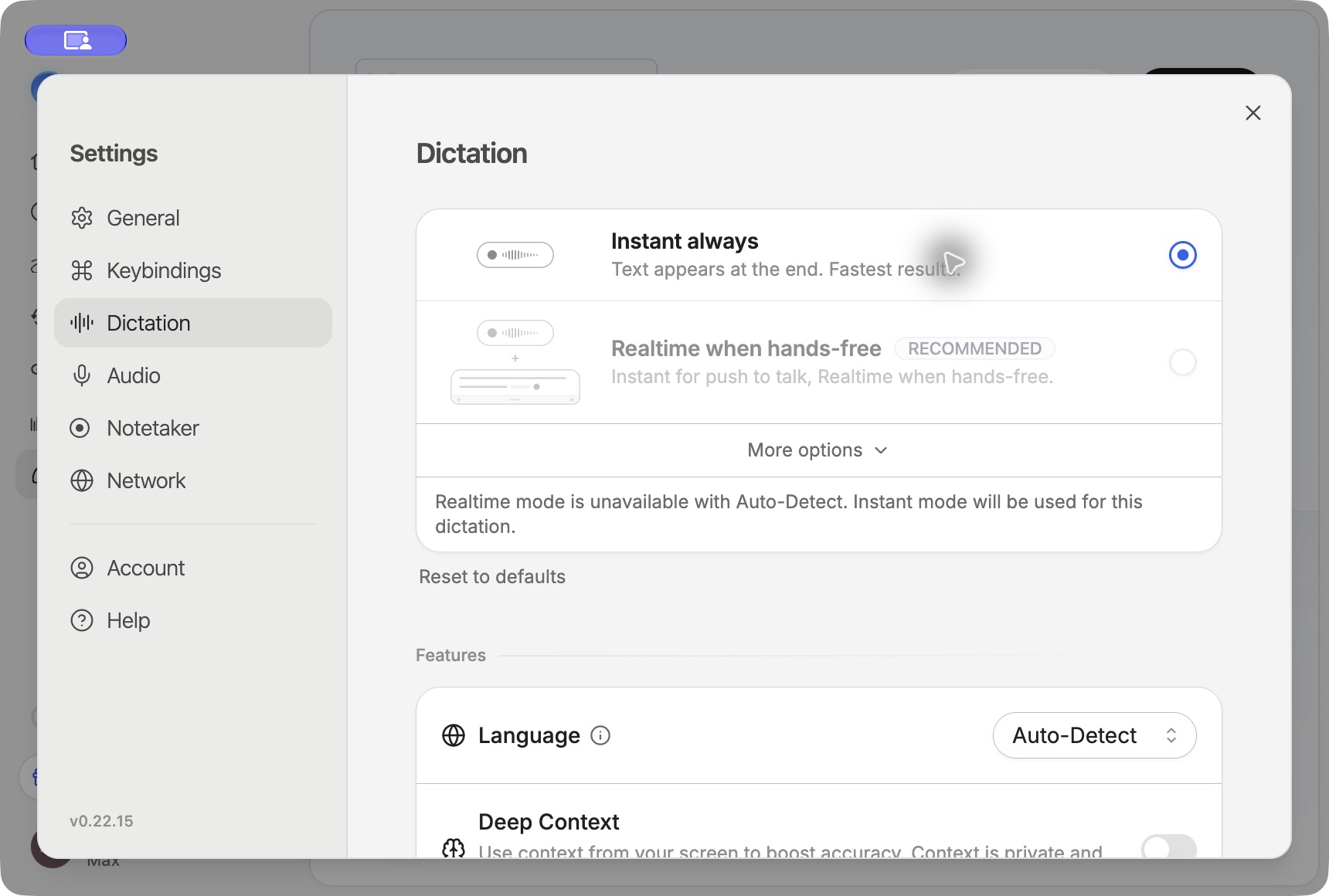
Choose Auto-Detect to let Aqua Voice identify the language for each dictation. Select a specific language if detection gives an unexpected result, especially for short phrases.
Auto-Detect and Yiddish use Instant mode. Realtime is unavailable for these selections. Other languages also require Realtime access on your account. See Realtime Mode.
Improve a result
Check the selected microphone and language. Add names and specialist terms to the Dictionary. Accuracy can vary with speech, recording conditions, and language. Use History to review a result and send feedback.
The dictation language controls speech recognition. The app’s interface language is a separate setting.