
History
Open History in the desktop app to review dictations. The list combines history saved on this device with available account history. Search helps you find earlier entries.
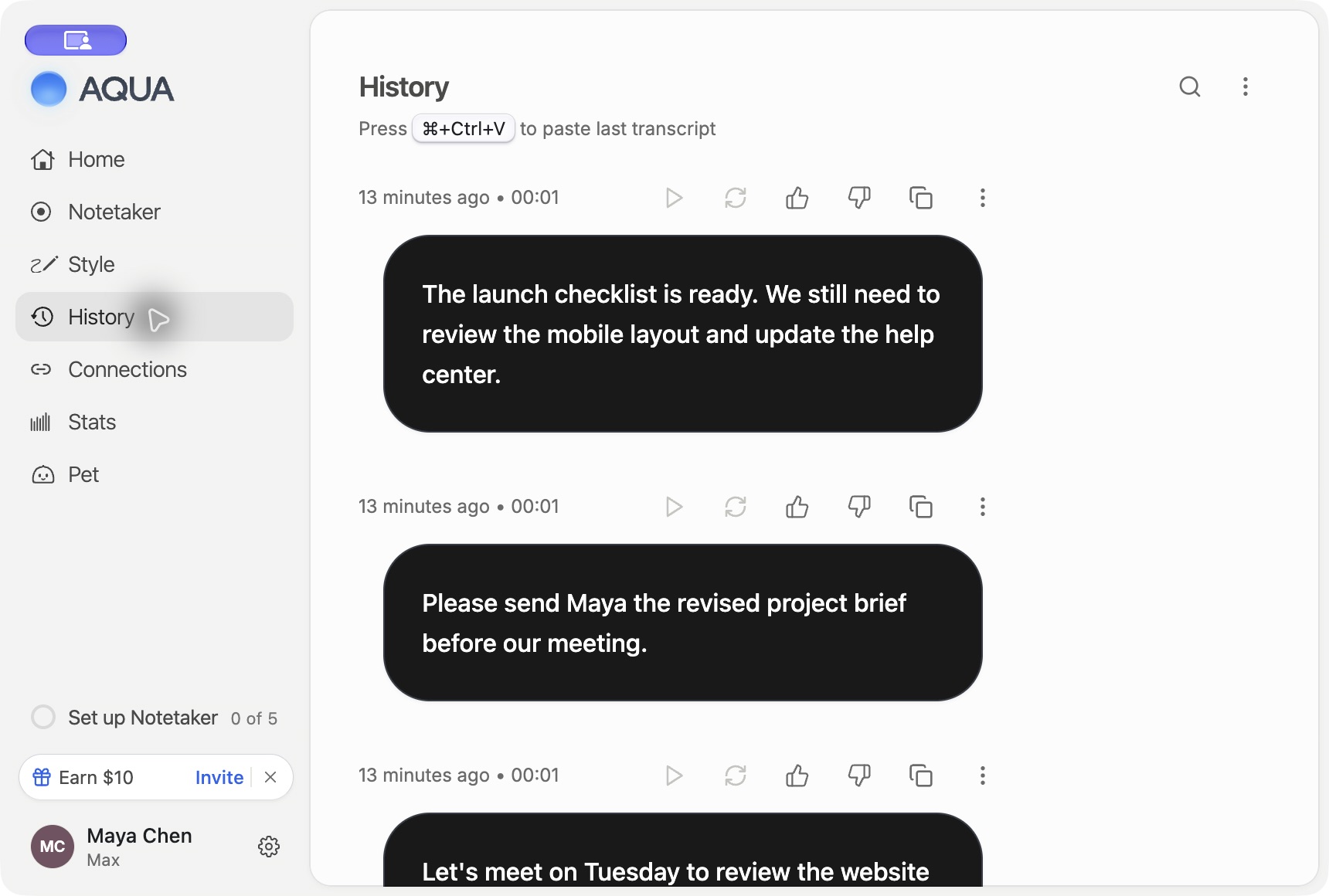
Replay and rerun a dictation
Use Play audio to listen to a recording. Dictation audio is kept locally for up to three days and is available on the device that recorded it. An entry synced from another device can have text without playable audio.
When the local recording is available, use Rerun transcription to process it again. If the recording has expired or been removed, rerun is unavailable. Rerun is also unavailable for Edit Mode entries. Review the new result before using it.
Copy a result
Use Copy on the entry to put its text on the clipboard, then paste it into your destination app. The entry’s menu also offers Download audio when local audio is available and Delete from history.
Send feedback
Use the positive or negative feedback control on an entry. For a problem, describe what you said and what the output should have been. Review the feedback form before sending it. Feedback can include the selected dictation’s transcript, context, and available audio, including when Privacy Mode is on.
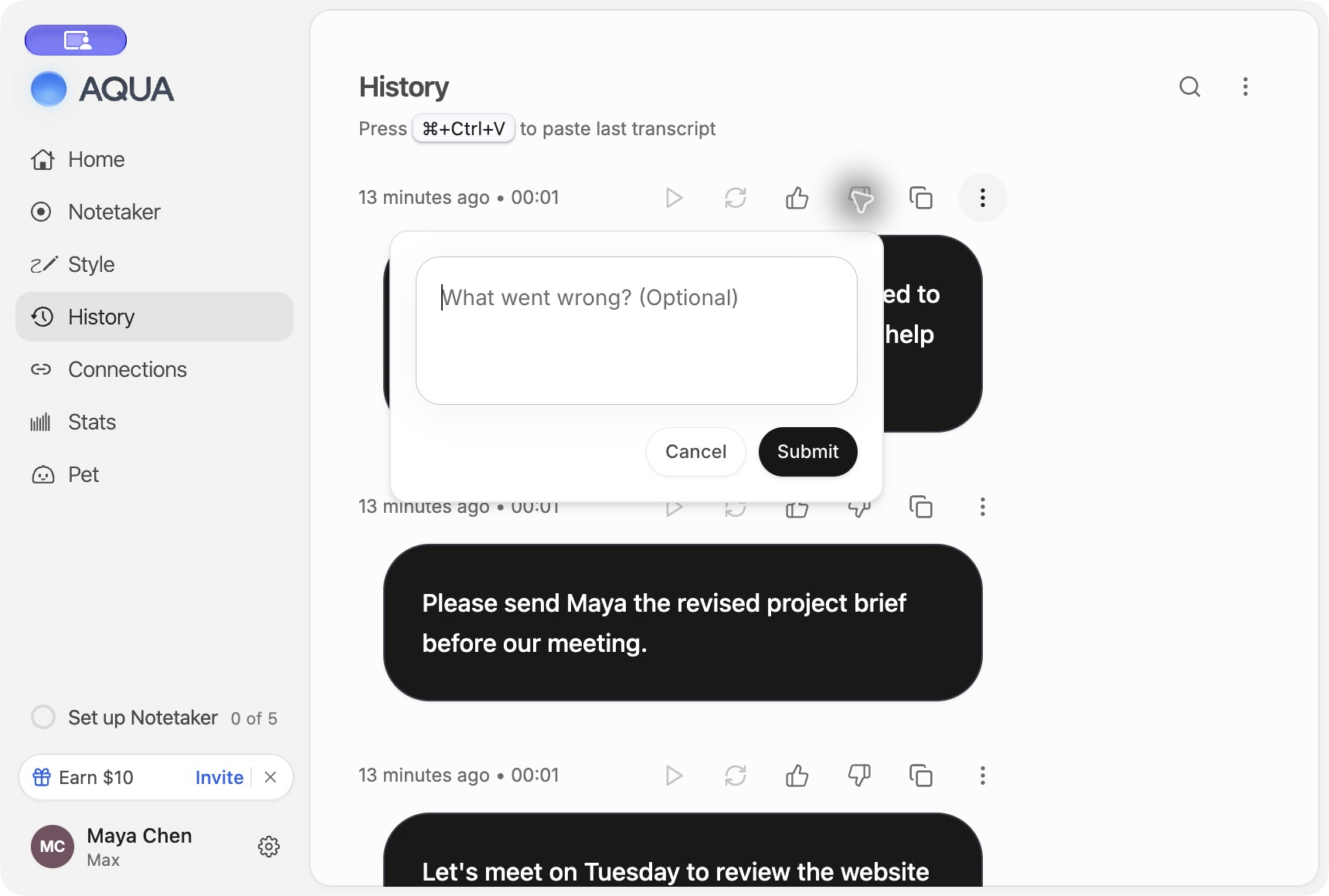
Edit details and privacy
Completed voice edits can include the original selection and the result. The details available depend on the saved session.
Privacy Mode limits server retention. Recent local text and audio can still be available on the recording device. Account history can only show content that was retained. For details, read the Privacy Policy.
Use Managing Meetings for meeting folders and Trash. Use GDPR and Data Requests for account-level personal-data requests.