
Dictionary
The Dictionary is made for difficult words: from names and terms that are hard to spell, to business acronyms that are used only at your company internally, to even fantasy names you’ve invented for your novel.
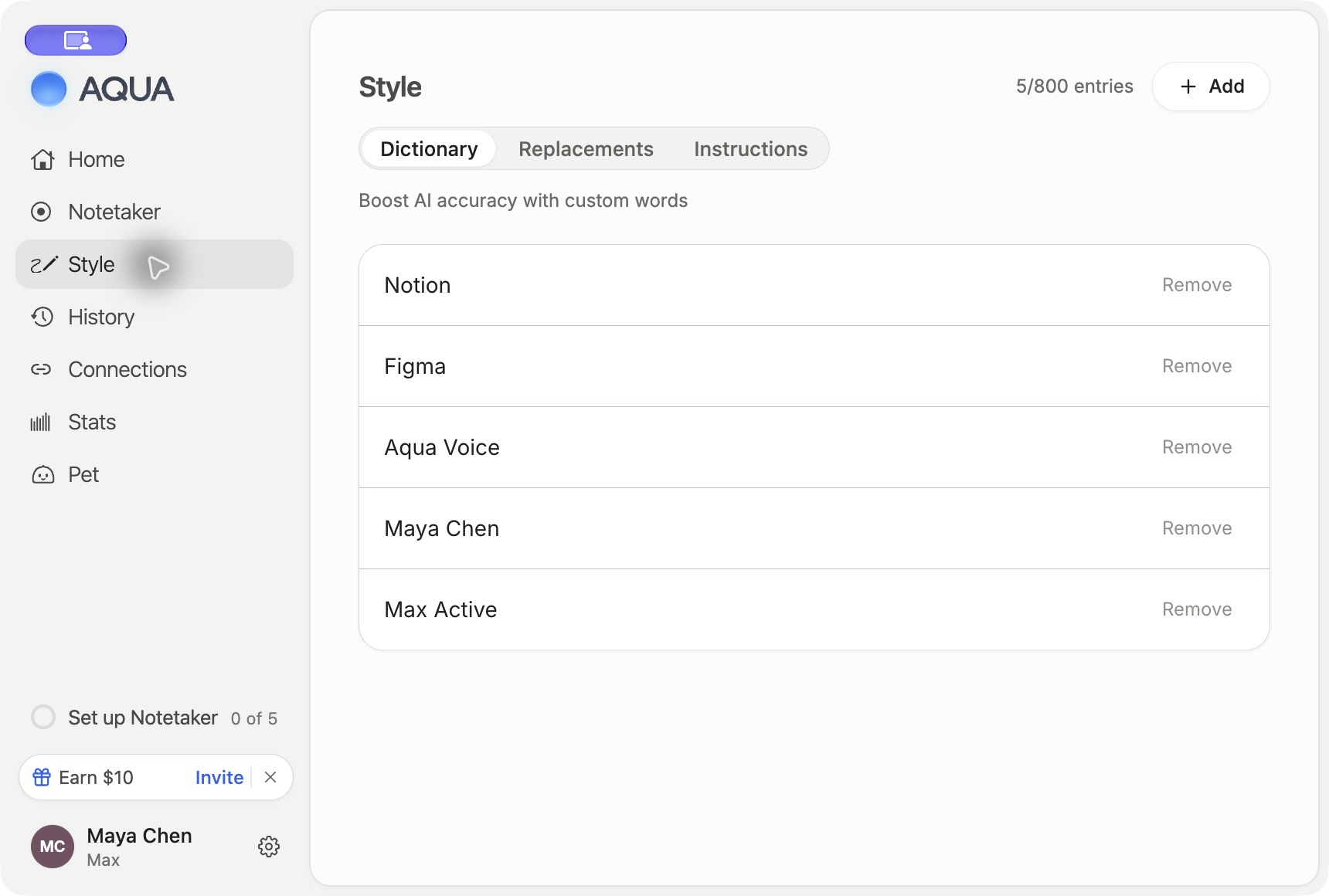
Adding Dictionary terms:
Open Style → Dictionary in the desktop app and choose Add. Enter the word or phrase, then choose Save. To enter several terms, choose Add multiple at once and separate them with commas or new lines. The page shows your current entry limit.
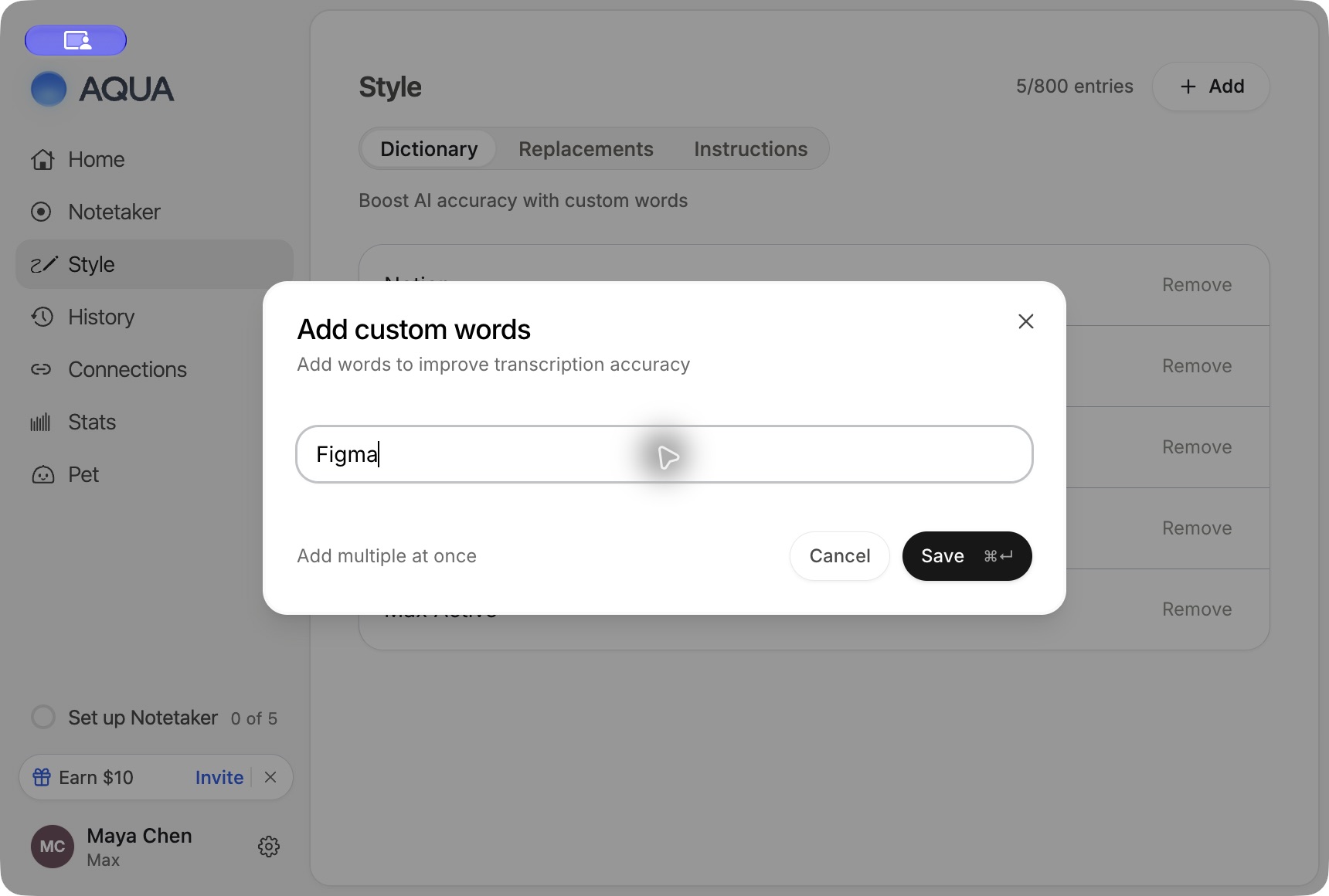
Removing Dictionary terms
Choose Remove for the term and confirm.
Aqua Voice’s Dictionary can handle many types of entries: from international names, technical terms, to newly created made up words. Here are some examples:
Names of people:
- “Izadi”
- “Kamil Szczerba”
- “Zsófia”
Used in an example
Medical terms:
- “Ruxolitinib”
- “Myelofibrosis”
- “JAK1/JAK2 inhibitor”
- “Splenomegaly”
Used in an example:
Internal tools created at your company
- “Bookface”
- “MCP”
- “Praxivault”
- “Opsinova”
Magical towns in your fantasy novel
- “Rokhollow”
- “Draewenford”
- “Thornvale”
Add the spelling you want Aqua Voice to recognize, then test it in a sentence. If recognition still differs, review the result in History.
To change your dictionary from a terminal or a coding agent, use the Aqua CLI.