
@0xferruccio
For coding prompting with voice nothing beats @aquavoice All the other transcription apps don't work well with code like tailwind class names
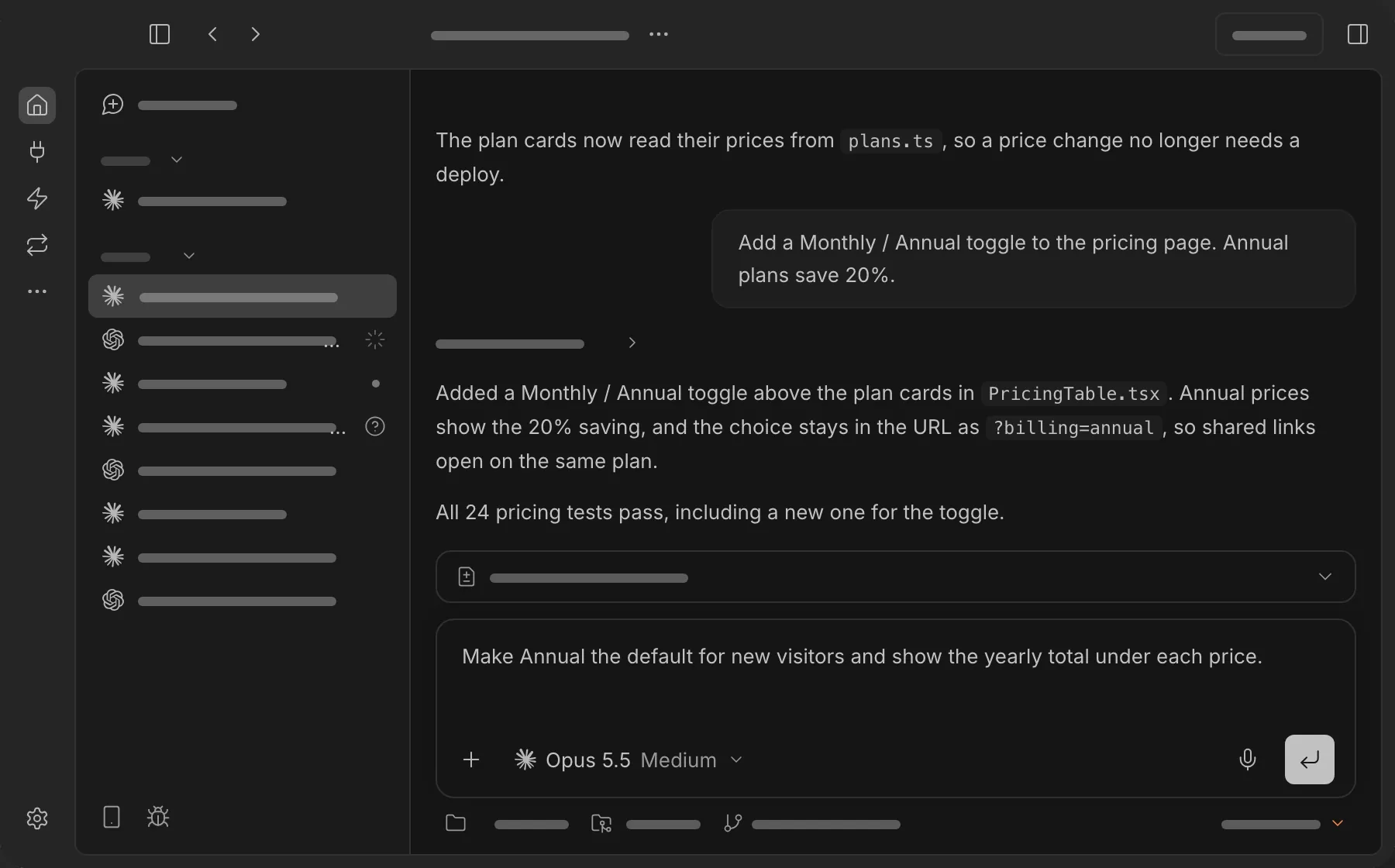
bb runs Claude Code, Codex, OpenCode, and other agents side by side, each in its own thread. Every thread needs a clear brief. With Aqua, you hold a key and speak the brief into bb's prompt box at up to 230 words per minute, so a new thread costs you seconds, not paragraphs of typing.
Aqua understands the language of the code in front of you. File names, function names, branches, and libraries come through as you mean them. Use it to describe a feature, answer a follow-up, or redirect an agent mid-task, and keep your eyes on the diffs.
Start in the prompt box in bb. Aqua puts your words into the field you have focused.
Used by people at


Aqua works in every text box on your Mac, Windows PC, iPhone, and Android phone. These are some of the apps people use it in most.