
@0xferruccio
For coding prompting with voice nothing beats @aquavoice All the other transcription apps don't work well with code like tailwind class names
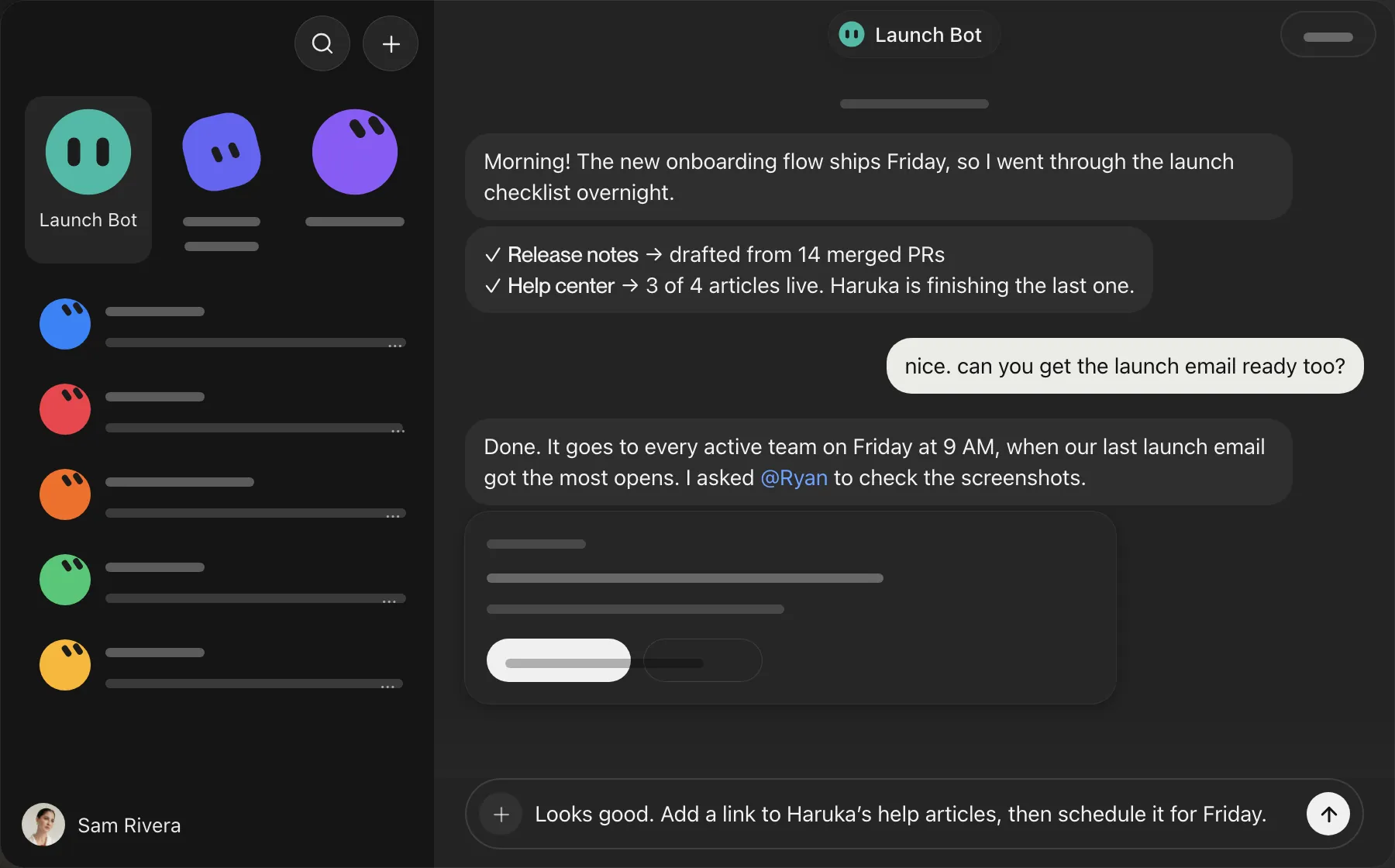
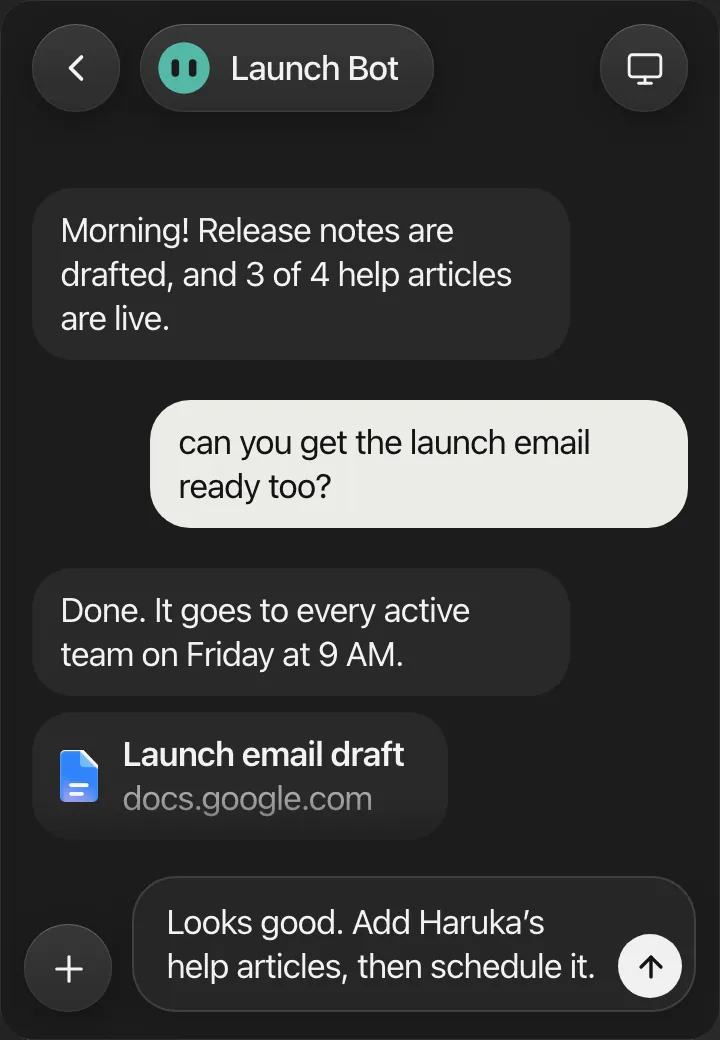
Grok Bot gives you a team of AI teammates that have their own computers and never log off. They do their best work with a full brief: what you need, who it is for, and when it is due. With Aqua, you hold a key and say all of it, and your message appears in the bot's chat at up to 230 words per minute.
Aqua keeps names, dates, and numbers exactly as you say them, so a bot never has to guess. Use it to hand off a task, answer a bot's question, or approve the next step, and spend the time you save on the work only you can do.
Start in the message box in a bot's chat. Aqua puts your words into the field you have focused.
Used by people at


Aqua works in every text box on your Mac, Windows PC, iPhone, and Android phone. These are some of the apps people use it in most.