
@0xferruccio
For coding prompting with voice nothing beats @aquavoice All the other transcription apps don't work well with code like tailwind class names
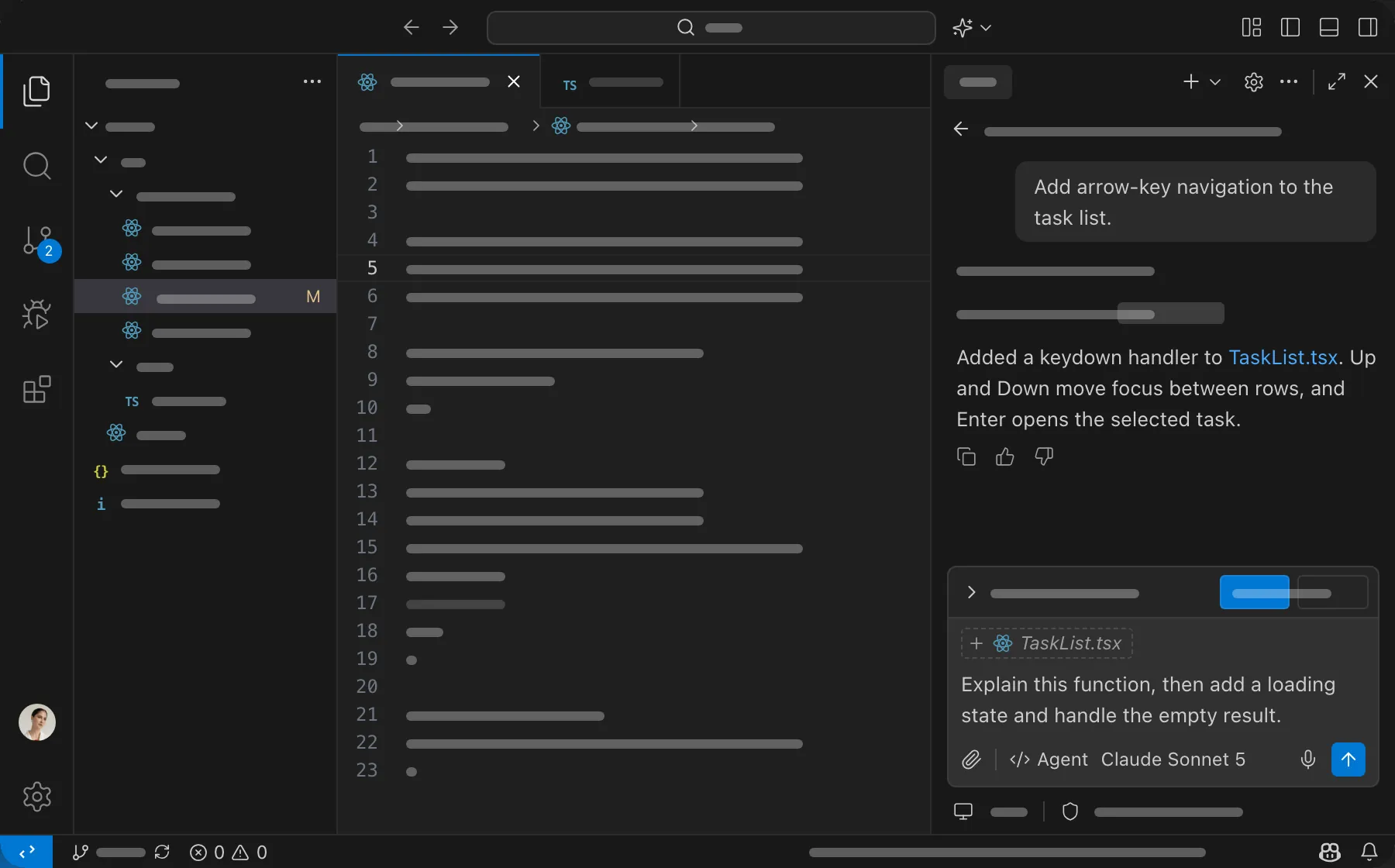
GitHub Copilot can take a task from an open issue all the way to a pull request, but first it needs to know what you want. With Aqua, you hold a key in Copilot Chat and describe the change at up to 230 words per minute: the files involved, the behavior you expect, and the edge cases to cover.
Aqua reads your screen, so it knows you are working in code. Function names, file paths, and framework names come through accurately. Use it to start a task in agent mode, ask a question about the codebase, or write the pull request description when Copilot is done.
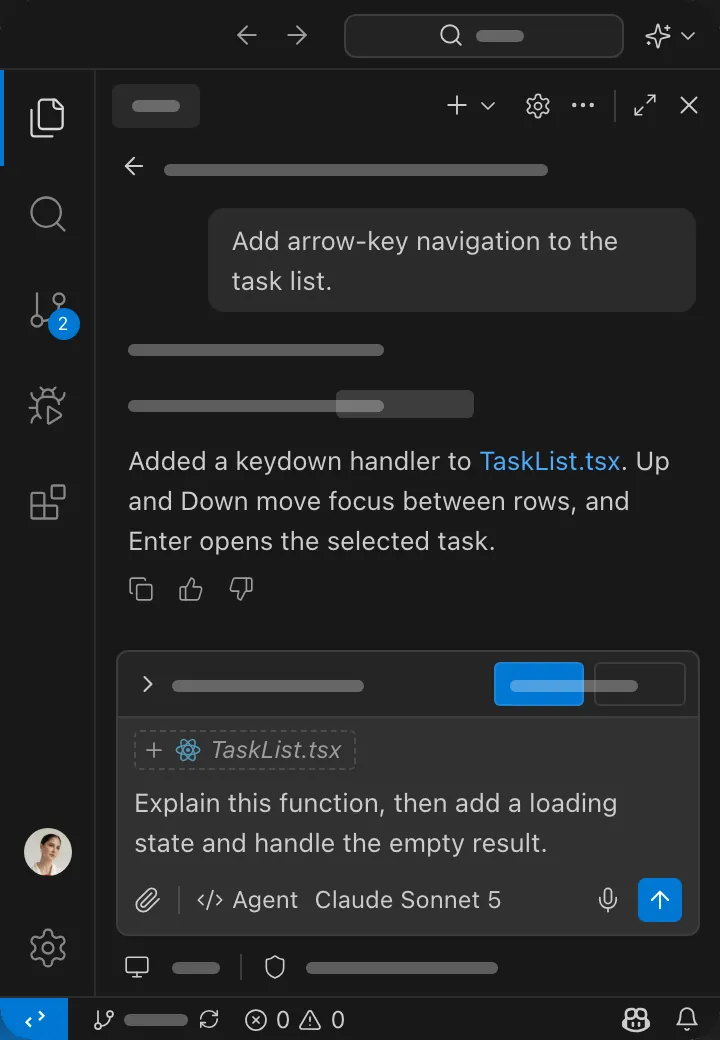
Start in the Copilot Chat box in VS Code. Aqua puts your words into the field you have focused.
Used by people at


Aqua works in every text box on your Mac, Windows PC, iPhone, and Android phone. These are some of the apps people use it in most.