



@0xferruccio
For coding prompting with voice nothing beats @aquavoice All the other transcription apps don't work well with code like tailwind class names
Speak your intent. Let Cursor write the code.
Hold a key. Speak your thoughts. Keep your flow.
Aqua is a system-wide dictation layer for Mac, Windows, iPhone, and Android. On a Mac or Windows PC, hold a key anywhere in Cursor and speak, and your words land in whatever field has focus: the Agent prompt, Cmd+K, an inline comment, a commit message, or the integrated terminal. No copy and paste, no separate window.
 Cursor
Move the repeated loading state into the shared table component. Preserve the existing empty state and keyboard navigation, and show me which call sites need to change.
Start in the Agent prompt field. Aqua puts your words into the field you have focused.
[01]
[02]
[03]
[04]
[05]
Yes, partly. Cursor ships a native Voice Mode on Cmd+Shift+Space: you hold to speak, release, and the transcript drops into the Agent input. It is genuinely useful, and if prompting the agent is all you need, it may be enough. The limit is scope. Voice Mode fills the Agent prompt, so the rest of Cursor stays a typing job: Cmd+K, inline comments, docstrings, commit messages, PR descriptions, and the integrated terminal. Aqua sits below the app instead of inside it, so the same key works in every one of those fields, and in every other app on your machine.
Read the Full Guide to Voice Coding in Cursor97.4% key-term accuracy on AISpeak-10, a SOC 2 Type II audit report, and 49 languages, on Mac, Windows, iPhone, and Android. Start free with 1,000 lifetime words. Pro is $8 a month billed annually.
Powered by Avalon
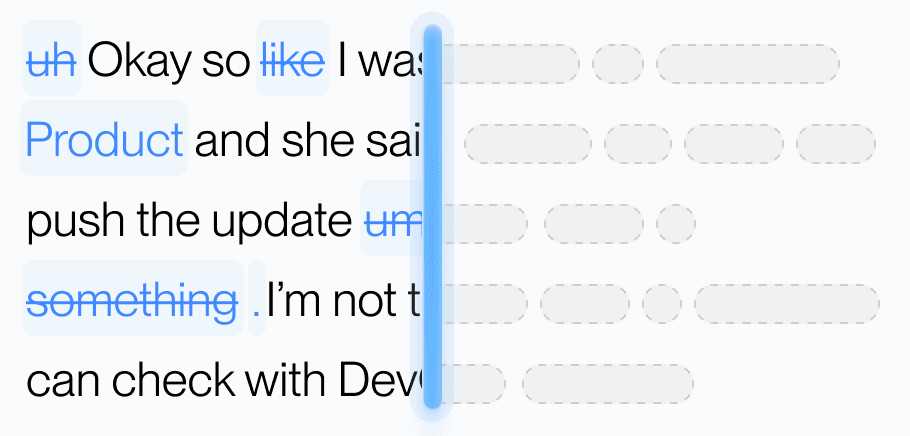
Aqua’s model trained on real workflows to understand natural speech, correct grammar, and preserve every word while refining your text in real time.
Dictionary
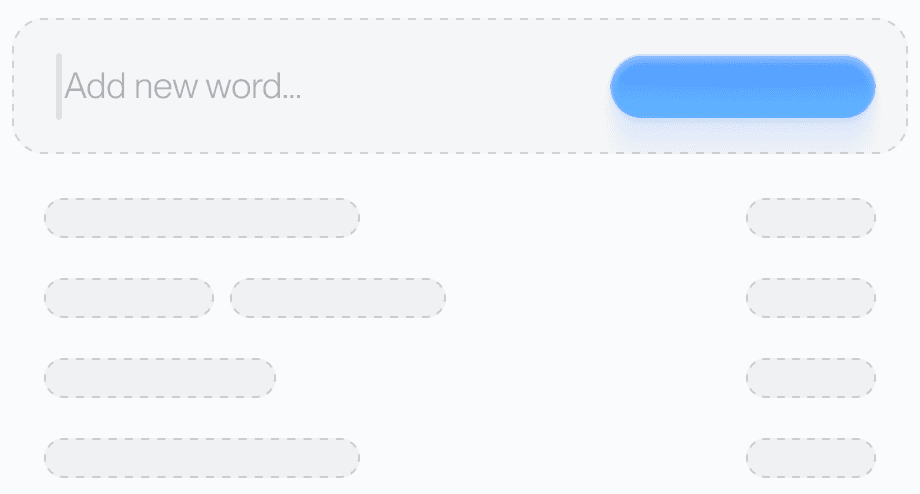
Teach Aqua the words you use most, like names, brands, or technical terms, and watch accuracy improve instantly.
Custom prompting
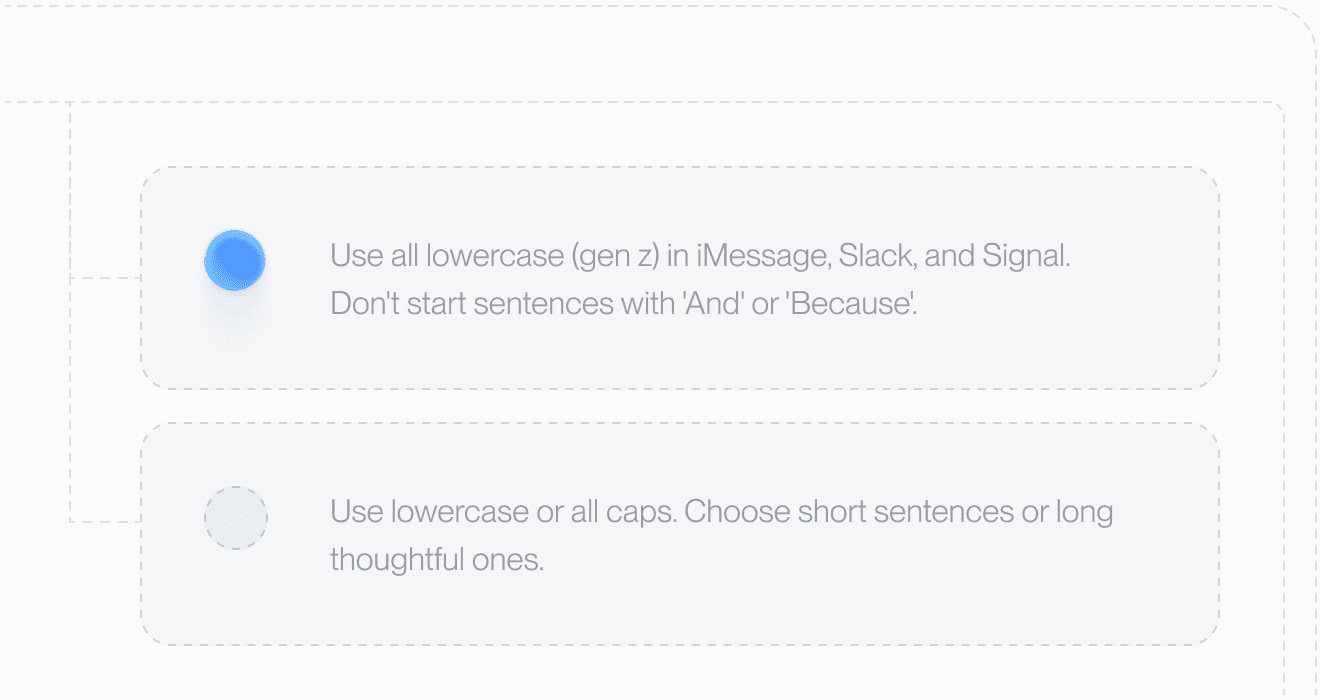
Set your tone and rules. From lowercase Slack messages to structured docs, Aqua adapts to your preferences automatically.
49 Languages

Understands 49 languages with clarity and precision, adapting naturally to how you speak.
Private History
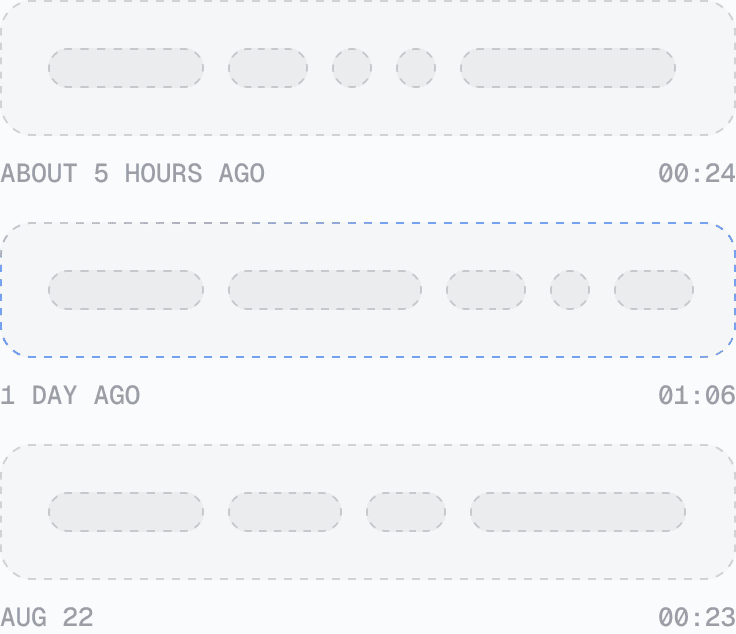
Access your past transcripts any time. Turn on Privacy Mode and nothing is stored on our servers at all.
Better Accuracy
AISpeak-10 · English technical-term recognition. Method and Results
Avalon scored 97.4% key-term accuracy on AISpeak-10, our English technical-speech benchmark. Learn How Avalon Works.
Used by people at


Yes. Aqua types into whatever field has focus, so the same key works in the Agent prompt, Cmd+K, the editor, commit messages, and the integrated terminal.
Cursor's Voice Mode fills the Agent prompt. Aqua works in every field in Cursor and in every other app on your machine, adds a custom dictionary for your own vocabulary, and supports 49 languages.
Yes. Aqua is tuned for technical speech and reads the context on your screen, and anything it does not know by default can go in your custom dictionary.
Yes. Aqua runs on Mac, Windows, iPhone, and Android.
Free includes 1,000 words. With annual billing, Pro is $8 per month, Max is $24 per month, and Business is $19 per seat per month with a minimum of 2 seats.
Aqua works in every text box on your Mac, Windows PC, iPhone, and Android phone. These are some of the apps people use it in most.
 Antigravity voice dictation
 ChatGPT voice dictation
 Claude voice dictation
 Claude Code voice dictation
 Codex voice dictation
 Gemini voice dictation
 Perplexity voice dictation
 VS Code voice dictation
 Windsurf voice dictation
 Discord voice dictation
 iMessage voice dictation
 LINE voice dictation


