
@0xferruccio
For coding prompting with voice nothing beats @aquavoice All the other transcription apps don't work well with code like tailwind class names
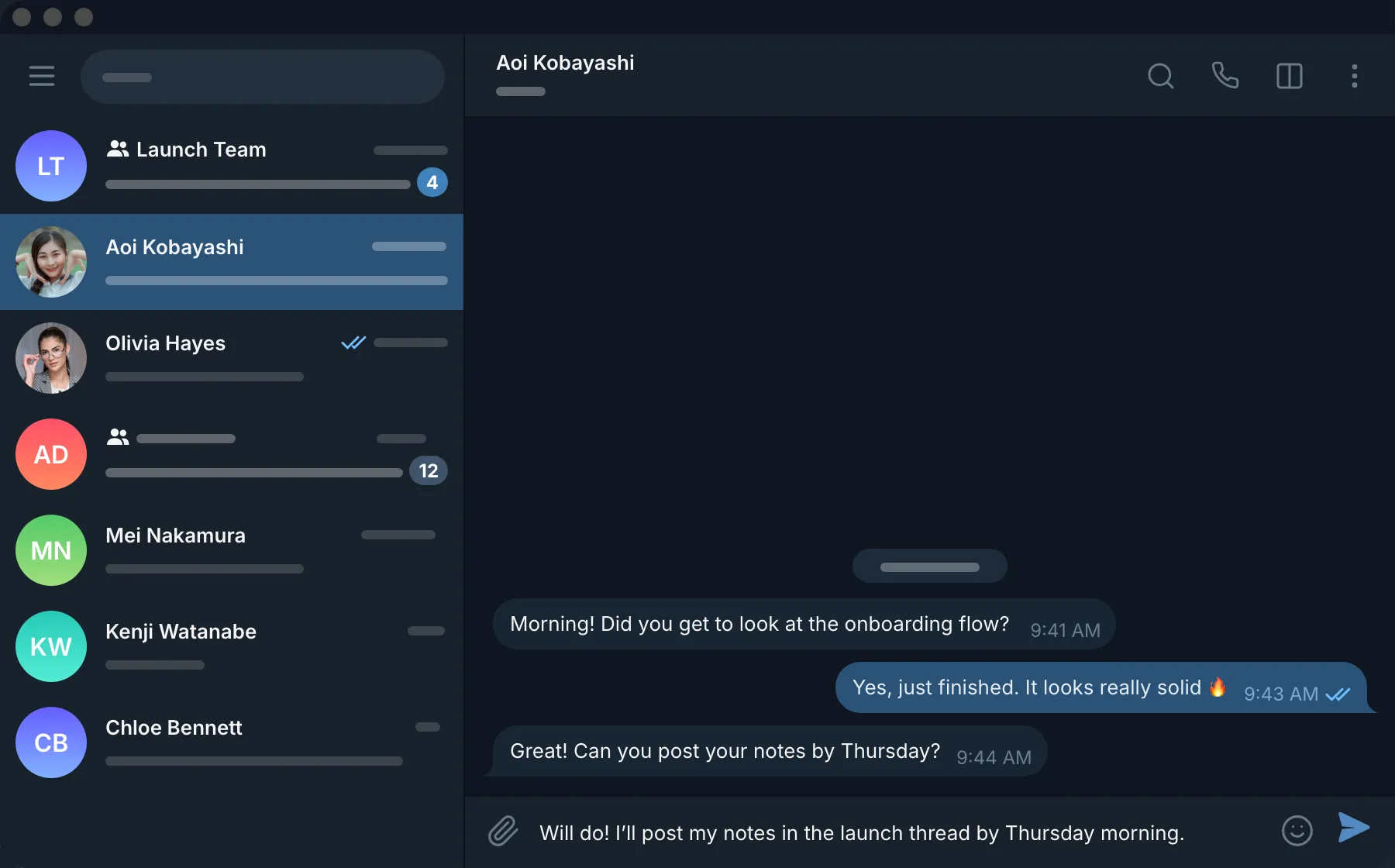
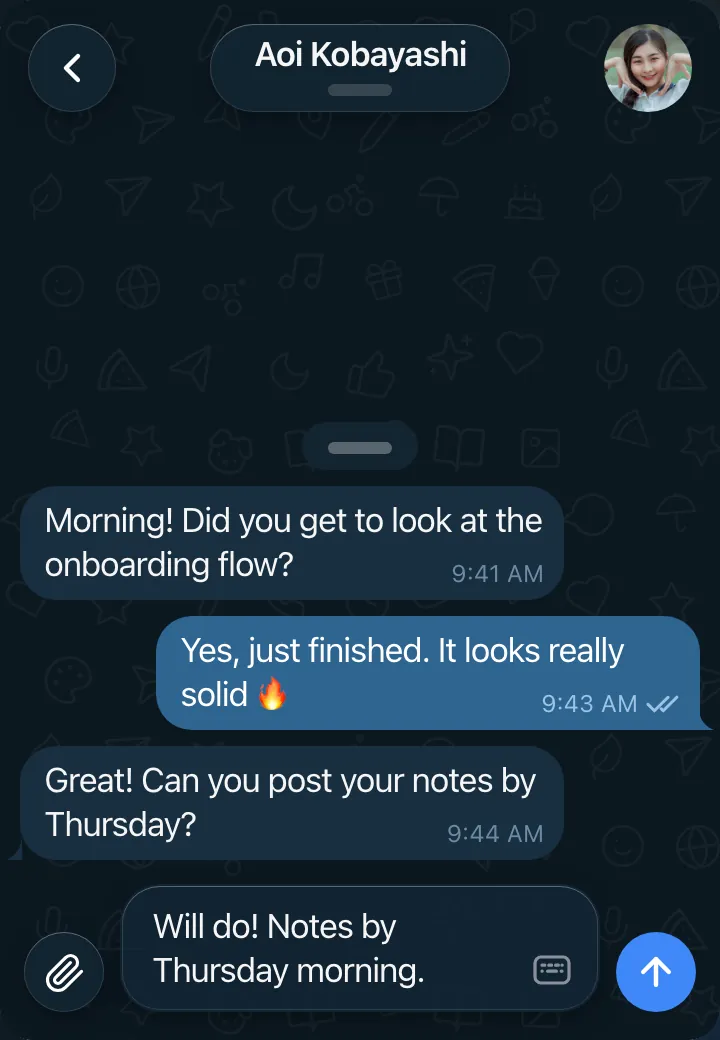
Telegram is built for speed, but typing long replies in busy group chats or channels still slows you down. With Aqua, you hold a key, speak, and your words land in the message box formatted and ready to send at up to 230 words per minute. No app switching, no setup, no friction.
Aqua understands the context of your conversation before you begin speaking. It adapts your tone to the chat you are in: focused and clear in professional group channels, natural and conversational in personal threads. Add names, phrases, and terms you use often to your custom dictionary and Aqua gets them right every time.
Start in the message box. Aqua puts your words into the field you have focused.
Used by people at


Aqua works in every text box on your Mac, Windows PC, iPhone, and Android phone. These are some of the apps people use it in most.