



@0xferruccio
For coding prompting with voice nothing beats @aquavoice All the other transcription apps don't work well with code like tailwind class names
Think out loud. Build your knowledge base as you speak.
Hold a key. Speak your thoughts. Keep your flow.
Obsidian is built for connecting ideas, but getting those ideas in takes time when you are typing. With Aqua, you hold a key and speak. Your notes land in any Obsidian editor at up to 230 words per minute. Capture fleeting thoughts before they disappear, build out permanent notes without the friction of typing, and let your knowledge base grow at the speed you think.
Aqua understands the note-taking context and keeps your thinking precise on the page. Concept names, book titles, author names, and the specific vocabulary of your areas of interest all transcribe accurately. Use your custom dictionary to handle the terminology that matters in your particular knowledge domain.
 Obsidian
A useful note should preserve the reason an idea mattered, not just the idea itself. Link this to the notes on retrieval and writing for a future reader.
Start in the editor in a note. Aqua puts your words into the field you have focused.
[01]
[02]
[03]
97.4% key-term accuracy on AISpeak-10, a SOC 2 Type II audit report, and 49 languages, on Mac, Windows, iPhone, and Android. Start free with 1,000 lifetime words. Pro is $8 a month billed annually.
Powered by Avalon
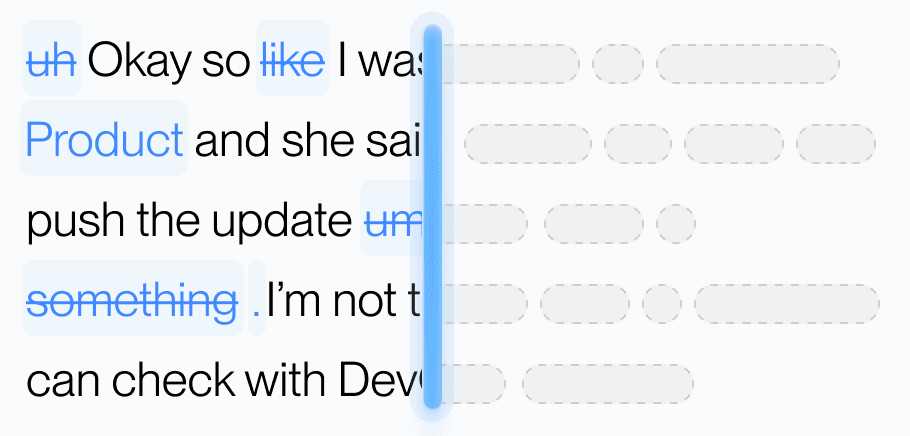
Aqua’s model trained on real workflows to understand natural speech, correct grammar, and preserve every word while refining your text in real time.
Dictionary
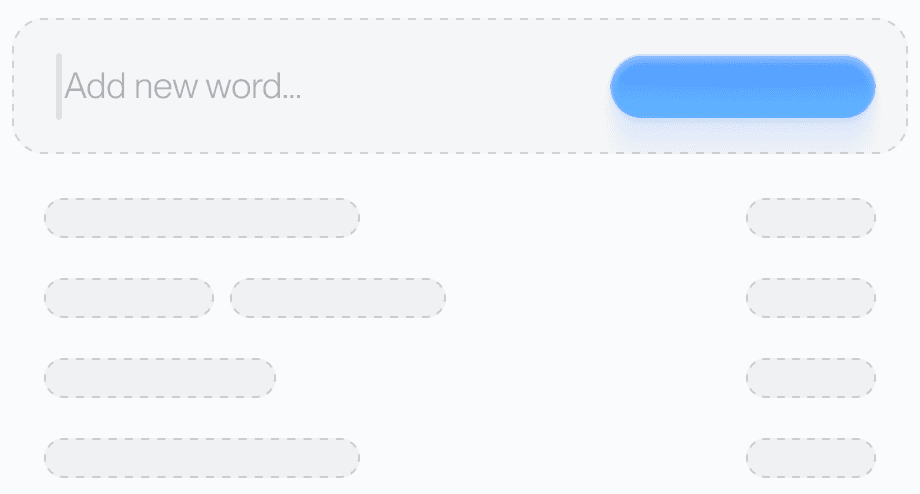
Teach Aqua the words you use most, like names, brands, or technical terms, and watch accuracy improve instantly.
Custom prompting
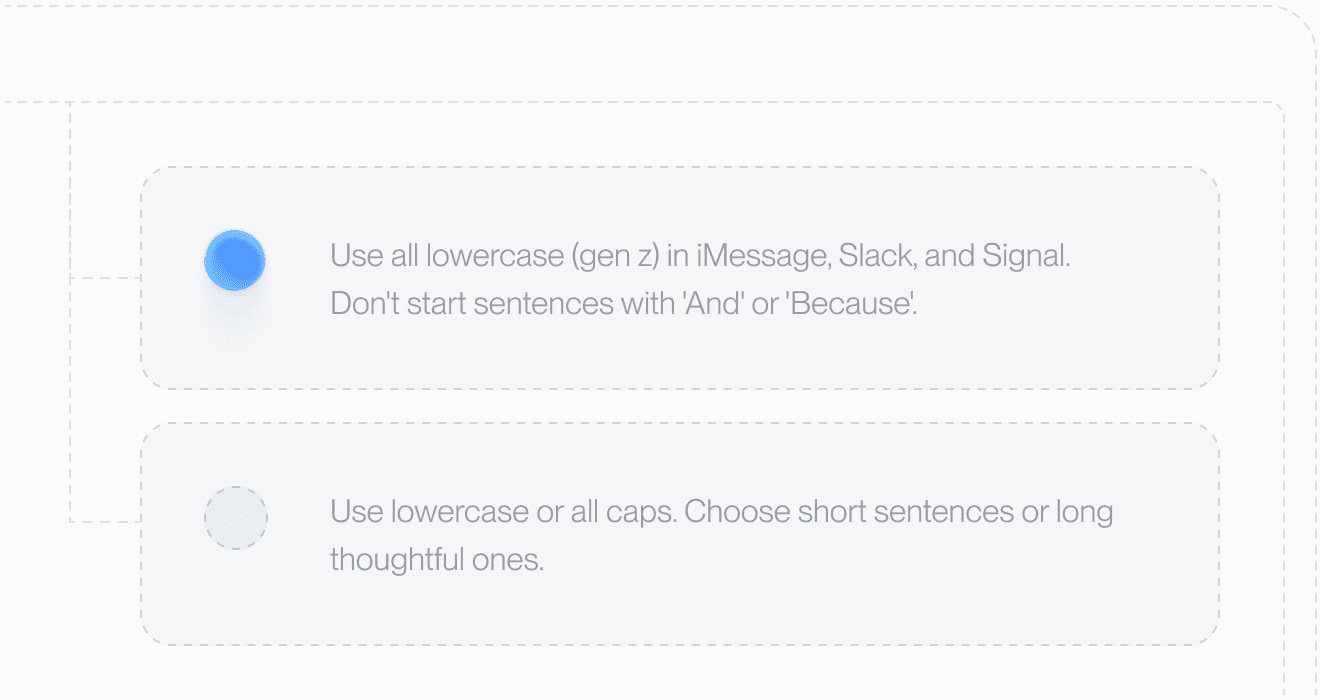
Set your tone and rules. From lowercase Slack messages to structured docs, Aqua adapts to your preferences automatically.
49 Languages

Understands 49 languages with clarity and precision, adapting naturally to how you speak.
Private History
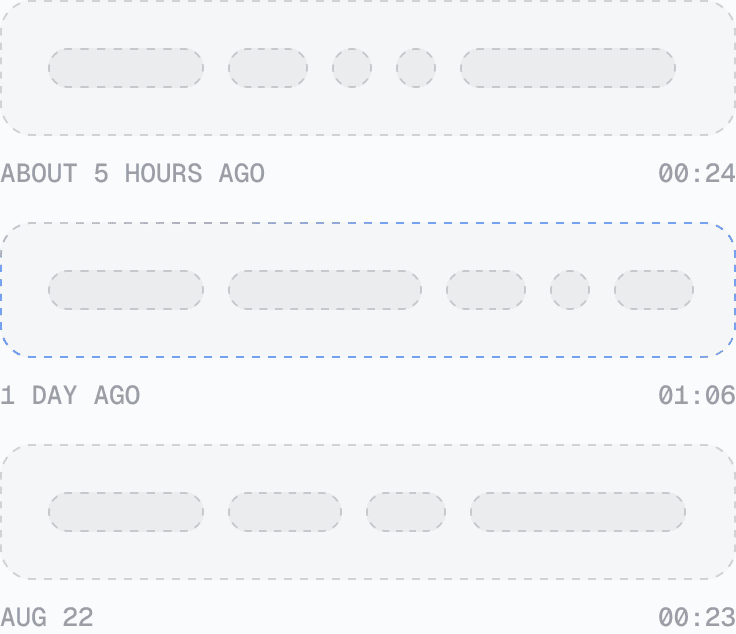
Access your past transcripts any time. Turn on Privacy Mode and nothing is stored on our servers at all.
Better Accuracy
AISpeak-10 · English technical-term recognition. Method and Results
Avalon scored 97.4% key-term accuracy on AISpeak-10, our English technical-speech benchmark. Learn How Avalon Works.
Used by people at


Aqua works in every text box on your Mac, Windows PC, iPhone, and Android phone. These are some of the apps people use it in most.
 Arc voice dictation
 Google Docs voice dictation
 Linear voice dictation
 Microsoft Excel voice dictation
 Microsoft Word voice dictation
 Notion voice dictation
 Antigravity voice dictation
 ChatGPT voice dictation
 Claude voice dictation
 Claude Code voice dictation
 Codex voice dictation
 Cursor voice dictation


