
@0xferruccio
For coding prompting with voice nothing beats @aquavoice All the other transcription apps don't work well with code like tailwind class names
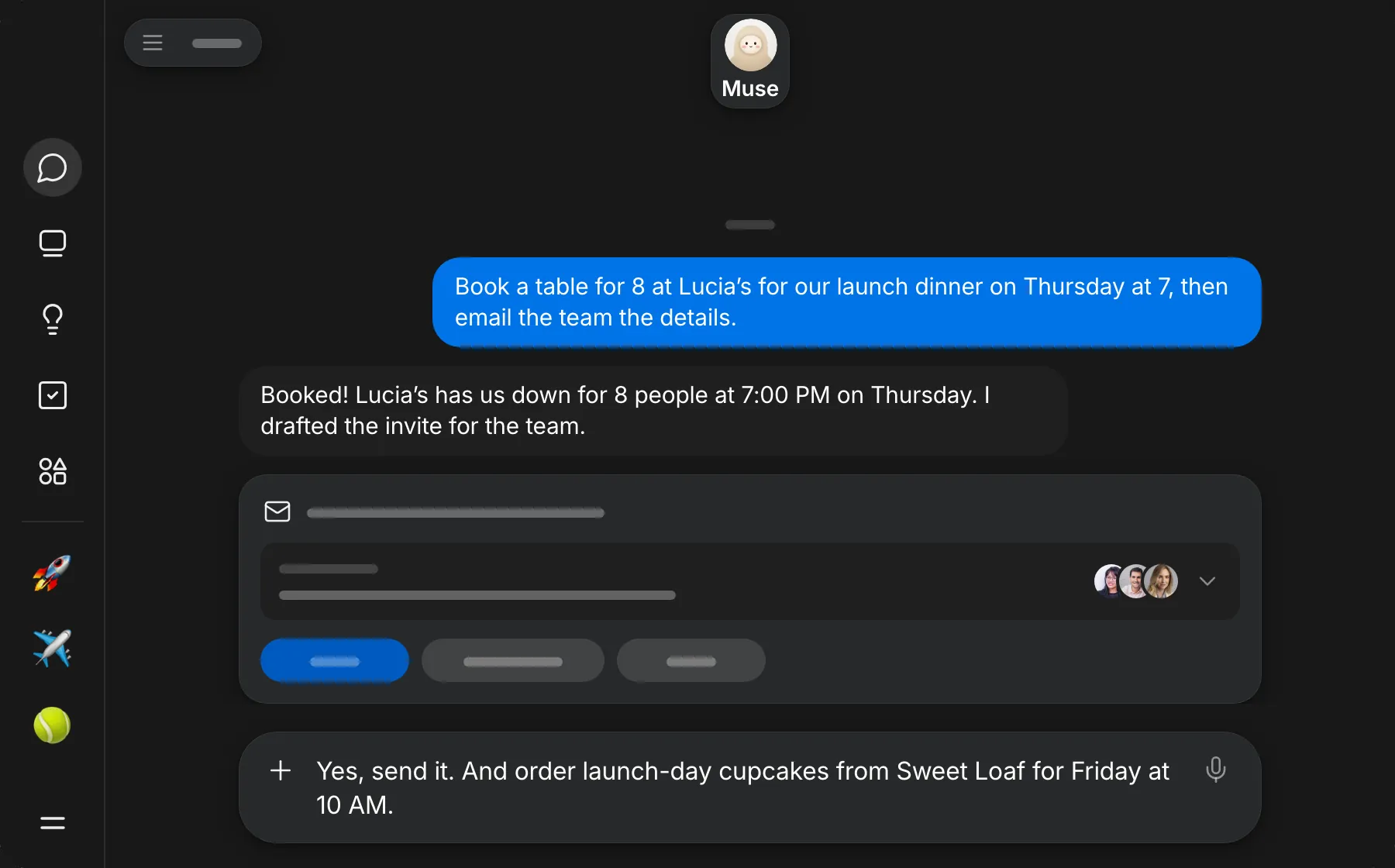
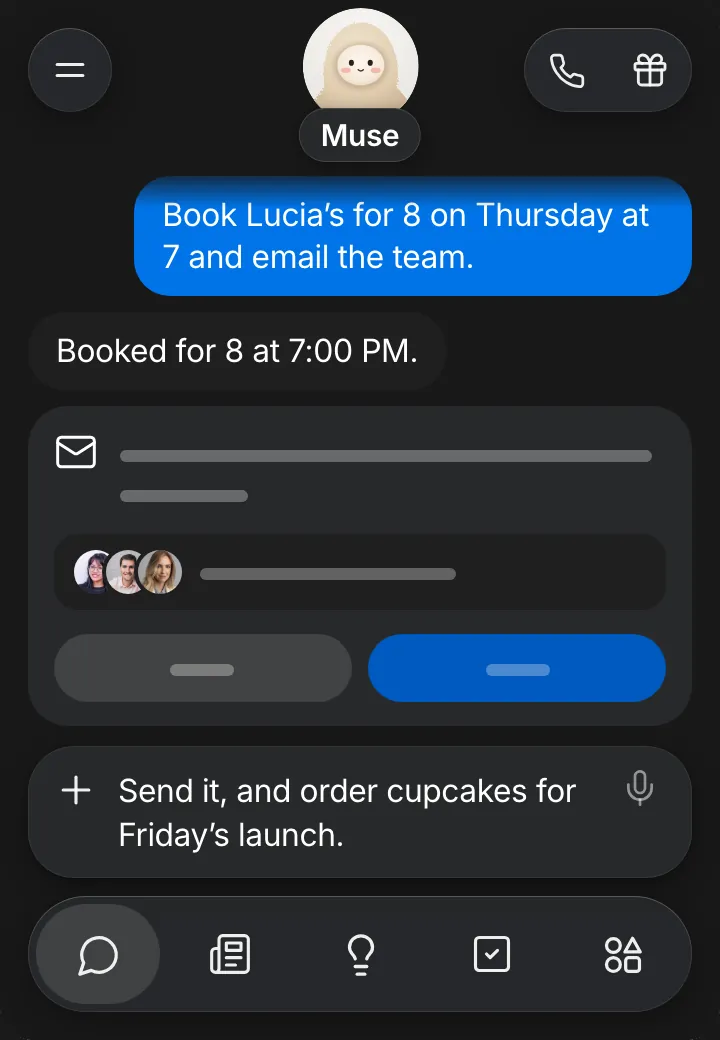
Muse is the personal AI agent from Meta. Give it a goal or an everyday task and it does the work, from booking a table to emailing the people involved. The more you tell it, the less it has to ask. With Aqua, you hold a key and describe the whole errand at up to 230 words per minute.
Aqua keeps names, places, times, and amounts exactly as you say them. Use it to start a new task, answer Muse's follow-up questions, or add one more thing before it acts. On iPhone, tap the microphone on the Aqua keyboard.
Start in the message box in Muse. Aqua puts your words into the field you have focused.
Used by people at


Aqua works in every text box on your Mac, Windows PC, iPhone, and Android phone. These are some of the apps people use it in most.