
@0xferruccio
For coding prompting with voice nothing beats @aquavoice All the other transcription apps don't work well with code like tailwind class names
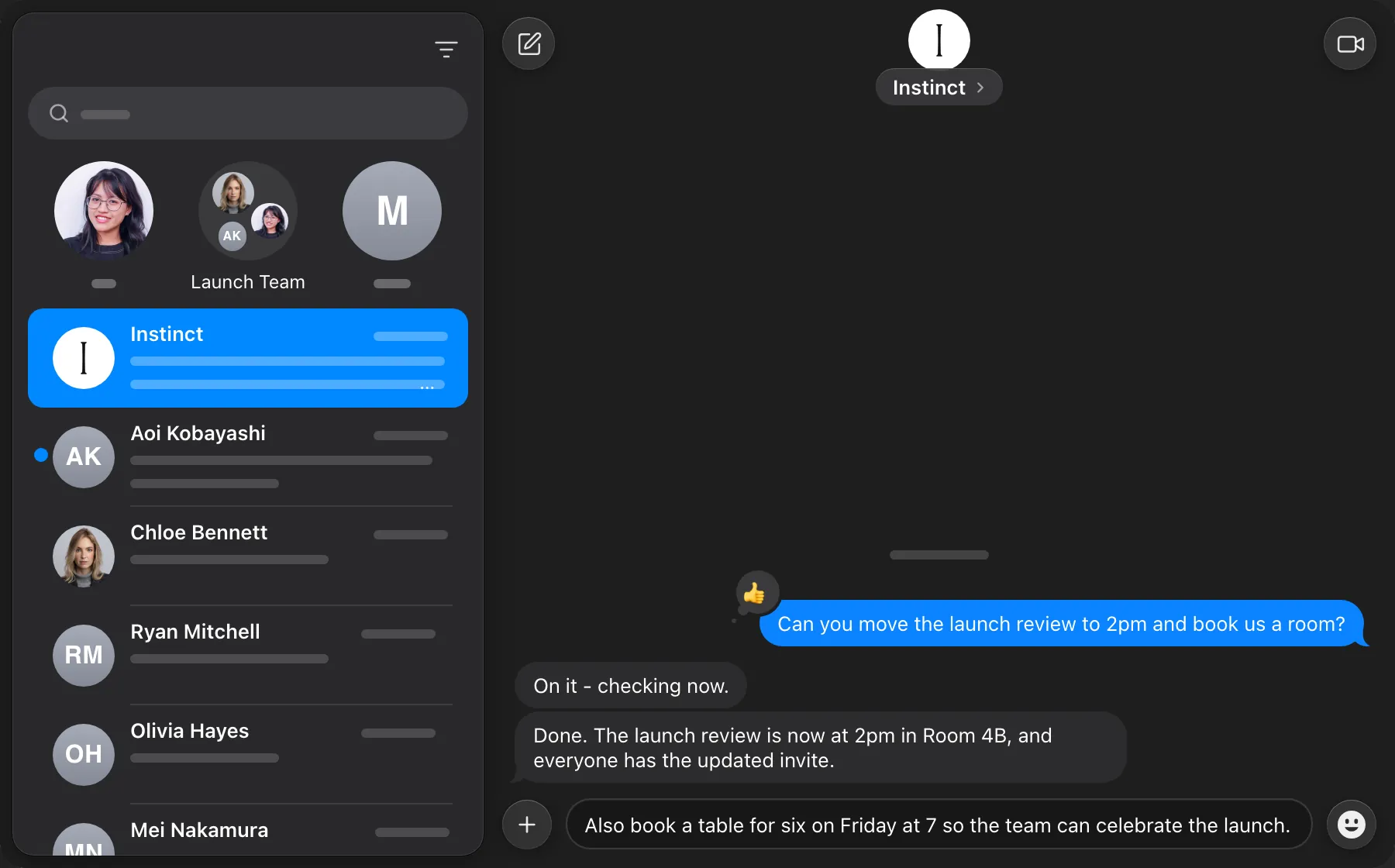
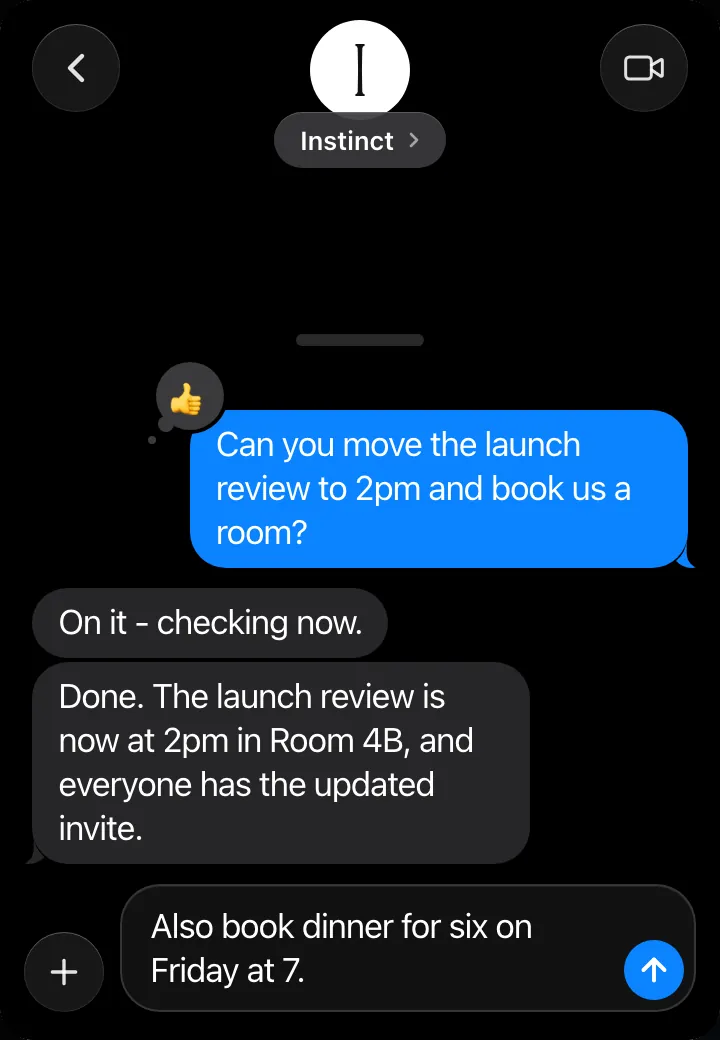
Instinct is a personal assistant that understands your work and takes action across your apps and devices. You give it tasks the way you text a person. With Aqua, you hold a key and say the whole request, and it appears in your message at up to 230 words per minute, ready to send.
Aqua keeps names, times, and places exactly as you say them, so Instinct can act on the first message. Use it to move a meeting, book a room, or add one more errand. On iPhone, tap the microphone on the Aqua keyboard.
Start in your chat with Instinct. Aqua puts your words into the field you have focused.
Used by people at


Aqua works in every text box on your Mac, Windows PC, iPhone, and Android phone. These are some of the apps people use it in most.