



@0xferruccio
For coding prompting with voice nothing beats @aquavoice All the other transcription apps don't work well with code like tailwind class names
Say it, send it. Nothing leaves the conversation.
Hold a key. Speak your thoughts. Keep your flow.
Aqua is a system-wide dictation layer for Mac, Windows, iPhone, and Android. On a Mac or Windows PC, hold a key with Signal open and speak, and your message appears in the box, formatted and ready to send, in any chat, group, or note-to-self.
 Signal
I got the documents. I’ll read them this evening and send you my notes tomorrow morning. Thanks for putting everything together.
Start in the message box in Signal Desktop. Aqua puts your words into the field you have focused.
No. Signal has voice messages, which record audio for the other person to play, but there is no dictation that types your speech into the message box, and no transcription feature. That is a design consequence rather than an oversight: Signal's whole architecture is built so the service never sees your messages, and server-side transcription would cut against that. On mobile you can tap the mic on your phone keyboard, which is iOS doing the work. On desktop there is nothing, which is exactly the gap Aqua fills.
97.4% key-term accuracy on AISpeak-10, a SOC 2 Type II audit report, and 49 languages, on Mac, Windows, iPhone, and Android. Start free with 1,000 lifetime words. Pro is $10 a month billed annually.
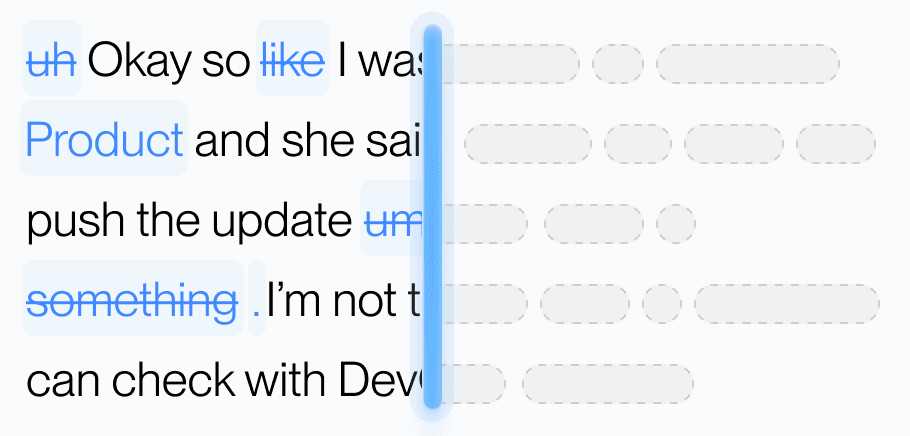
Aqua’s model trained on real workflows to understand natural speech, correct grammar, and preserve every word while refining your text in real time.
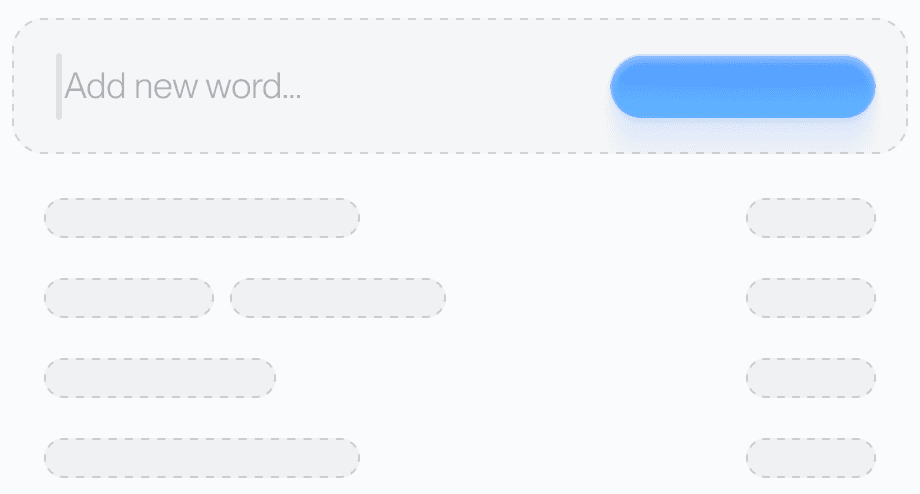
Teach Aqua the words you use most, like names, brands, or technical terms, and watch accuracy improve instantly.
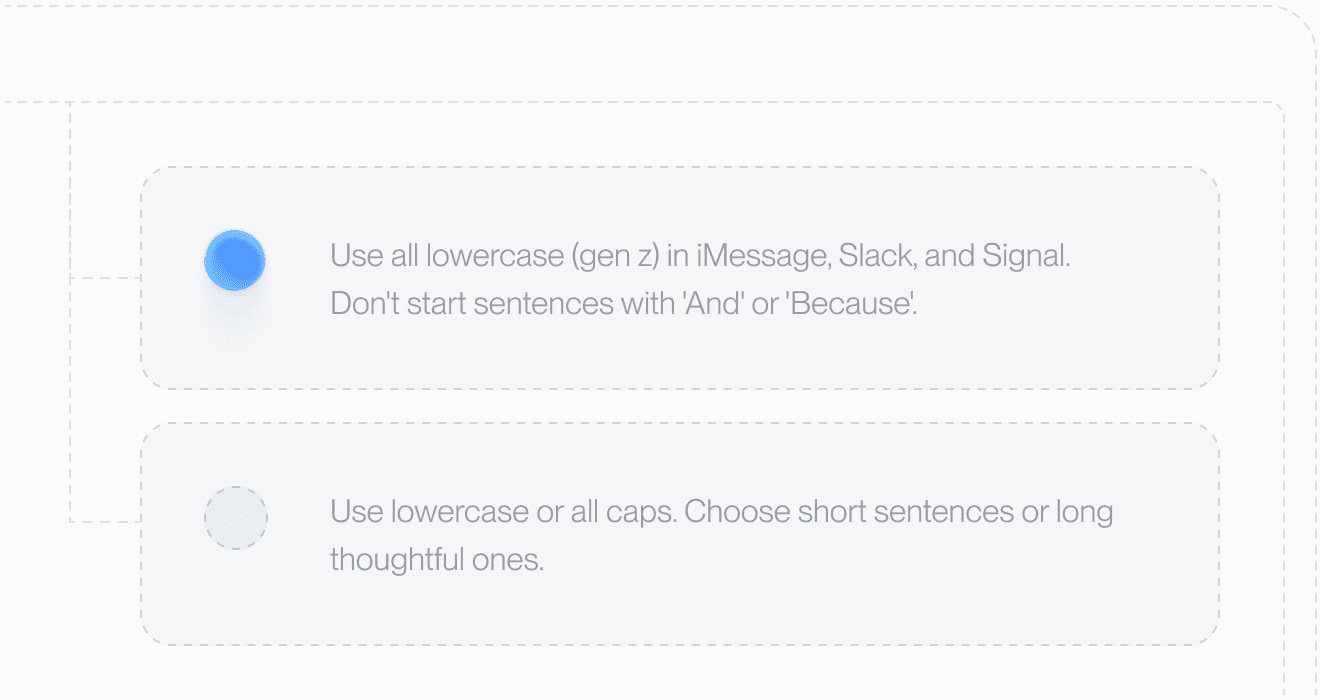
Set your tone and rules. From lowercase Slack messages to structured docs, Aqua adapts to your preferences automatically.

Understands 49 languages with clarity and precision, adapting naturally to how you speak.
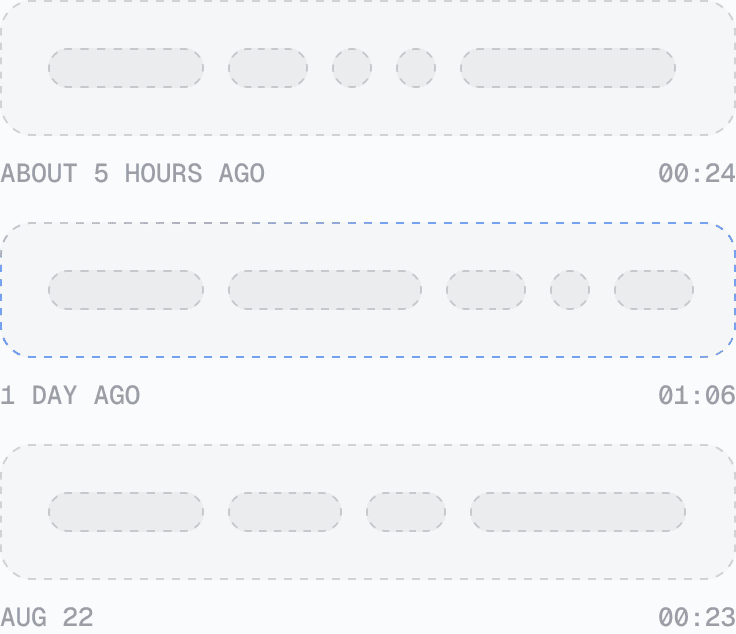
Access your past transcripts any time. Turn on Privacy Mode and nothing is stored on our servers at all.
AISpeak-10 · English technical-term recognition. Method and Results
Avalon scored 97.4% key-term accuracy on AISpeak-10, our English technical-speech benchmark. Learn How Avalon Works.
Used by people at


No. Signal supports voice messages, which send audio, but it has no dictation that types your speech into the message box and no transcription feature.
Aqua has a SOC 2 Type II audit report and is ISO 27001 certified and GDPR and HIPAA compliant, and with Privacy Mode enabled no transcript data is stored on our servers. Your Signal messages themselves stay end-to-end encrypted as always.
Yes. Aqua types into whatever field has focus, so every conversation type works the same way.
Yes. Aqua runs on Mac, Windows, iPhone, and Android.
Free includes 1,000 words. With annual billing, Pro is $10 per month, Max is $19 per month, and Business is $19 per seat per month with a minimum of 2 seats.
Aqua works in every text box on your Mac, Windows PC, iPhone, and Android phone. These are some of the apps people use it in most.
 Discord voice dictation
 iMessage voice dictation
 LINE voice dictation
 Microsoft Teams voice dictation
 Slack voice dictation
 Telegram voice dictation
 WhatsApp voice dictation
 Antigravity voice dictation
 ChatGPT voice dictation
 Claude voice dictation
 Claude Code voice dictation
 Codex voice dictation


