
@0xferruccio
For coding prompting with voice nothing beats @aquavoice All the other transcription apps don't work well with code like tailwind class names
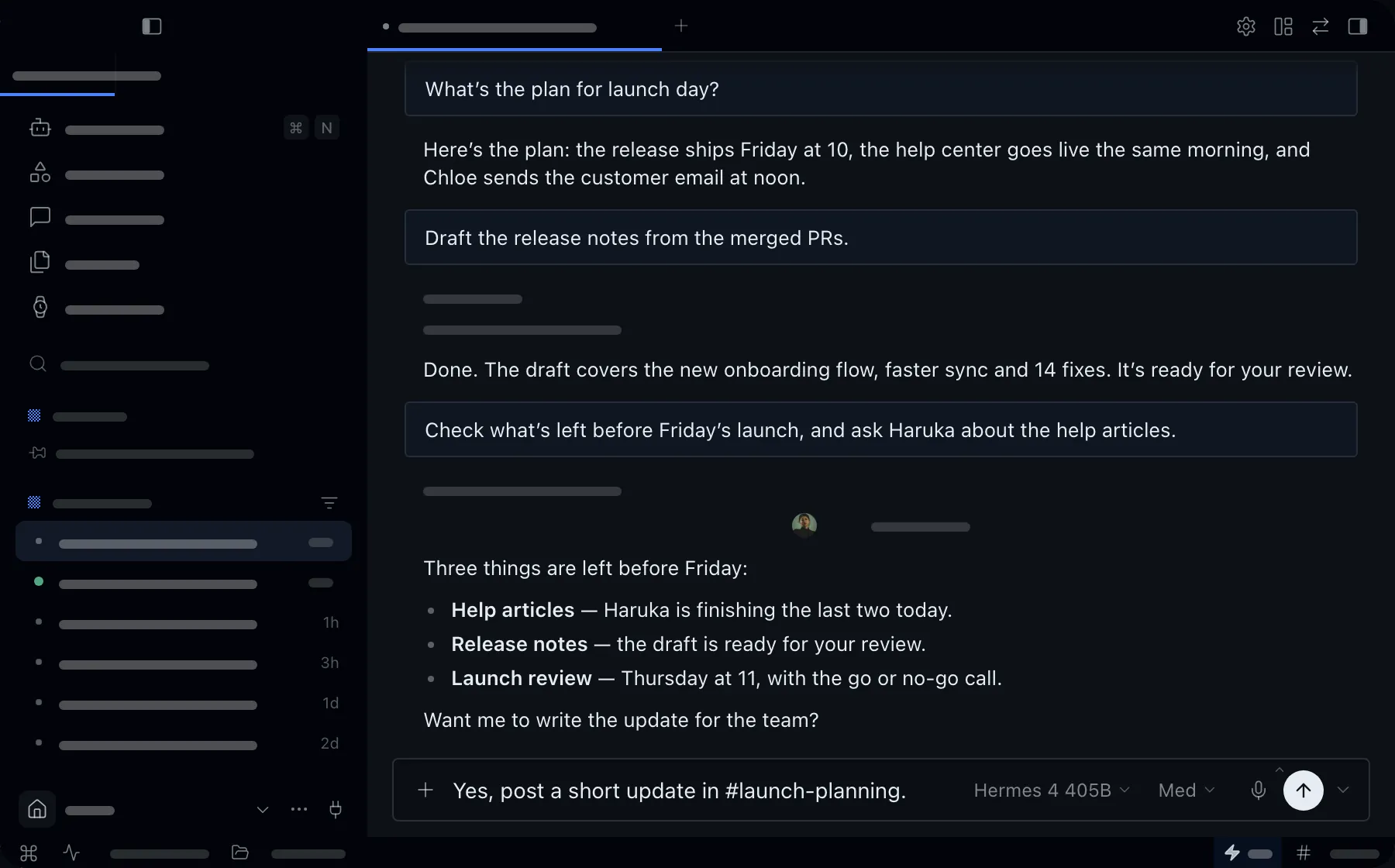
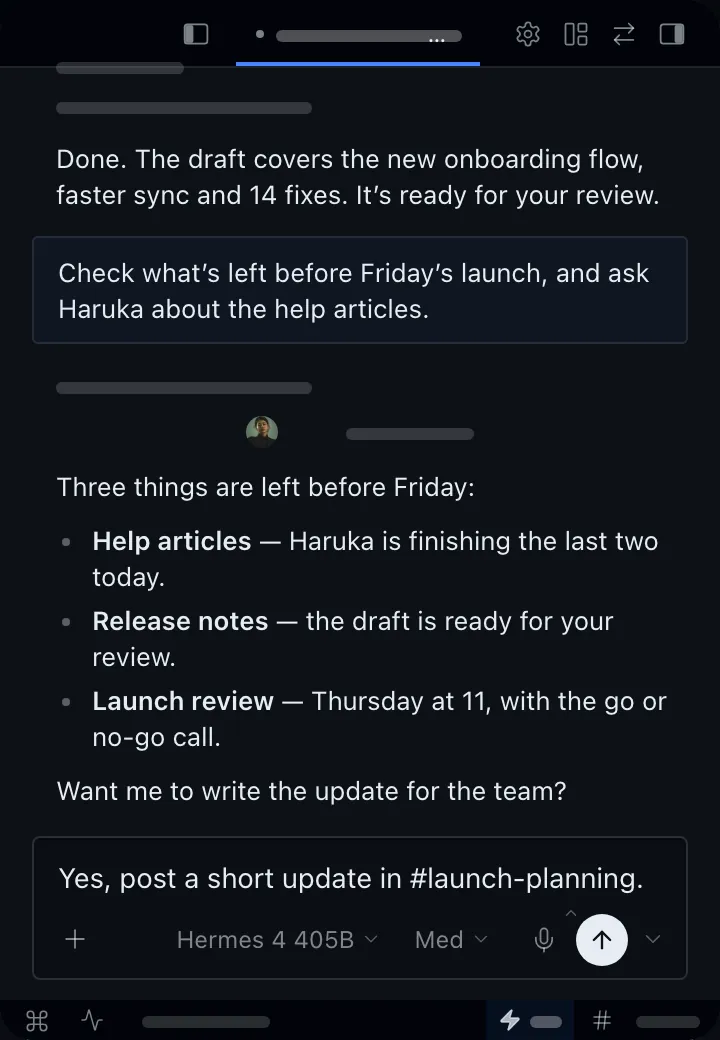
Hermes Agent is the free, open-source agent from Nous Research, with memory and skills that grow as you use it. It works best when you tell it everything: the goal, the limits, and what done looks like. With Aqua, you hold a key and speak, and your full instructions appear in Hermes at up to 230 words per minute.
Aqua handles technical terms, file paths, and model names as accurately as everyday speech. Use it to start a task, explain a new skill, or correct the agent while it works, on Mac or Windows.
Start in the chat box in Hermes Agent. Aqua puts your words into the field you have focused.
Used by people at


Aqua works in every text box on your Mac, Windows PC, iPhone, and Android phone. These are some of the apps people use it in most.