










Ozmen
@nozmen
Aqua Voice: I barely type long prompts now, just talk. Saved ~5 hrs typing in 2 weeks. Much more accurate than macOS dictation.
Slack

Stop switching context. Just speak and send.
Aqua is a system-wide dictation layer for Mac, Windows, and iPhone. Hold a key anywhere in Slack and speak, and your words land in the message box formatted and ready to send: a channel update, a thread reply, a DM, a canvas, or a search.
No, and the microphone button is the reason people think otherwise. That button records an audio clip, a voice memo your teammates have to play. Slack can attach a transcript to the clip afterwards, but there is no composer that types your speech into the message box. On mobile you can tap the mic on your phone keyboard, which is your operating system doing the work, not Slack. On desktop there is nothing. Aqua fills that gap: you hold a key, speak, and text appears in the box, so what your team reads is a message rather than a two-minute recording they have to listen to.
97.3% accuracy on AISpeak, SOC 2 Type II, and 49 languages, on Mac, Windows, and iPhone. Start free with 1,000 lifetime words. Pro is $8 a month billed annually.
Aqua works in every text box on your Mac, Windows PC, and iPhone. These are some of the apps people use it in most.
See every app Aqua works inUsed by people at


Ozmen
@nozmen
Aqua Voice: I barely type long prompts now, just talk. Saved ~5 hrs typing in 2 weeks. Much more accurate than macOS dictation.

James Fong
@jamesfong
3 products that have broken into my forever home. And that's not an easy feat for me: @circlebackai, @aquavoice, and @superset_sh

Jayme Hoffman
@jaymehoffman
@aquavoice has saved me over 2 days of typing

Grzegorz Kossakowski
@gkossakowski
Aqua is a true power tool: quick, reliable and understands your context - they were early at appreciating the value of context engineering.

tz 🏴☠️
@tzmartin
tbh @aquavoice is a vibe coder's delight.. lowest latency, highest quality STT I've used so far

Ferruccio Balestreri
@0xferruccio
For coding prompting with voice nothing beats @aquavoice All the other transcription apps don't work well with code like tailwind class names

mass
@Memetic_Theory
If you're not using @aquavoice you're moving 15% slower than you could

juan
@juanbuis
this is why @aquavoice is better than all other AI transcription apps it actually writes like you talk

jaxn
@jackson_felty
@aquavoice is a prime example of how much better a product can be when the team focuses on making one simple use case incredible

Tulsi Prasad ⚡️
@thebuildguy
Unpaid shout out — @aquavoice is probably one of my most used tool that has saved me quite literally a day of time!
Get started with
1,000 free words
Avalon transcription model
Advanced features that give you more control, more accuracy, and a voice-to-text experience designed for the way you work.
[01]
Powered by Avalon
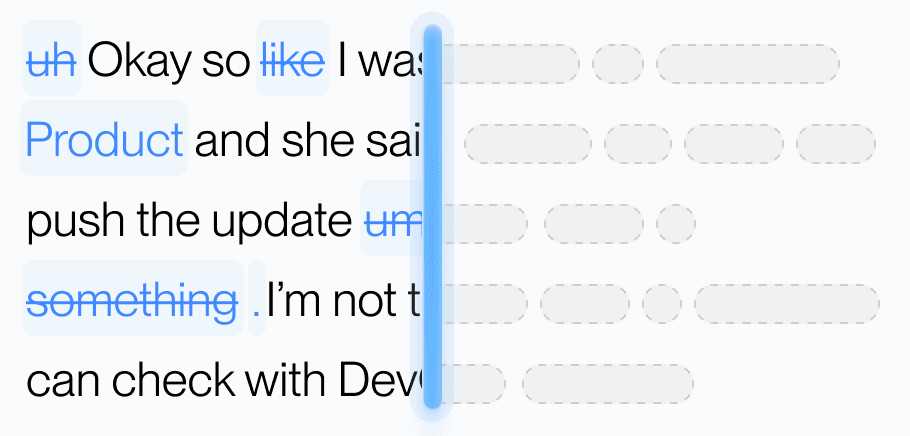
Aqua’s model trained on real workflows to understand natural speech, correct grammar, and preserve every word while refining your text in real time.
[02]
dictionary
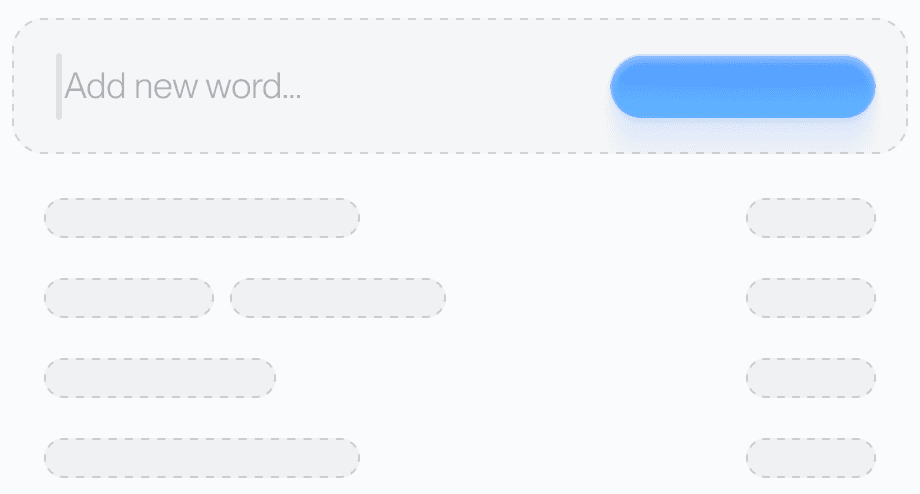
Teach Aqua the words you use most, like names, brands, or technical terms, and watch accuracy improve instantly.
[03]
Custom prompting
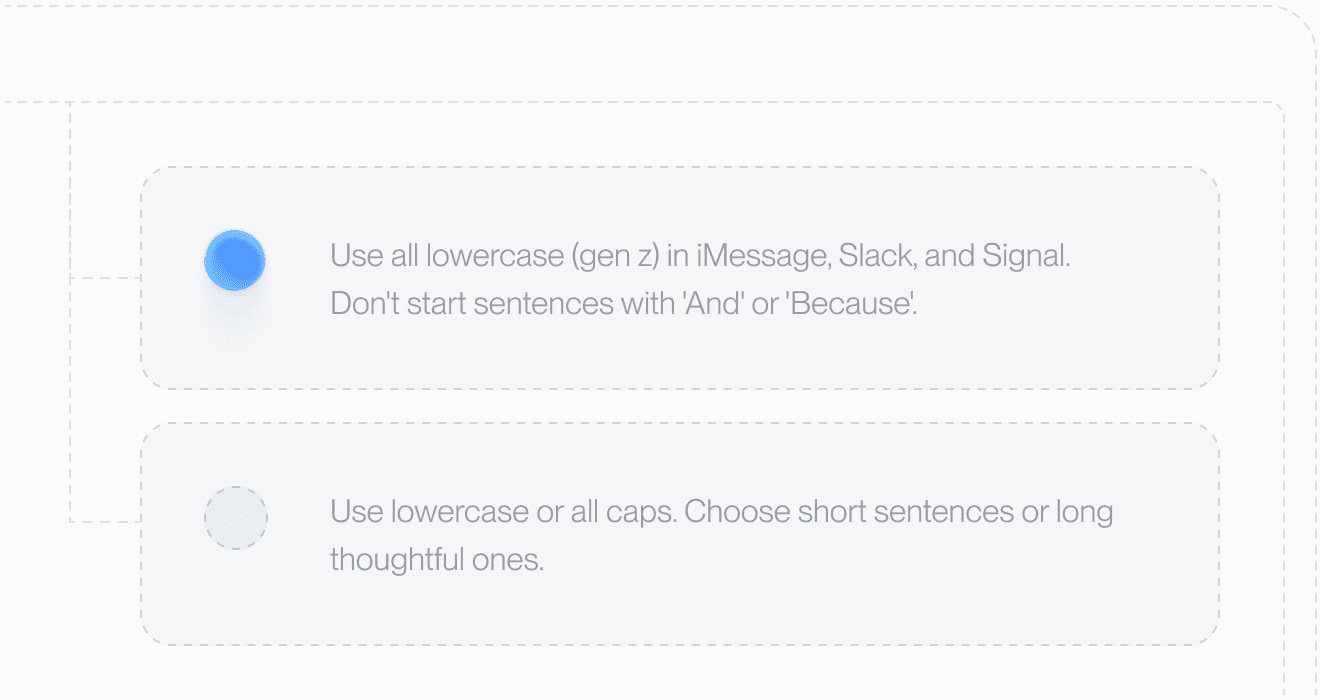
Set your tone and rules. From lowercase Slack messages to structured docs, Aqua adapts to your preferences automatically.
[04]
49 Languages

Understands 49 languages with clarity and precision, adapting naturally to how you speak.
[05]
Private History
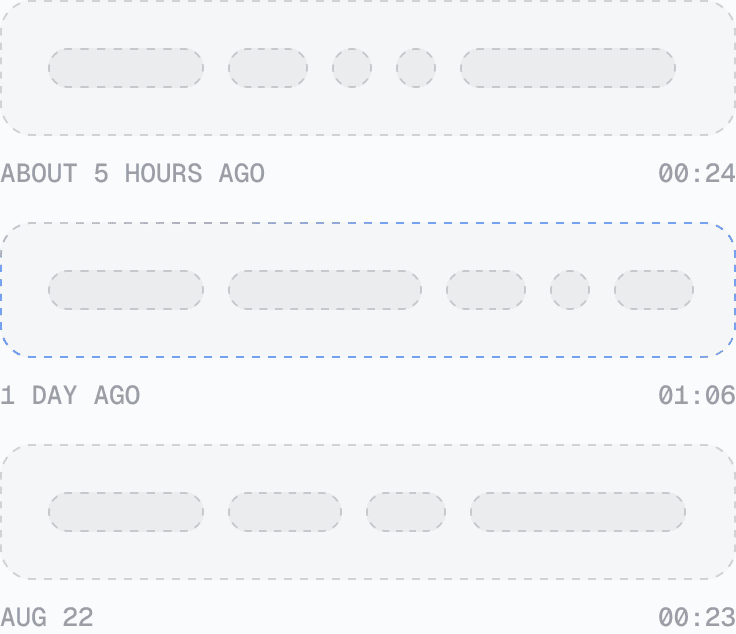
Access your past transcripts any time. Turn on Privacy Mode and nothing is stored on our servers at all.
[06]
Better Accuracy
Aqua
NVIDIA
Whisper
ElevenLabs
AssembyAI
Swap Whisper for Avalon in two lines and hit 97.3% accuracy on AISpeak. Learn how Avalon works.