



@0xferruccio
For coding prompting with voice nothing beats @aquavoice All the other transcription apps don't work well with code like tailwind class names
Clear your inbox by speaking your replies.
Hold a key. Speak your thoughts. Keep your flow.
Aqua is a system-wide dictation layer for Mac, Windows, iPhone, and Android. On a Mac or Windows PC, hold a key with a Gmail compose window open and speak, and your reply appears in the body, formatted and ready to send. It works the same way in the subject line and the search box.
 Gmail
GmailThanks for the update. Tuesday at two works for me. Please send the agenda ahead of time so I can bring the right numbers to the discussion.
Start in the body of a draft or reply. Aqua puts your words into the field you have focused.
[01]
[02]
[03]
[04]
[05]
Not on desktop. Google's voice typing is scoped to Docs and Slides; the Gmail compose window has no microphone at all. On your phone you can tap the mic on the keyboard, but that is iOS or Android doing the work rather than Gmail. So the usual desktop options are a Chrome extension, macOS Dictation, or Windows voice typing. Aqua is the same idea done properly: it works in Gmail, and in every other app on the machine, it reads the thread you are replying to so the tone matches, and it keeps names and company terms right through a custom dictionary.
97.4% key-term accuracy on AISpeak-10, a SOC 2 Type II audit report, and 49 languages, on Mac, Windows, iPhone, and Android. Start free with 1,000 lifetime words. Pro is $8 a month billed annually.
Powered by Avalon
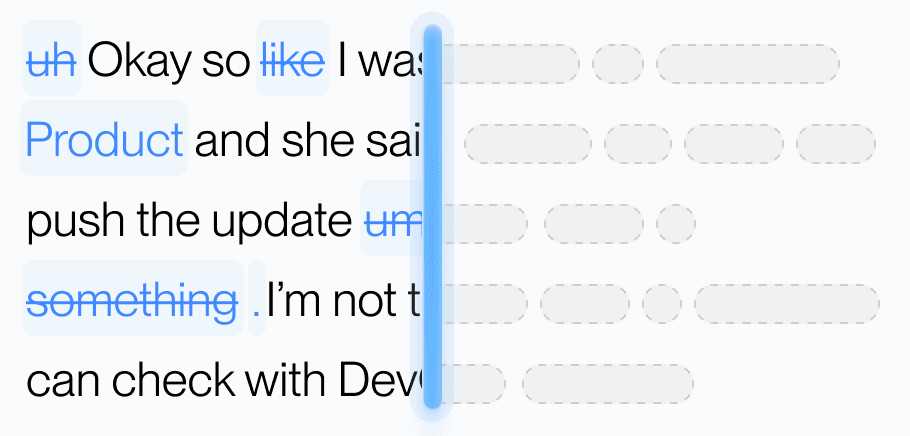
Aqua’s model trained on real workflows to understand natural speech, correct grammar, and preserve every word while refining your text in real time.
Dictionary
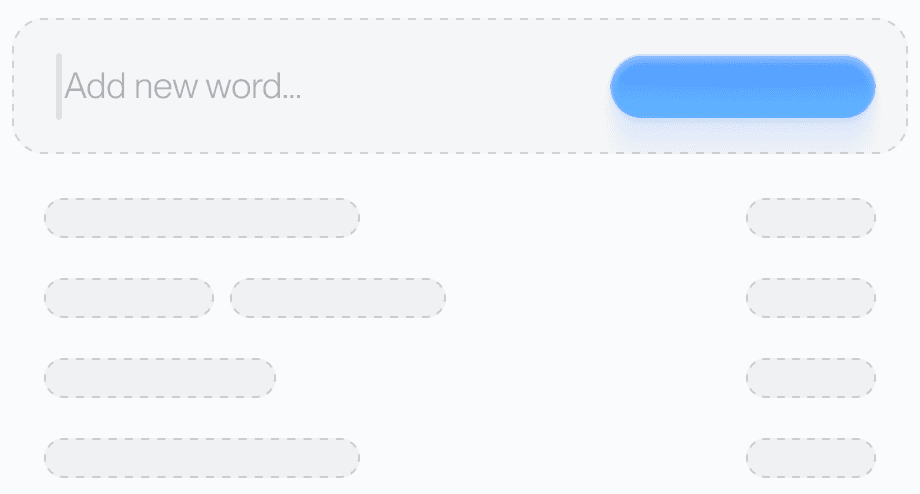
Teach Aqua the words you use most, like names, brands, or technical terms, and watch accuracy improve instantly.
Custom prompting
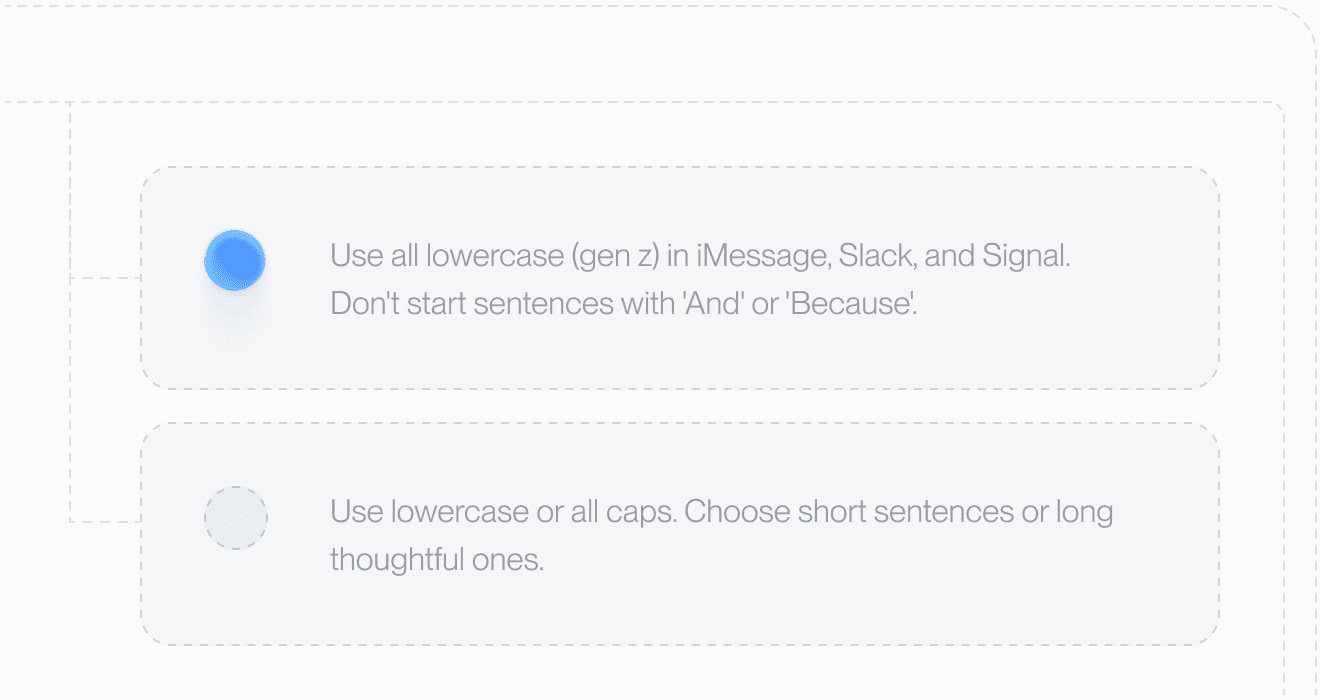
Set your tone and rules. From lowercase Slack messages to structured docs, Aqua adapts to your preferences automatically.
49 Languages

Understands 49 languages with clarity and precision, adapting naturally to how you speak.
Private History
Access your past transcripts any time. Turn on Privacy Mode and nothing is stored on our servers at all.
Better Accuracy
AISpeak-10 · English technical-term recognition. Method and Results
Avalon scored 97.4% key-term accuracy on AISpeak-10, our English technical-speech benchmark. Learn How Avalon Works.
Used by people at


Not on desktop. Google's voice typing feature covers Docs and Slides, and the Gmail compose window has no microphone. Mobile uses your phone keyboard's mic, which is the operating system rather than Gmail.
No. Aqua is a desktop app that types into whatever field has focus, so it works in Gmail in any browser, and in the Gmail app on iPhone and Android.
Aqua reads the thread you are replying to and matches it: professional for client correspondence, direct for internal threads.
Yes. Aqua runs on Mac, Windows, iPhone, and Android.
Free includes 1,000 words. With annual billing, Pro is $8 per month, Max is $24 per month, and Business is $19 per seat per month with a minimum of 2 seats.
Aqua works in every text box on your Mac, Windows PC, iPhone, and Android phone. These are some of the apps people use it in most.
 Apple Mail voice dictation
 Outlook voice dictation
 Superhuman voice dictation
 Antigravity voice dictation
 ChatGPT voice dictation
 Claude voice dictation
 Claude Code voice dictation
 Codex voice dictation
 Cursor voice dictation
 Gemini voice dictation
 Perplexity voice dictation
 VS Code voice dictation


