



@0xferruccio
For coding prompting with voice nothing beats @aquavoice All the other transcription apps don't work well with code like tailwind class names
Speak your commands into macOS Terminal with precision.
Hold a key. Speak your thoughts. Keep your flow.
The Terminal is unforgiving. One wrong character and the command fails. Aqua brings both speed and accuracy to every input: hold a key, speak your command, and it lands in the prompt correctly at up to 230 words per minute. Less retyping, fewer mistakes, the same precise control.
Aqua understands the structure of terminal commands. Flags, file paths, environment variables, and shell syntax transcribe accurately so you can focus on what you want to run rather than how to type it. Use it for anything from a quick file operation to a multi-step script and keep your workflow uninterrupted.
 Terminal
Check which files changed in the current branch. Summarize the changes and flag anything unrelated to the navigation update.
Start in the input for a coding agent running inside Terminal. Aqua puts your words into the field you have focused.
[01]
[02]
[03]
97.4% key-term accuracy on AISpeak-10, a SOC 2 Type II audit report, and 49 languages, on Mac, Windows, iPhone, and Android. Start free with 1,000 lifetime words. Pro is $8 a month billed annually.
Powered by Avalon
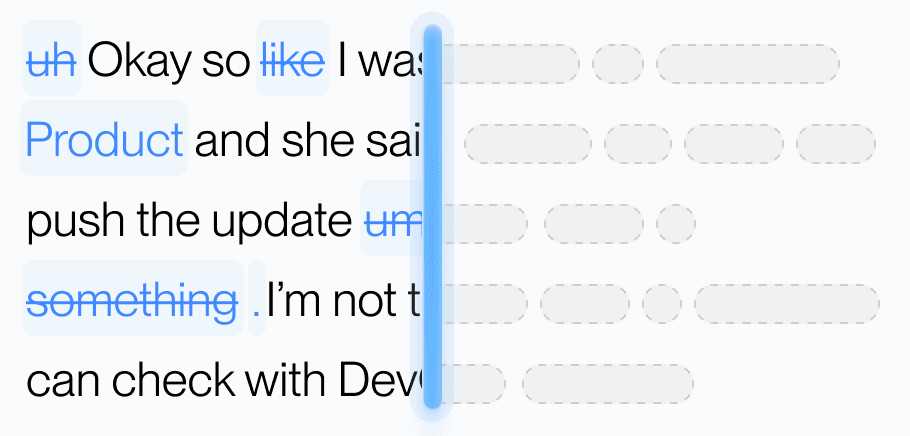
Aqua’s model trained on real workflows to understand natural speech, correct grammar, and preserve every word while refining your text in real time.
Dictionary
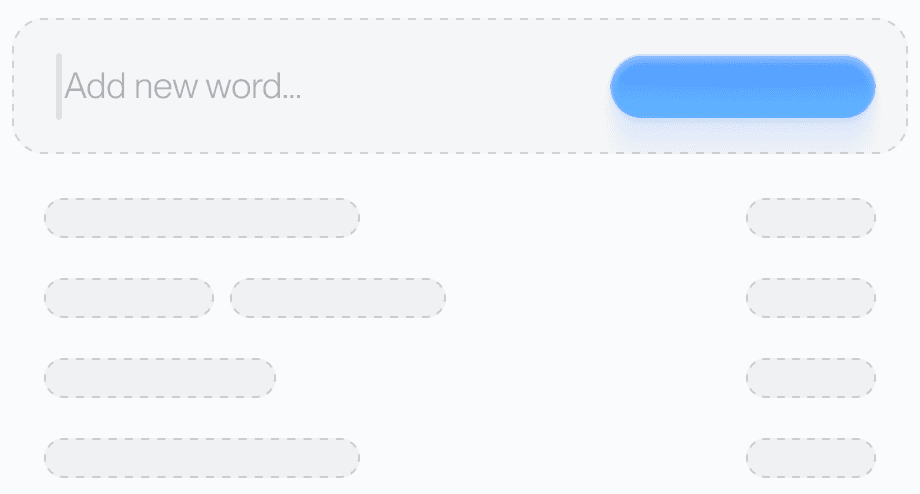
Teach Aqua the words you use most, like names, brands, or technical terms, and watch accuracy improve instantly.
Custom prompting
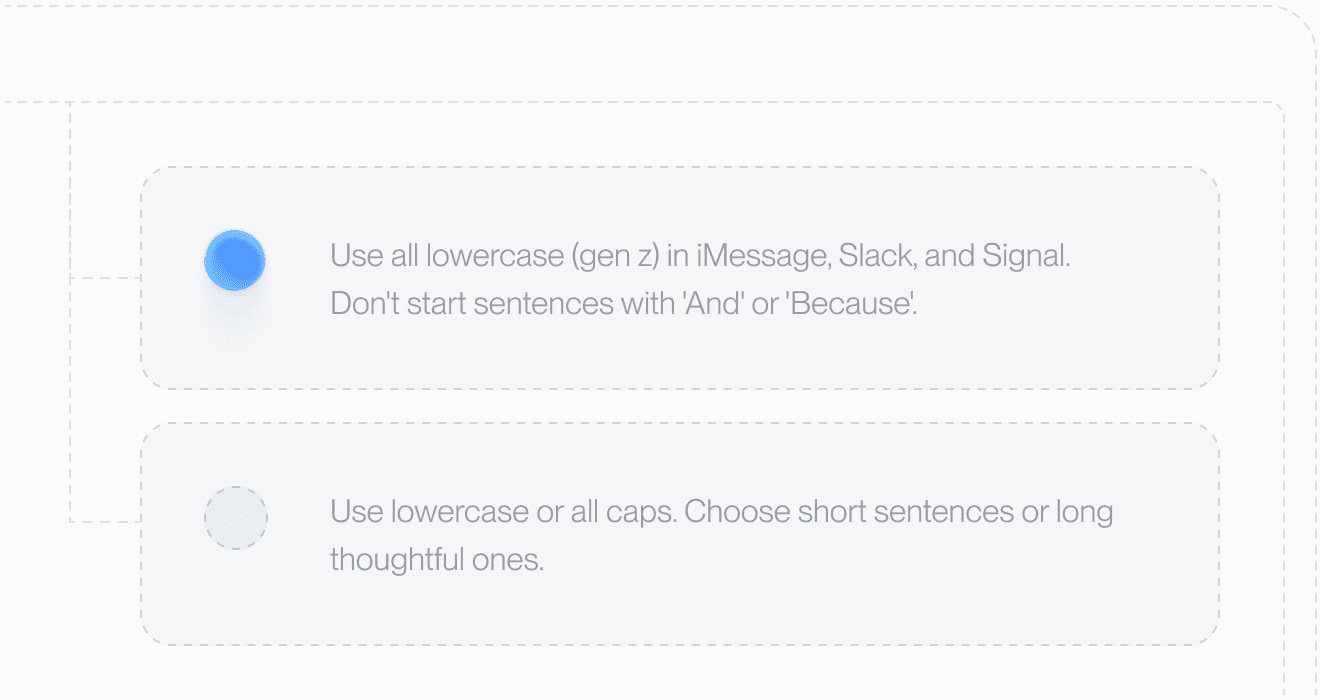
Set your tone and rules. From lowercase Slack messages to structured docs, Aqua adapts to your preferences automatically.
49 Languages

Understands 49 languages with clarity and precision, adapting naturally to how you speak.
Private History
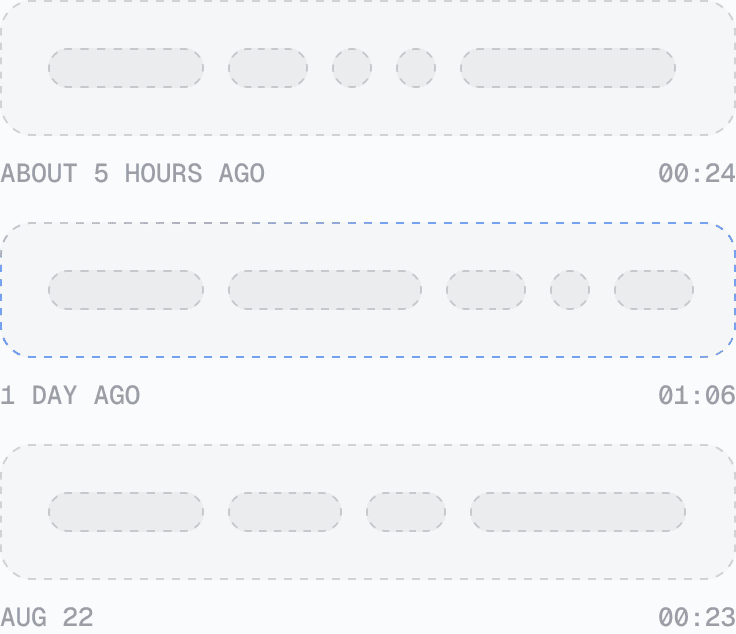
Access your past transcripts any time. Turn on Privacy Mode and nothing is stored on our servers at all.
Better Accuracy
AISpeak-10 · English technical-term recognition. Method and Results
Avalon scored 97.4% key-term accuracy on AISpeak-10, our English technical-speech benchmark. Learn How Avalon Works.
Used by people at


Aqua works in every text box on your Mac, Windows PC, iPhone, and Android phone. These are some of the apps people use it in most.
 Ghostty voice dictation
 iTerm voice dictation
 Warp voice dictation
 Antigravity voice dictation
 ChatGPT voice dictation
 Claude voice dictation
 Claude Code voice dictation
 Codex voice dictation
 Cursor voice dictation
 Gemini voice dictation
 Perplexity voice dictation
 VS Code voice dictation


