
@0xferruccio
For coding prompting with voice nothing beats @aquavoice All the other transcription apps don't work well with code like tailwind class names
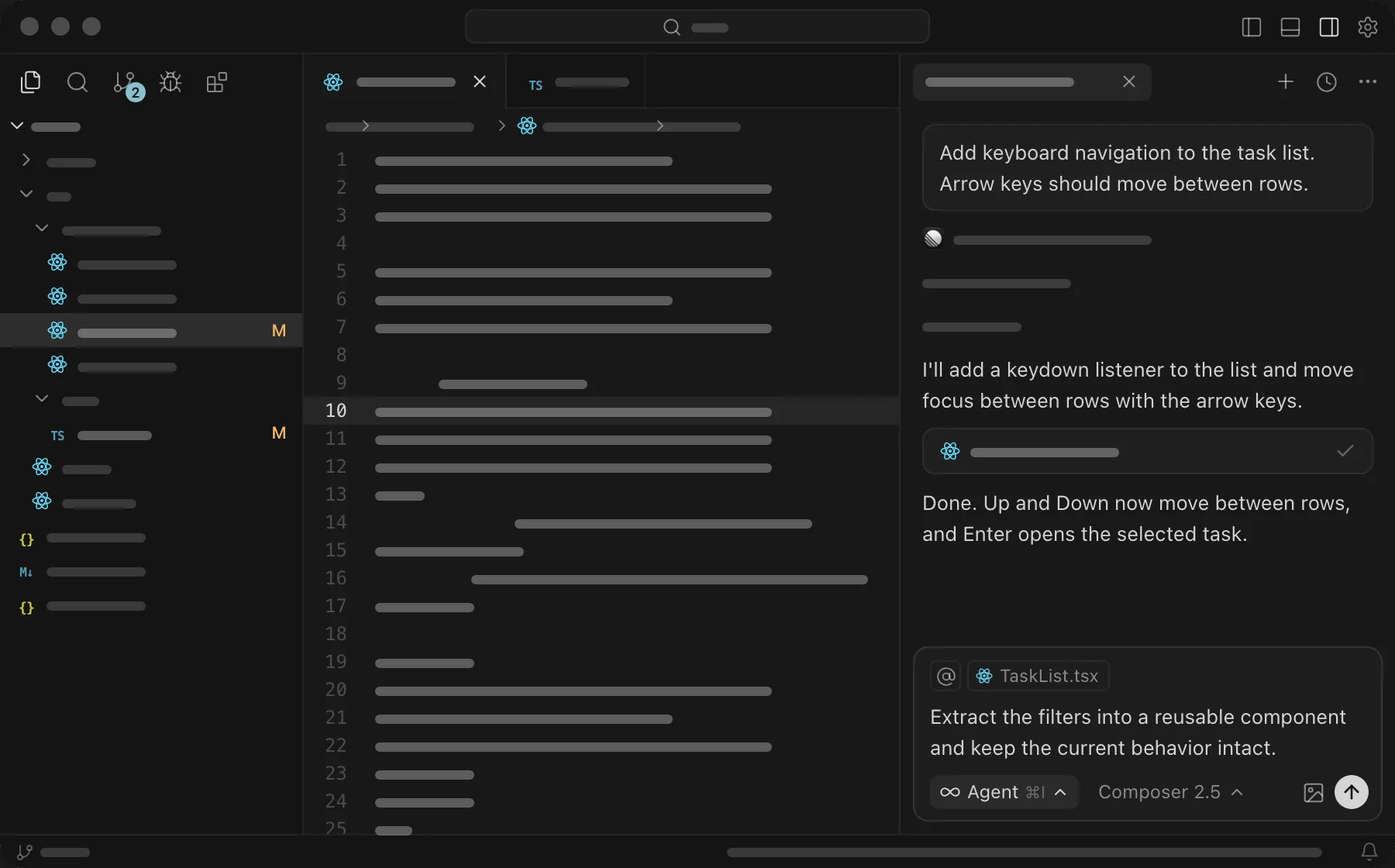
Aqua is a system-wide dictation layer for Mac, Windows, iPhone, and Android. On a Mac or Windows PC, hold a key anywhere in Cursor and speak, and your words land in whatever field has focus: the Agent prompt, Cmd+K, an inline comment, a commit message, or the integrated terminal. No copy and paste, no separate window.
Yes, partly. Cursor ships native voice input on Cmd+Shift+Space: you speak, and the transcript drops into the Agent input. It is genuinely useful, and if prompting the agent is all you need, it may be enough. The limit is scope. Voice input fills the Agent prompt, so the rest of Cursor stays a typing job: Cmd+K, inline comments, docstrings, commit messages, PR descriptions, and the integrated terminal. Aqua sits below the app instead of inside it, so the same key works in every one of those fields, and in every other app on your machine.
Read the Full Guide to Voice Coding in CursorStart in the Agent prompt field. Aqua puts your words into the field you have focused.
Used by people at


Yes. Aqua types into whatever field has focus, so the same key works in the Agent prompt, Cmd+K, the editor, commit messages, and the integrated terminal.
Cursor's voice input fills the Agent prompt. Aqua works in every field in Cursor and in every other app on your machine, adds a custom dictionary for your own vocabulary, and supports 49 languages.
Yes. Aqua is tuned for technical speech and reads the context on your screen, and anything it does not know by default can go in your custom dictionary.
Yes. Aqua runs on Mac, Windows, iPhone, and Android.
Free includes 2,000 words. With annual billing, Pro is $10 per month, Max is $19 per month, and Business is $19 per seat per month with a minimum of 2 seats.
Aqua works in every text box on your Mac, Windows PC, iPhone, and Android phone. These are some of the apps people use it in most.