Best Speech-to-Text for Cursor (2026)
By Finnian Brown
7 min read
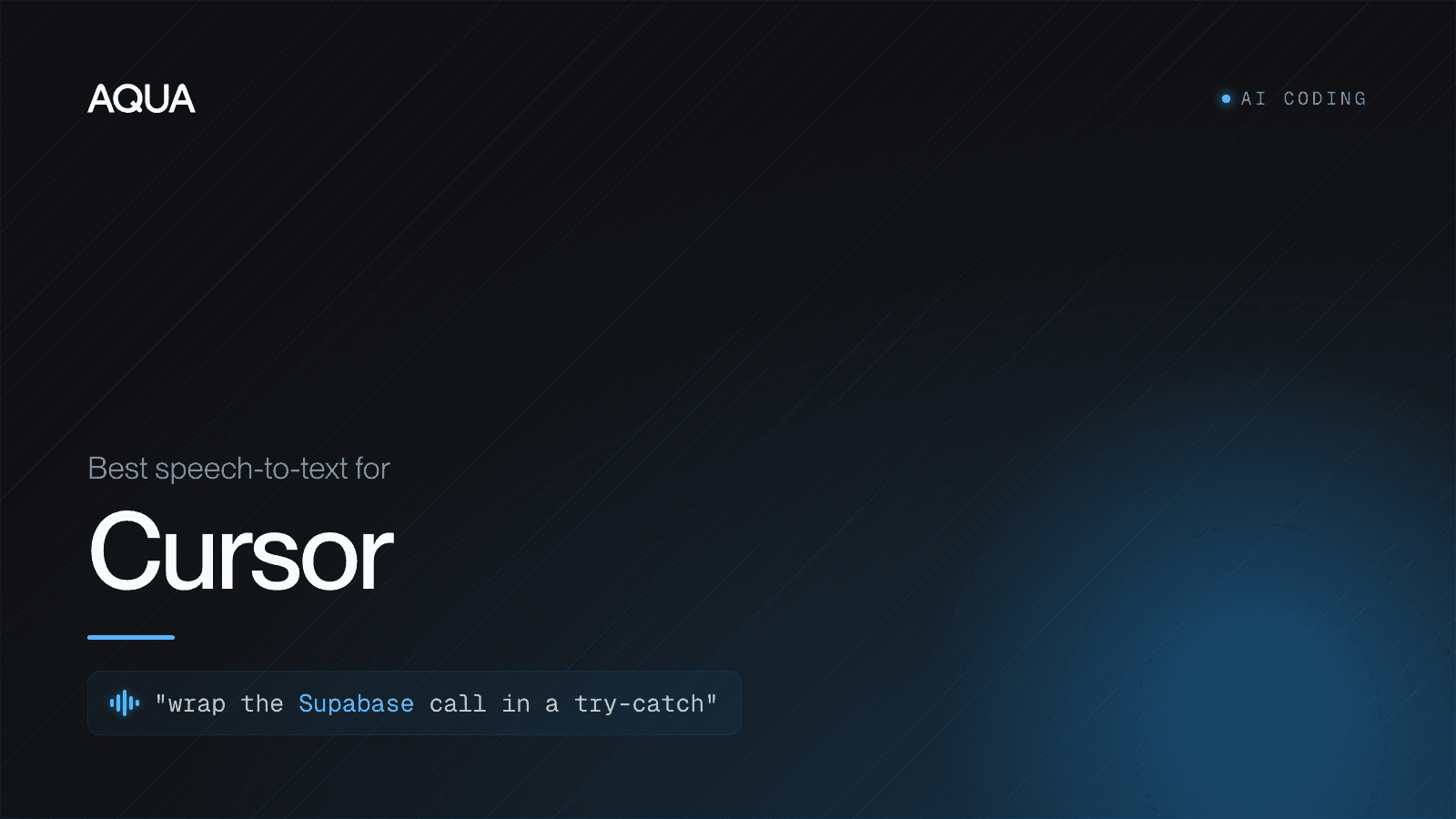
The best speech-to-text for Cursor in 2026 is a system-wide dictation layer that works the same in Chat, the Agents Window, inline edit (Cmd+K) and the integrated terminal, and gets code-specific words right: function names, library names, file paths and CLI flags. Stop typing your prompts and start speaking them.
Generic dictation fumbles exactly those words, which is why a developer-tuned model matters more than raw word count. Cursor's own Voice Mode (added in Cursor 2.0, October 2025) only dictates into the Agent prompt, not Chat, inline edit (Cmd+K), or the integrated terminal. That single-surface gap is the whole opportunity here, because Cursor is now an editor you talk to across every surface, not just type in.
Why voice and Cursor fit together now
Cursor 3 landed on April 2, 2026 with an Agents Window, Composer 2 and a redesigned agent-first workflow. The center of gravity moved from "autocomplete my keystrokes" to "describe what you want and let an agent do it." Across every surface that matters, the input is now a sentence of plain English:
- Chat / Ask (Cmd+L) for questions, explanations and plans
- The Agents Window for multi-file changes and autonomous edits
- Inline edit (Cmd+K) for a targeted change right where the cursor sits
- The integrated terminal for the commands the agent suggests
Every one of those is a place you state intent in natural language. Typing a paragraph of context to an agent is slow. Speaking it is not. People talk at roughly 150 words per minute and type at 40 to 60, and an agent prompt is usually two or three sentences of nuance that are tedious to type and effortless to say.
So the question is not "should I dictate to Cursor." It is "which speech-to-text actually keeps up with how a developer talks."
What makes dictation good for code specifically
Most speech-to-text was trained on audiobooks, podcasts and news. That distribution has almost no useEffect, no pnpm, no git rebase --onto, no kubectl. So general models guess, and they guess wrong on the exact tokens a developer says all day.
A dictation tool earns the "best for Cursor" label on four things:
- Technical-vocabulary accuracy. It transcribes
getServerSideProps,tRPC,Tailwind,Supabaseandnpxas written, not "get server side props" prose or a phonetic mangle. Aqua is built on its own proprietary model, Avalon, trained on human-computer-interaction speech (prompts, code, email) rather than audiobooks. In a 9to5Mac side-by-side against built-in macOS Dictation on the same passage, Apple made 17 errors and Aqua made 1. - Context awareness. Aqua's Deep Context reads what is on screen, so when your Cursor buffer is full of a library's identifiers, the transcription leans toward those terms instead of their English near-homophones.
- One layer, every surface. You should not need one trick for Chat and another for the terminal. A system-wide tool inserts text wherever the cursor is, so the same hotkey works in the Agents Window, in Cmd+K and in a
zshprompt. - Speed. Aqua inserts text in roughly 450ms after you release the key. At agent tempo, where you fire many short instructions, that latency is the difference between flow and waiting.
On independent footing: Avalon placed #1 among proprietary models on the OpenASR leaderboard (its Oct 2025 debut). Aqua's own AISpeak benchmark, which we label self-reported, puts Avalon at 97.3% on AI and coding jargon versus far lower scores for general-purpose engines.
How to set up voice dictation in Cursor (step by step)
You do not configure anything inside Cursor. Because Aqua is a system-wide layer, the setup is at the OS level and then it "just works" in every Cursor surface.
- Install Aqua for macOS or Windows and sign in. (There is an iOS keyboard too, but Cursor is a desktop editor, so you want the desktop app here.)
- Grant accessibility / input permission when prompted, so Aqua can insert text into other apps. On macOS this is System Settings > Privacy & Security > Accessibility.
- Pick your push-to-talk key. The default is Fn (hold to record, release to insert). Hold-to-talk beats a toggle for coding because your bursts are short.
- Open Cursor and click into any input that takes text: the Chat box, the Agents Window prompt, the Cmd+K inline-edit field, or the integrated terminal.
- Hold Fn, speak your instruction, release. The text appears at the cursor. Press Enter to send it to the agent.
That is the whole loop. There is no Cursor extension to install and no per-app integration, which is the point: the same muscle memory works in Slack, Gmail and your browser the moment you leave Cursor.
A real example in the Agents Window
Click into the Agents Window prompt, hold Fn, and say:
"In the auth middleware, wrap the Supabase client call in a try-catch, log the error with our logger util, and return a 401 instead of throwing."
Release. The full instruction lands in the box as written, including Supabase, try-catch, 401 and middleware. You read it, fix nothing, and hit Enter. Compare that to typing it out while you are mid-thought.
Inline edit (Cmd+K) by voice
Select a function, press Cmd+K, hold Fn and say "make this async and add JSDoc for each parameter." The instruction goes straight into the inline-edit field. For the tight, repetitive edits Cmd+K is built for, speaking the instruction is noticeably faster than reaching back to the keyboard to type it.
Dictating code accurately: a few habits
Voice is for intent, not for spelling out characters one by one. The trick is to describe at the level the agent already understands:
- Say "the use-effect hook" and let the model and Cursor's agent resolve casing. You are talking to an AI that knows
useEffect; you do not need to spell it. - For symbols, speak them naturally: "open paren," "arrow function," "dot map." Aqua's coding-tuned model handles the common ones in context.
- Add anything you say constantly (your repo name, an internal library, a teammate's handle) to Aqua's Custom Dictionary (up to 800 entries on Pro) so it is locked in every time.
- Use Custom Instructions for standing style, for example "keep prose lowercase in commit messages" or "always spell out CLI flags."
You will still type the occasional exact token. That is fine. The win is that 90% of what you send an agent is reasoning and instruction, and that is what voice is fastest at.
How Aqua compares for Cursor users
The Cursor SERP is crowded with tools that say "works in Cursor." Most do, because system-wide insertion is table stakes. The differences that matter for an agent-era editor:
- Accuracy on identifiers and jargon, which is Avalon's design goal, not an afterthought.
- Price. Aqua Pro is $8/mo billed annually, with a 70% student discount on a .edu email. See how it stacks up against Wispr Flow.
- An API for your own tooling. If you want to build voice into an internal tool or agent, the Avalon API is an OpenAI-compatible endpoint at $0.39 per hour of audio.
One honest caveat: Aqua is cloud-based, so it needs a network connection. On a plane with no Wi-Fi, an on-device tool wins. For everyday Cursor work on a connected machine, the accuracy and speed trade is worth it.
For the full feature tour, see the Aqua guide.
The bottom line
Cursor turned coding into a conversation with an agent. The best speech-to-text for Cursor is the one that keeps that conversation fast and gets the technical words right, in every surface, with one hotkey. That is what Aqua is built for. We have typed for 150 years. In an editor you talk to, it is finally time to speak.
FAQ
Does Cursor have built-in voice dictation? Partly. Cursor 2.0 (October 2025) added a native Voice Mode, but it only dictates into the Agent prompt, not Chat, inline edit (Cmd+K), or the integrated terminal. A system-wide speech-to-text tool like Aqua inserts text into every Cursor surface, Chat, Agent, Cmd+K and the terminal, with one hotkey and no extension.
What is the most accurate speech-to-text for coding in Cursor? Accuracy on code-specific words is the deciding factor. Aqua runs its own Avalon model, trained on prompts and code rather than audiobooks, and placed #1 among proprietary models on the OpenASR leaderboard at its October 2025 debut. In a 9to5Mac test it made 1 error where macOS Dictation made 17.
Can I dictate prompts to Cursor's Agent? Yes. Click into the Agents Window prompt, hold your push-to-talk key (Fn by default), speak the instruction, and release. The full text lands in the box for you to review and send.
How much does Aqua cost for Cursor users? Aqua Pro is $8/mo billed annually, with a free Starter tier (1,000 words) to try it and a 70% student discount with a .edu email. There is also an Avalon API at $0.39 per hour of audio if you want to build voice into your own tools.