
@0xferruccio
For coding prompting with voice nothing beats @aquavoice All the other transcription apps don't work well with code like tailwind class names
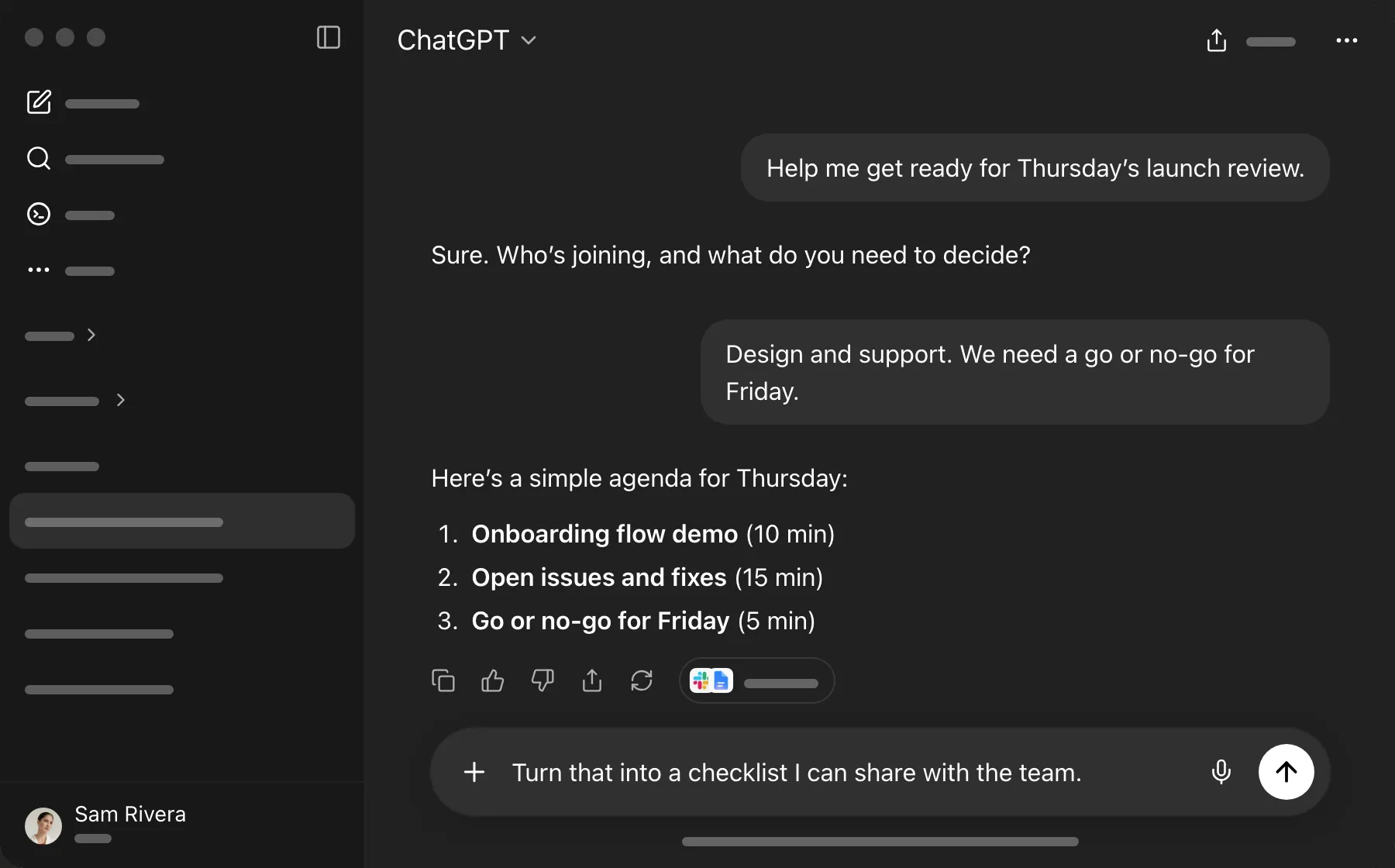
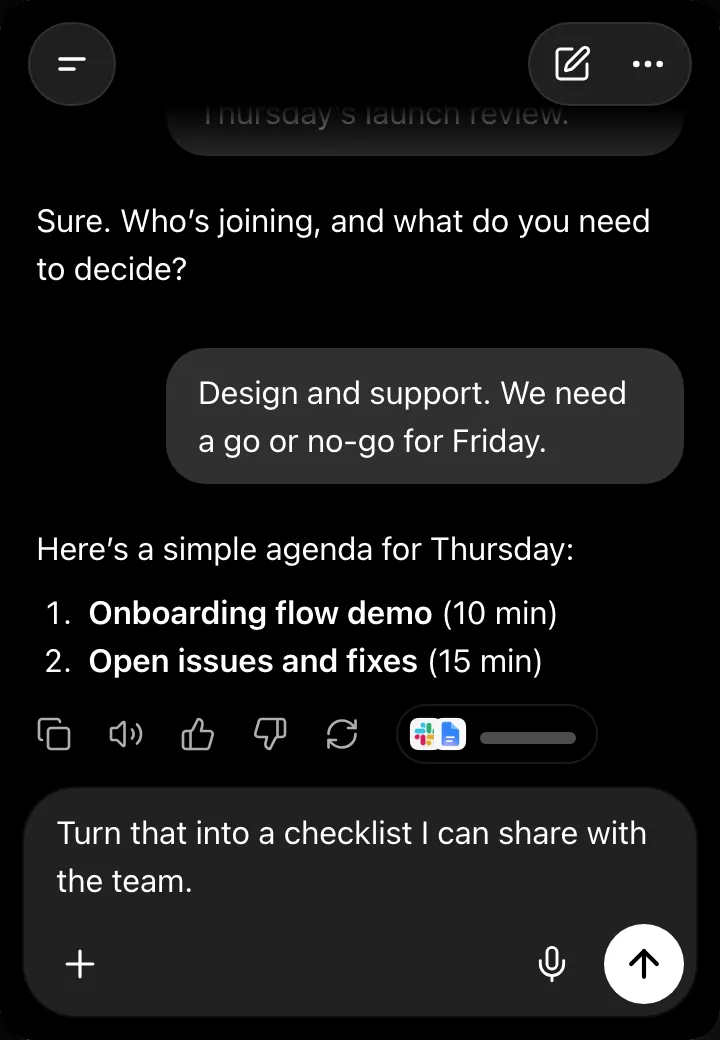
Aqua is a system-wide dictation layer for Mac, Windows, iPhone, and Android. On a Mac or Windows PC, hold a key with ChatGPT open and speak, and your prompt appears in the box, fully formed and ready to send, at up to 230 words per minute.
Yes. ChatGPT has a dictation button in the composer and a separate Voice Mode for talking to the model conversationally. Both work. The reason people still reach for something else is that ChatGPT's dictation is ChatGPT's: it stops at the edge of that text box. The prompt you paste into Claude next, the Slack message summarising the answer, the commit message, the document you are actually writing, all of it goes back to typing. Aqua is one key for every text field on the machine, with a custom dictionary and 49 languages, so the way you get words out does not change when you change app.
Start in the prompt box. Aqua puts your words into the field you have focused.
Used by people at


Yes, both a dictation button in the composer and a conversational Voice Mode. Aqua's difference is that the same key works in every other app too, with a custom dictionary and 49 languages.
No. Voice Mode is a spoken conversation with the model. Aqua turns your speech into text in the prompt box, which you can read and edit before you send.
Yes. Aqua types into whatever field has focus, including Canvas and Custom Instructions.
Yes. Aqua runs on Mac, Windows, iPhone, and Android.
Free includes 2,000 words. With annual billing, Pro is $10 per month, Max is $19 per month, and Business is $19 per seat per month with a minimum of 2 seats.
Aqua works in every text box on your Mac, Windows PC, iPhone, and Android phone. These are some of the apps people use it in most.