
@0xferruccio
For coding prompting with voice nothing beats @aquavoice All the other transcription apps don't work well with code like tailwind class names
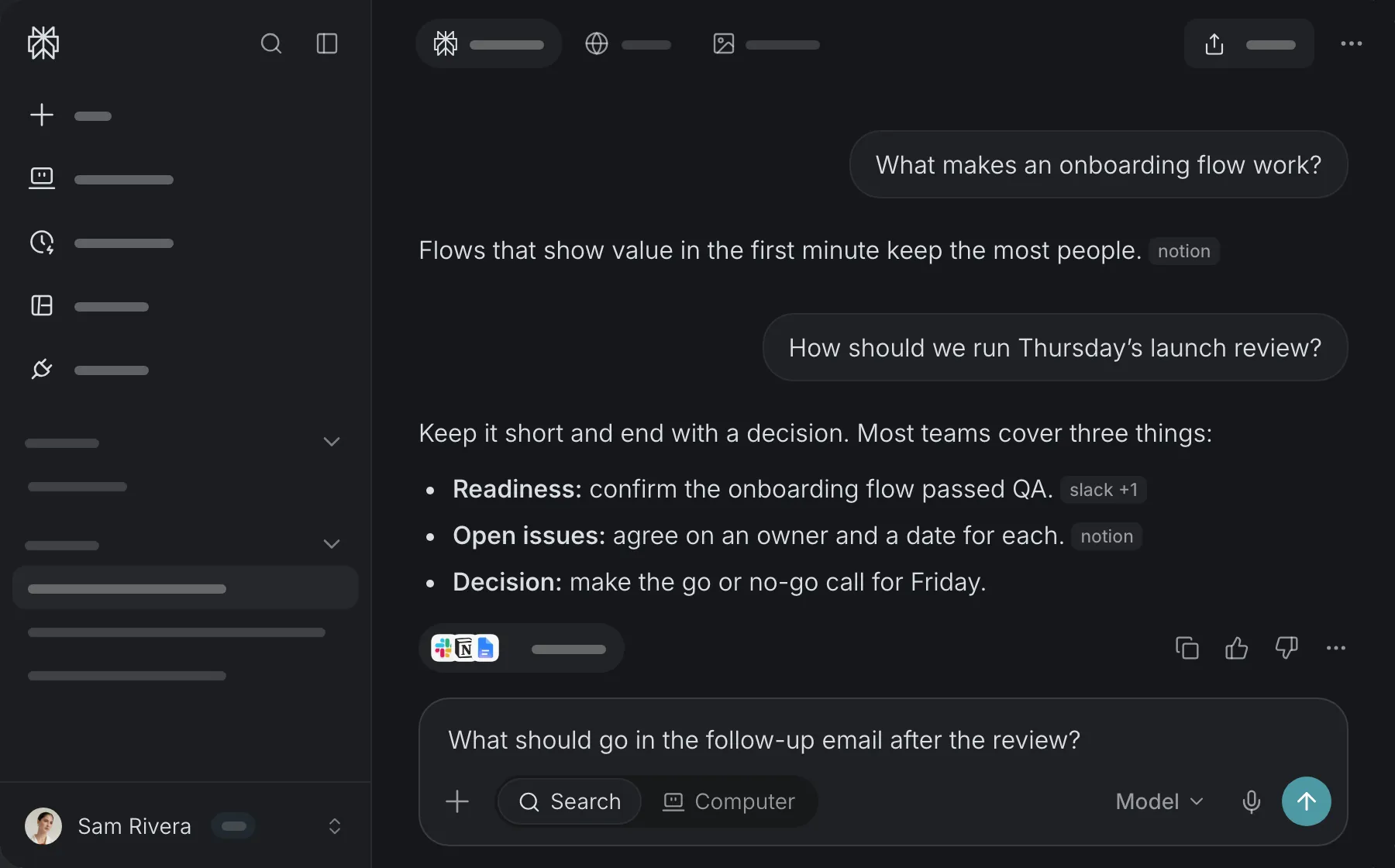
Perplexity rewards a well-formed question. The more specific and detailed your query, the sharper the answer. With Aqua, you hold a key and speak your question in full at up to 230 words per minute. No truncating your thoughts to save yourself typing. Ask exactly what you mean.
Aqua understands you are searching for information and keeps proper nouns, technical terms, and research vocabulary accurate. Use it to ask follow-up questions, refine your searches, and explore topics in depth without ever slowing down to type out the full thing.
Start in the question field. Aqua puts your words into the field you have focused.
Used by people at


Aqua works in every text box on your Mac, Windows PC, iPhone, and Android phone. These are some of the apps people use it in most.