
@0xferruccio
For coding prompting with voice nothing beats @aquavoice All the other transcription apps don't work well with code like tailwind class names
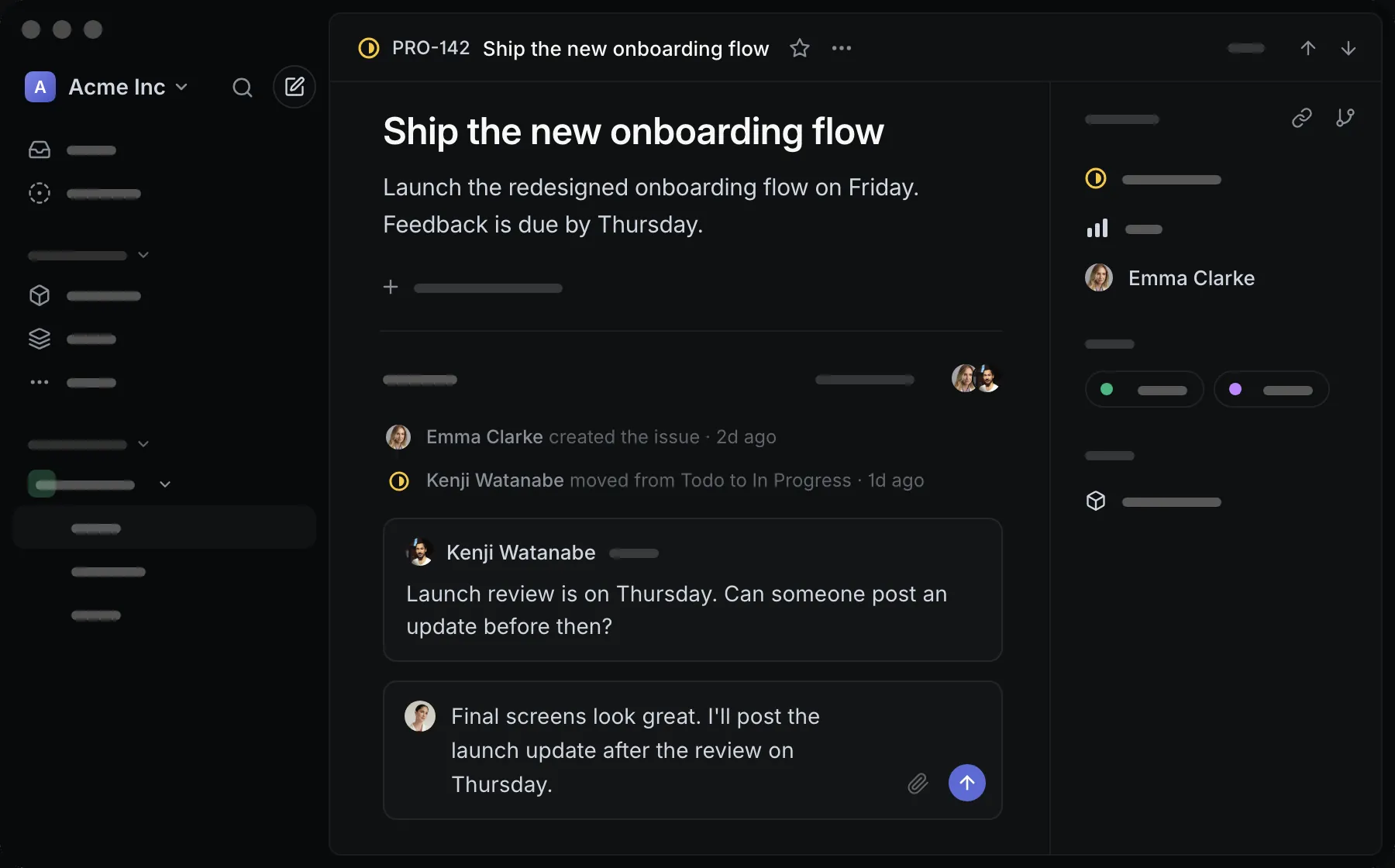
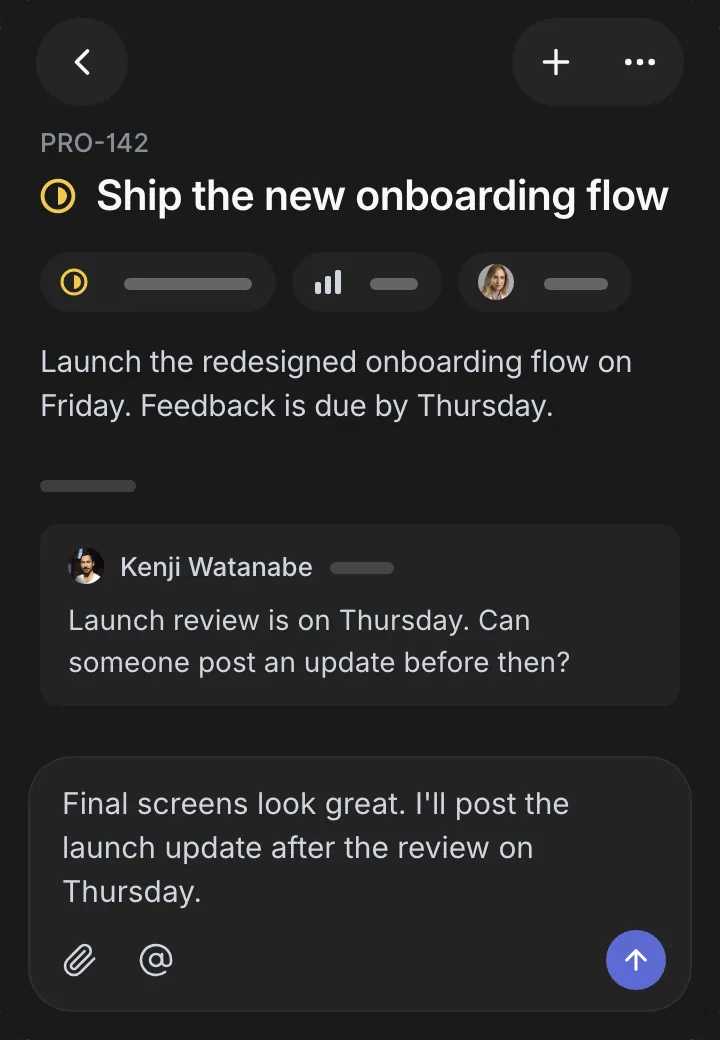
Linear keeps engineering teams moving fast, but writing up issues, status updates, and comments still takes time. With Aqua, you hold a key and speak. Your text lands in any Linear input at up to 230 words per minute. Create a detailed issue, leave a precise comment, or update a project status without slowing your workflow to write it all out.
Aqua understands the language of product and engineering work. It handles feature names, component references, sprint terminology, and team-specific vocabulary accurately. Use your custom dictionary for product names, team members, and the shorthand your team uses every day so every Linear entry is clear and precise from the first word.
Start in the description field of an issue. Aqua puts your words into the field you have focused.
Used by people at


Aqua works in every text box on your Mac, Windows PC, iPhone, and Android phone. These are some of the apps people use it in most.