
@0xferruccio
For coding prompting with voice nothing beats @aquavoice All the other transcription apps don't work well with code like tailwind class names
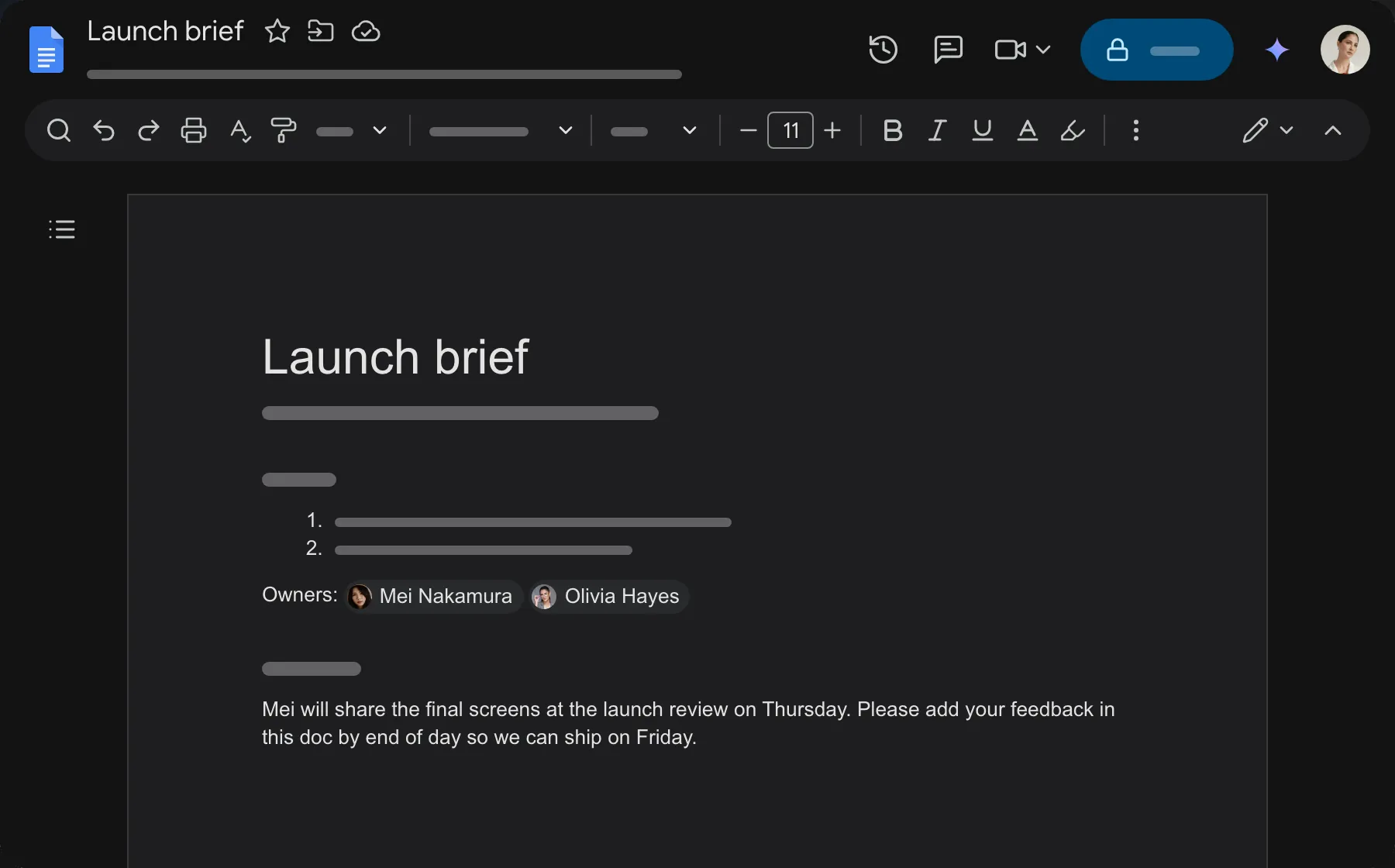
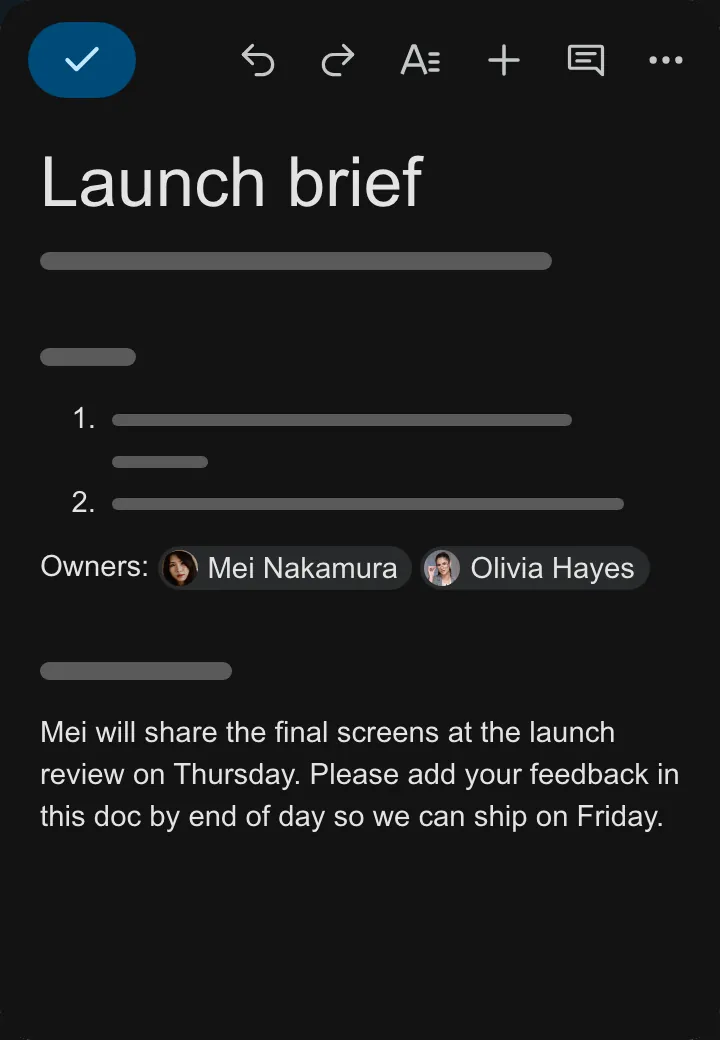
Aqua is a system-wide dictation layer for Mac, Windows, iPhone, and Android. On a Mac or Windows PC, hold a key in a Google Doc and speak, and your words land on the page formatted, in any browser, without opening a tool menu first.
Yes. Google Docs has free Voice typing under the Tools menu in supported versions of Chrome, Edge, and Safari. It is a mode you enter: open the tool, click the microphone, and dictate until you stop. Aqua is a key you hold, in any browser, and the same key works in the Slack tab next door and the email client behind it. It also reads the context on your screen, so a formal report and a rough set of notes do not come out in the same register.
Start in the place in the document where you want to write. Aqua puts your words into the field you have focused.
Used by people at


Yes, under Tools then Voice typing, in supported versions of Chrome, Edge, and Safari. It is a mode you enter and exit rather than a key you hold.
Yes. Aqua works at the operating-system level, so the browser makes no difference.
Yes. Aqua types into whatever field has focus, including comments and suggestions.
Yes. Aqua runs on Mac, Windows, iPhone, and Android.
Free includes 2,000 words. With annual billing, Pro is $10 per month, Max is $19 per month, and Business is $19 per seat per month with a minimum of 2 seats.
Aqua works in every text box on your Mac, Windows PC, iPhone, and Android phone. These are some of the apps people use it in most.