
@0xferruccio
For coding prompting with voice nothing beats @aquavoice All the other transcription apps don't work well with code like tailwind class names
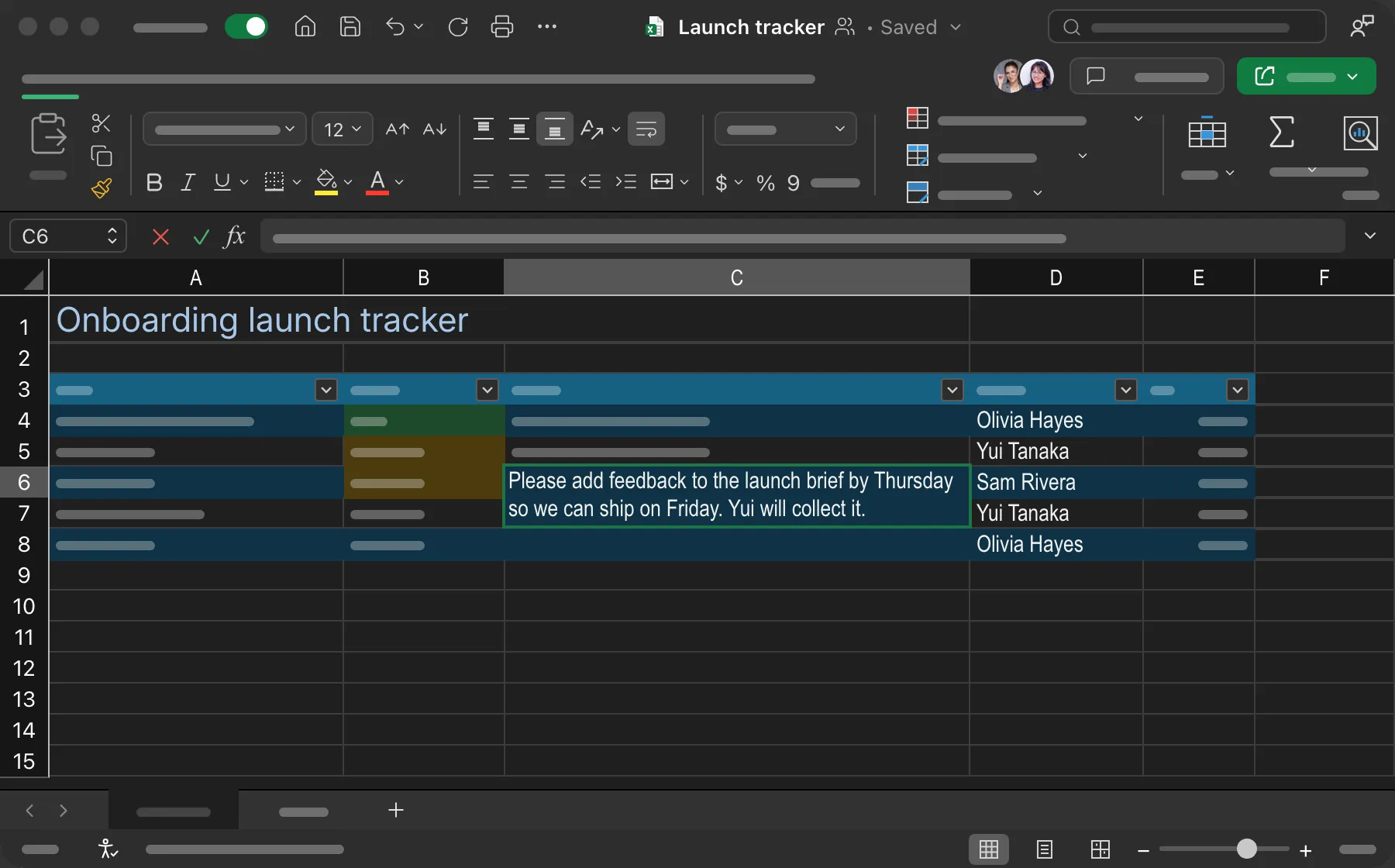
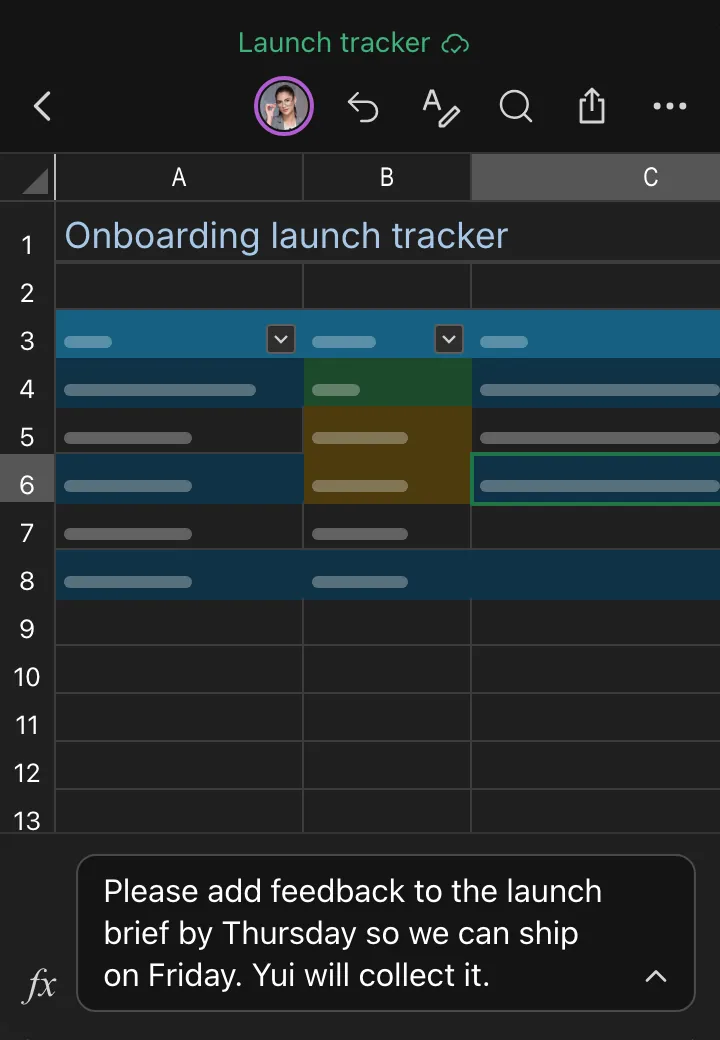
Excel is powerful but data entry and labeling are slow. With Aqua, you hold a key and speak cell content, column headers, notes, and comments at up to 230 words per minute. Whether you are building out a model or annotating a spreadsheet for a colleague, speaking is faster than typing every value by hand.
Aqua handles the precise language of spreadsheet work. Numeric labels, formula descriptions, category names, and financial terminology all come through accurately. Use it to narrate the context of your data, leave clear notes for collaborators, or work through a large labeling task faster than you could with the keyboard alone.
Start in a cell you are editing or a comment field. Aqua puts your words into the field you have focused.
Used by people at


Aqua works in every text box on your Mac, Windows PC, iPhone, and Android phone. These are some of the apps people use it in most.