
@0xferruccio
For coding prompting with voice nothing beats @aquavoice All the other transcription apps don't work well with code like tailwind class names
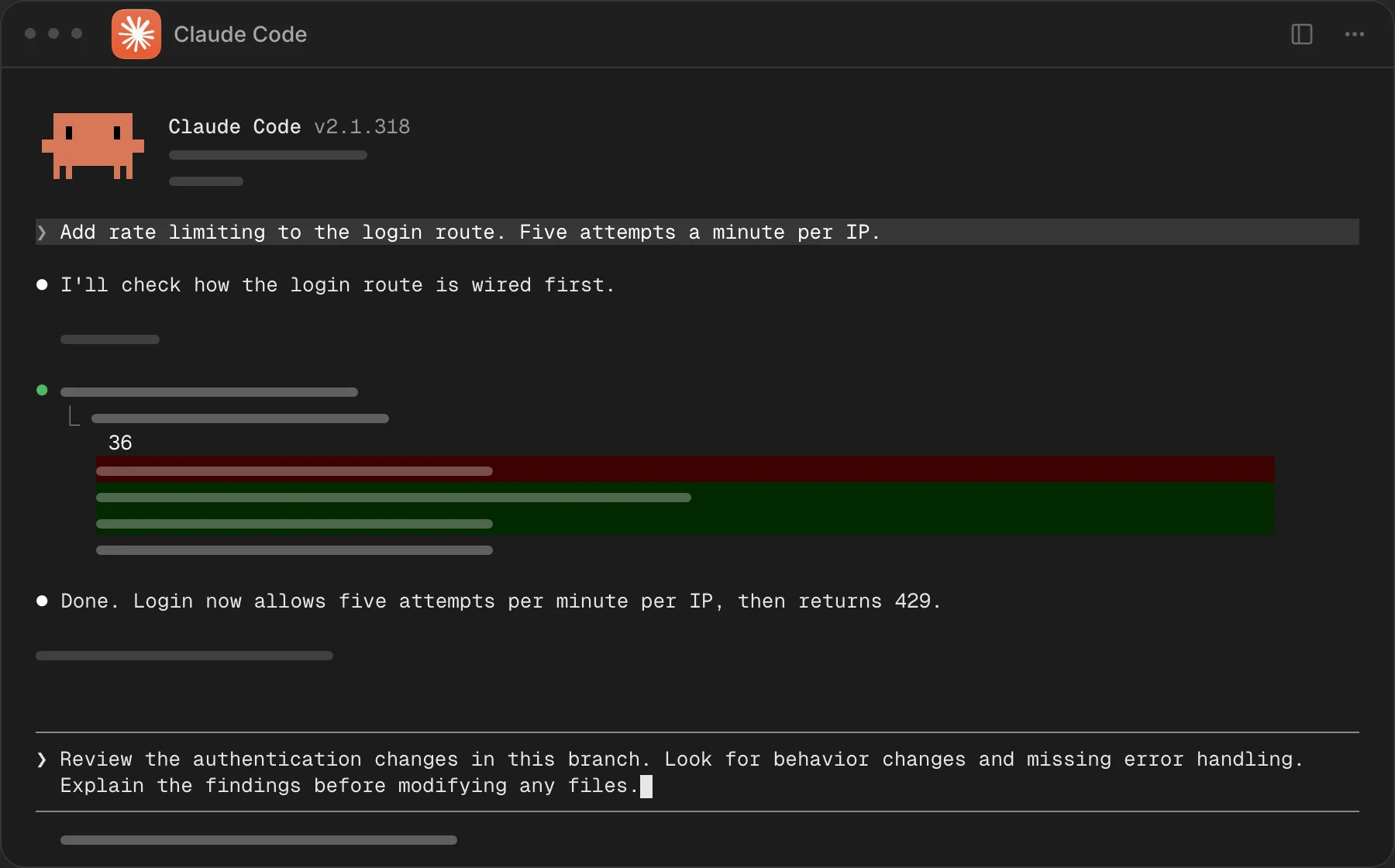
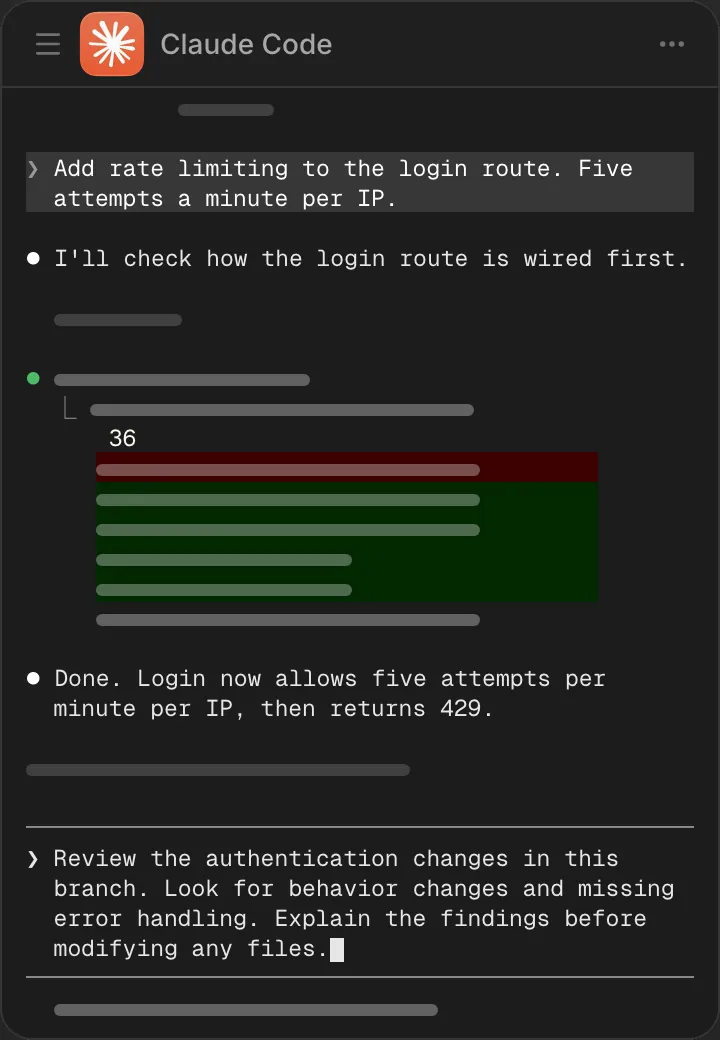
Aqua is a system-wide dictation layer for Mac, Windows, iPhone, and Android. On a Mac or Windows PC, hold a key in whatever terminal Claude Code is running in and speak, and your instruction lands in the prompt. The same key works over SSH, in a tmux pane, and in every other app on the machine.
Yes. Anthropic shipped native voice dictation to Claude Code in March 2026: run /voice, hold Space, and your speech is transcribed into the prompt. It is well built and tuned for the job. Two things send people looking anyway. It requires a Claude.ai account, because the speech-to-text runs as an authenticated Anthropic service, and your audio is streamed to Anthropic's servers rather than processed on your machine. It is also Claude Code only, so the commit message, the PR description, and the Slack message where you explain the change are all back to typing. Aqua is one key for all of it.
Read the Full Guide to Voice Dictation in Claude CodeStart in the Claude Code prompt in your terminal. Aqua puts your words into the field you have focused.
Used by people at


Yes. Anthropic shipped /voice in March 2026: hold Space and your speech is transcribed into the prompt. It requires a Claude.ai account and streams audio to Anthropic's servers rather than transcribing on your machine.
One key for every app rather than one command in one tool, a custom dictionary for your own repo and package names, and it works over SSH and in remote sessions.
All of them. Aqua types into whatever field has focus, so Ghostty, iTerm, Warp, macOS Terminal, and your editor's integrated terminal all work the same way.
Yes, with Aqua Pen on Mac and Windows. Circle what you mean on your screen while you dictate. Where the prompt accepts pasted images, Aqua pastes the screenshot after your words; otherwise, drag it in from the screenshot tray. Pen is free on every plan.
Yes. Aqua runs on Mac, Windows, iPhone, and Android.
Free includes 2,000 words. With annual billing, Pro is $10 per month, Max is $19 per month, and Business is $19 per seat per month with a minimum of 2 seats.
Aqua works in every text box on your Mac, Windows PC, iPhone, and Android phone. These are some of the apps people use it in most.