
@0xferruccio
For coding prompting with voice nothing beats @aquavoice All the other transcription apps don't work well with code like tailwind class names
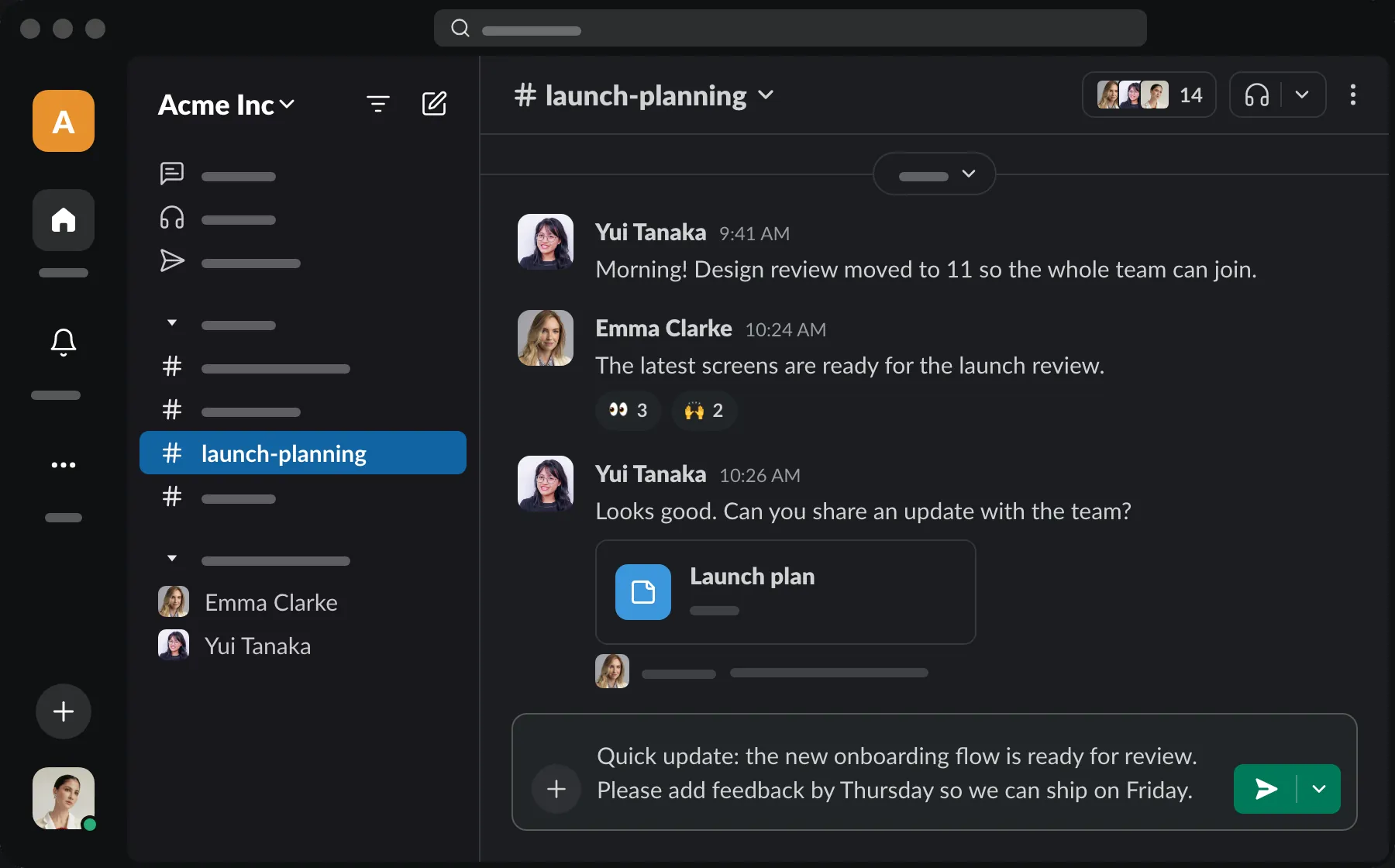
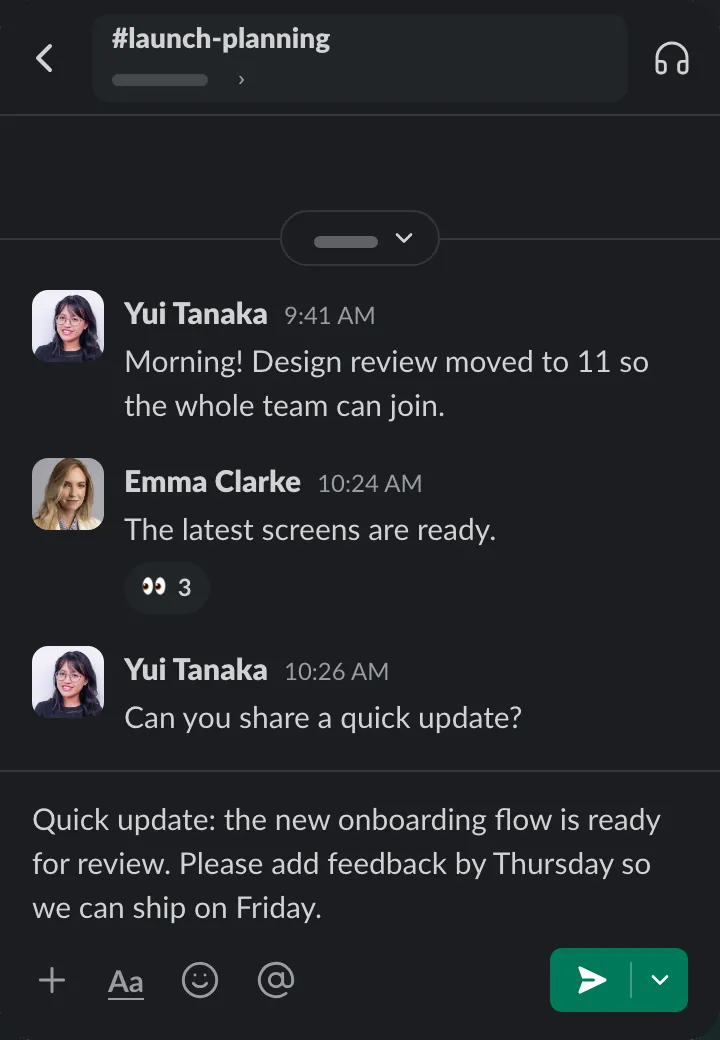
Aqua is a system-wide dictation layer for Mac, Windows, iPhone, and Android. On a Mac or Windows PC, hold a key anywhere in Slack and speak, and your words land in the message box formatted and ready to send: a channel update, a thread reply, a DM, a canvas, or a search.
No, and the microphone button is the reason people think otherwise. That button records an audio clip, a voice memo your teammates have to play. Slack can attach a transcript to the clip afterwards, but there is no composer that types your speech into the message box. On mobile you can tap the mic on your phone keyboard, which is your operating system doing the work, not Slack. On desktop there is nothing. Aqua fills that gap: you hold a key, speak, and text appears in the box, so what your team reads is a message rather than a two-minute recording they have to listen to.
Start in a channel, thread, or direct-message box. Aqua puts your words into the field you have focused.
Used by people at


No. The microphone button records an audio clip, which Slack can transcribe after the fact. There is no dictation composer that types your speech into the message box on desktop.
Yes. Aqua types into whatever field has focus, so the same key works in channels, threads, DMs, canvases, and the search box.
Aqua reads the context on your screen and adjusts, so channel updates come out concise and DMs stay conversational.
Yes. Aqua runs on Mac, Windows, iPhone, and Android.
Free includes 2,000 words. With annual billing, Pro is $10 per month, Max is $19 per month, and Business is $19 per seat per month with a minimum of 2 seats.
Aqua works in every text box on your Mac, Windows PC, iPhone, and Android phone. These are some of the apps people use it in most.