
@0xferruccio
For coding prompting with voice nothing beats @aquavoice All the other transcription apps don't work well with code like tailwind class names
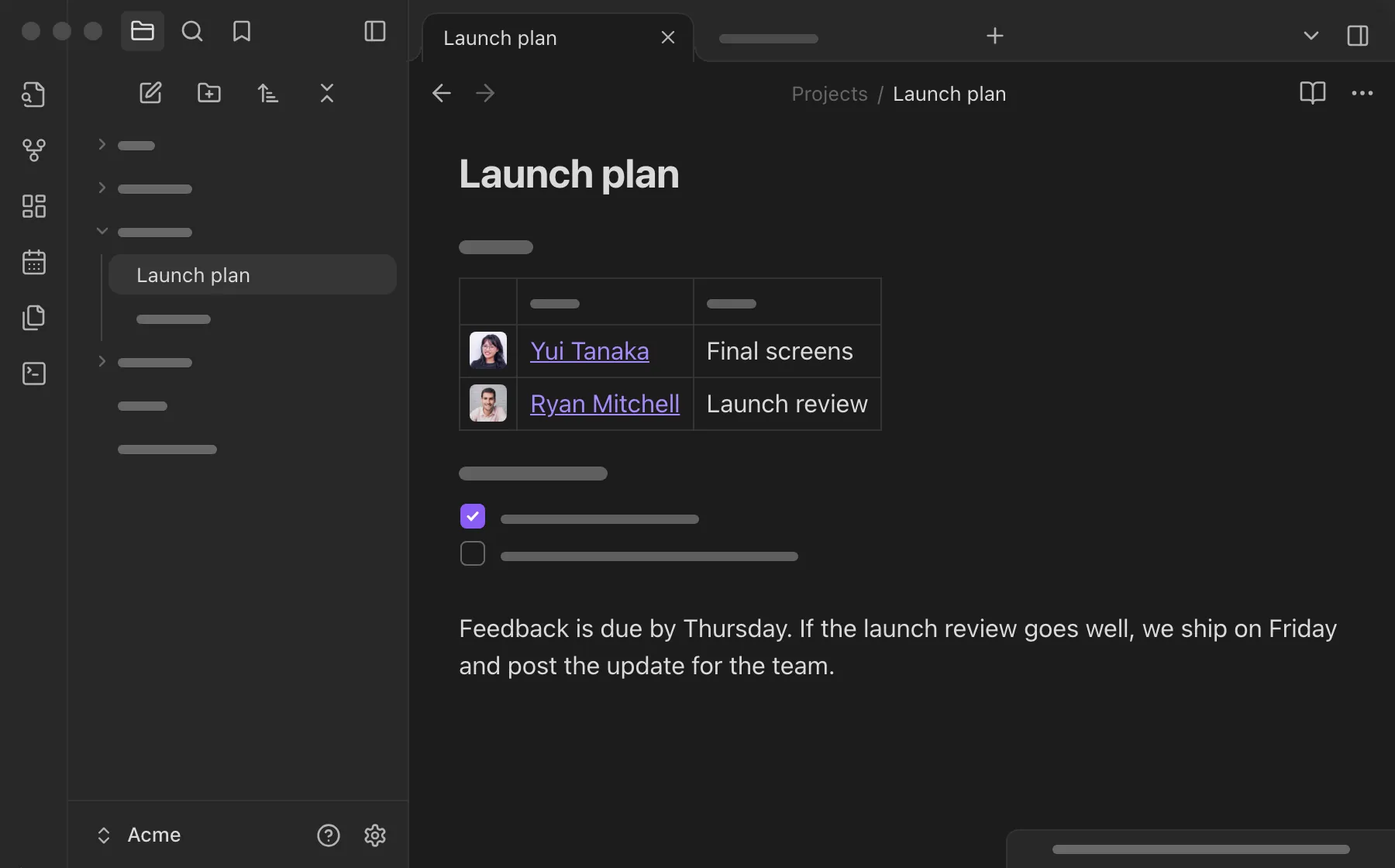
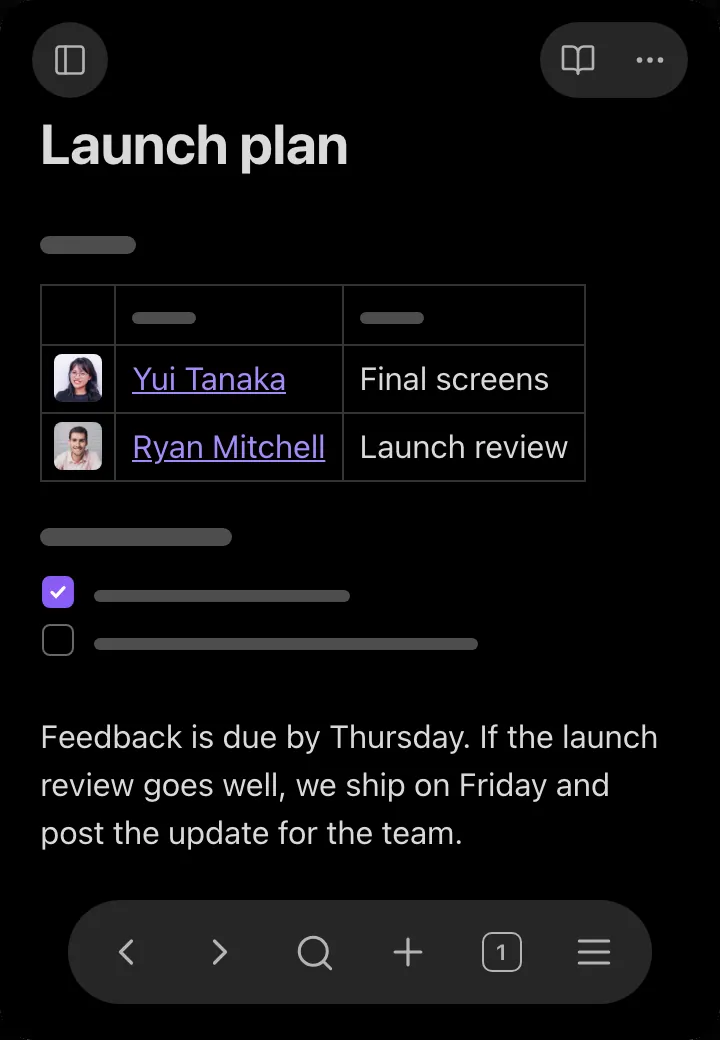
Obsidian is built for connecting ideas, but getting those ideas in takes time when you are typing. With Aqua, you hold a key and speak. Your notes land in any Obsidian editor at up to 230 words per minute. Capture fleeting thoughts before they disappear, build out permanent notes without the friction of typing, and let your knowledge base grow at the speed you think.
Aqua understands the note-taking context and keeps your thinking precise on the page. Concept names, book titles, author names, and the specific vocabulary of your areas of interest all transcribe accurately. Use your custom dictionary to handle the terminology that matters in your particular knowledge domain.
Start in the editor in a note. Aqua puts your words into the field you have focused.
Used by people at


Aqua works in every text box on your Mac, Windows PC, iPhone, and Android phone. These are some of the apps people use it in most.