
@0xferruccio
For coding prompting with voice nothing beats @aquavoice All the other transcription apps don't work well with code like tailwind class names
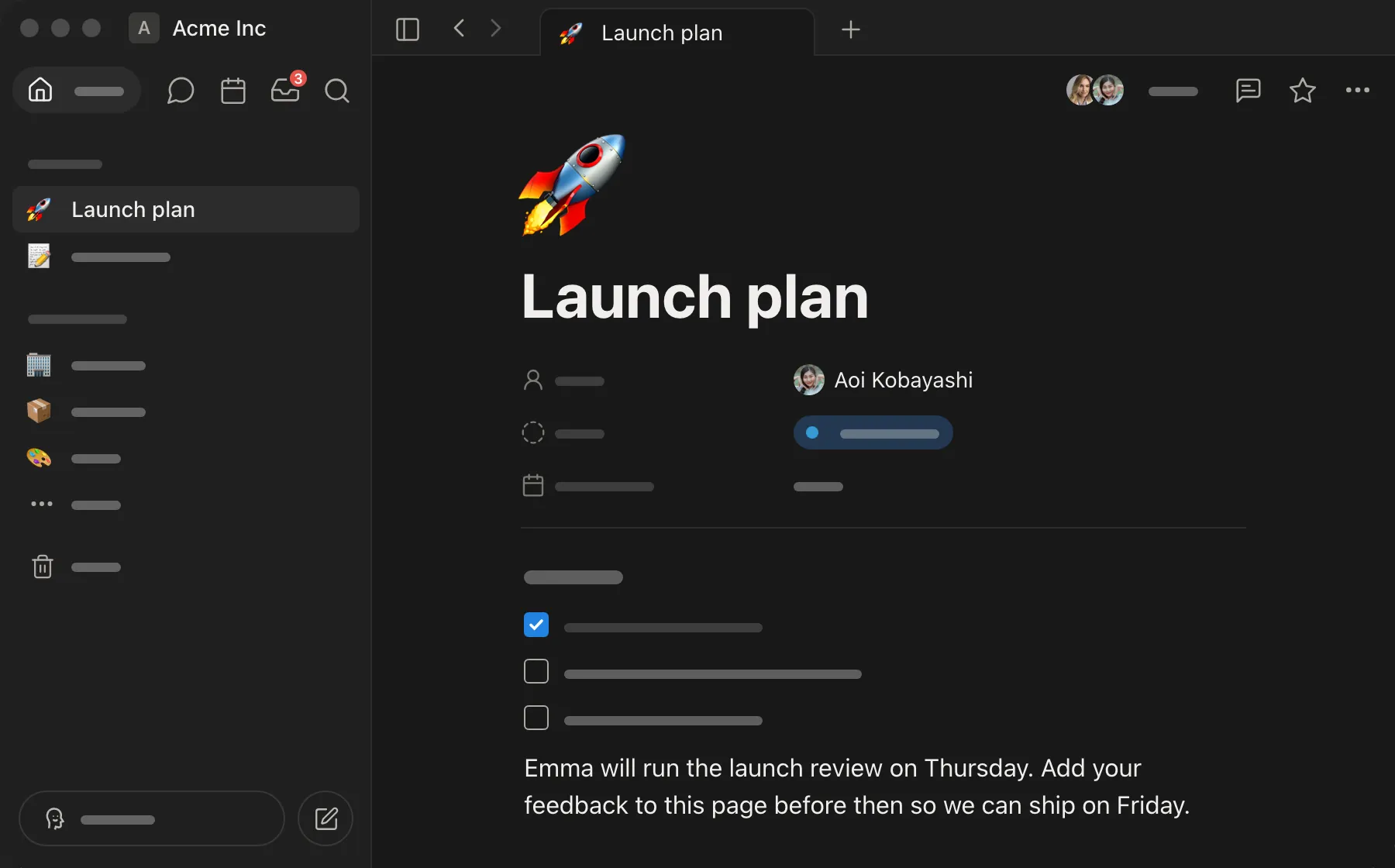
Aqua is a system-wide dictation layer for Mac, Windows, iPhone, and Android. On a Mac or Windows PC, hold a key anywhere in Notion and speak, and your words land in whatever block has focus: a page, a database field, a comment, or a Notion AI prompt.
Partly, as of April 2026. Notion shipped voice input on desktop, and it is scoped to Notion AI: you dictate a prompt to the Agent rather than dictating into your pages. That is genuinely useful if prompting is what you are doing. It is not dictation for the rest of Notion, which is where most of the typing actually happens: meeting notes, project briefs, database fields, comments on someone else's page. Aqua sits below the app rather than inside it, so the same key fills any of those, and every other app you have open.
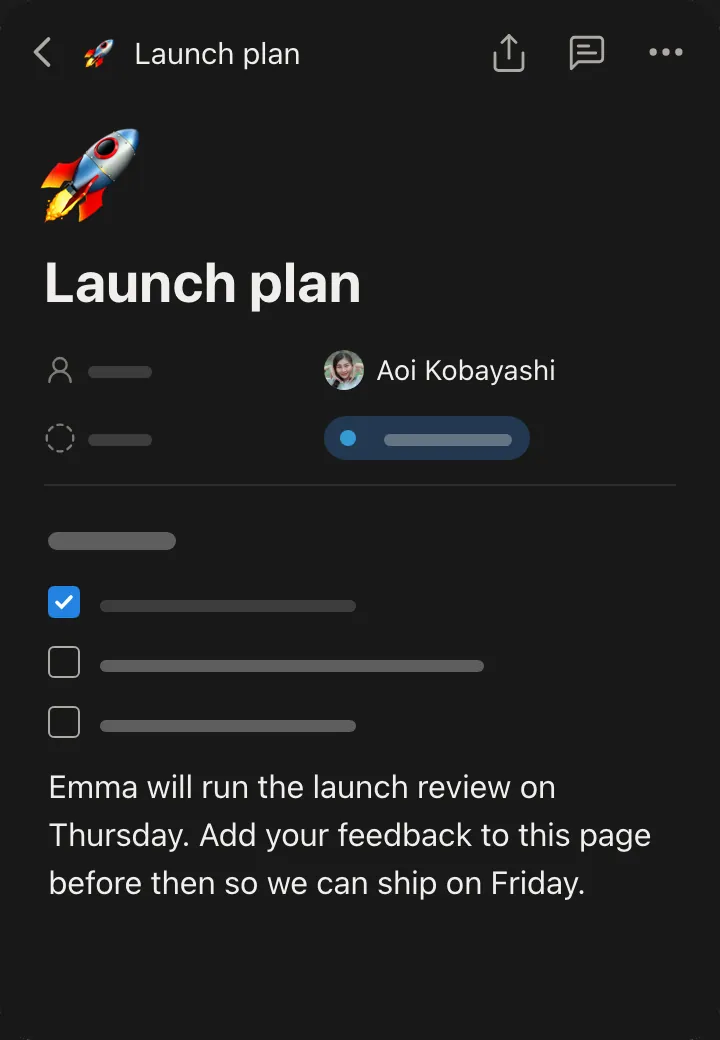
Start in a text block in your page. Aqua puts your words into the field you have focused.
Used by people at


As of April 2026 Notion has voice input on desktop for Notion AI prompts. It is scoped to prompting the Agent rather than dictating into pages, databases, or comments.
Yes. Aqua types into whatever field has focus, so pages, database properties, comments, and the AI prompt all work the same way.
Yes. Aqua works at the operating-system level, so it does not care whether Notion is running in a browser tab or the desktop app.
Yes. Aqua runs on Mac, Windows, iPhone, and Android.
Free includes 2,000 words. With annual billing, Pro is $10 per month, Max is $19 per month, and Business is $19 per seat per month with a minimum of 2 seats.
Aqua works in every text box on your Mac, Windows PC, iPhone, and Android phone. These are some of the apps people use it in most.