
@0xferruccio
For coding prompting with voice nothing beats @aquavoice All the other transcription apps don't work well with code like tailwind class names
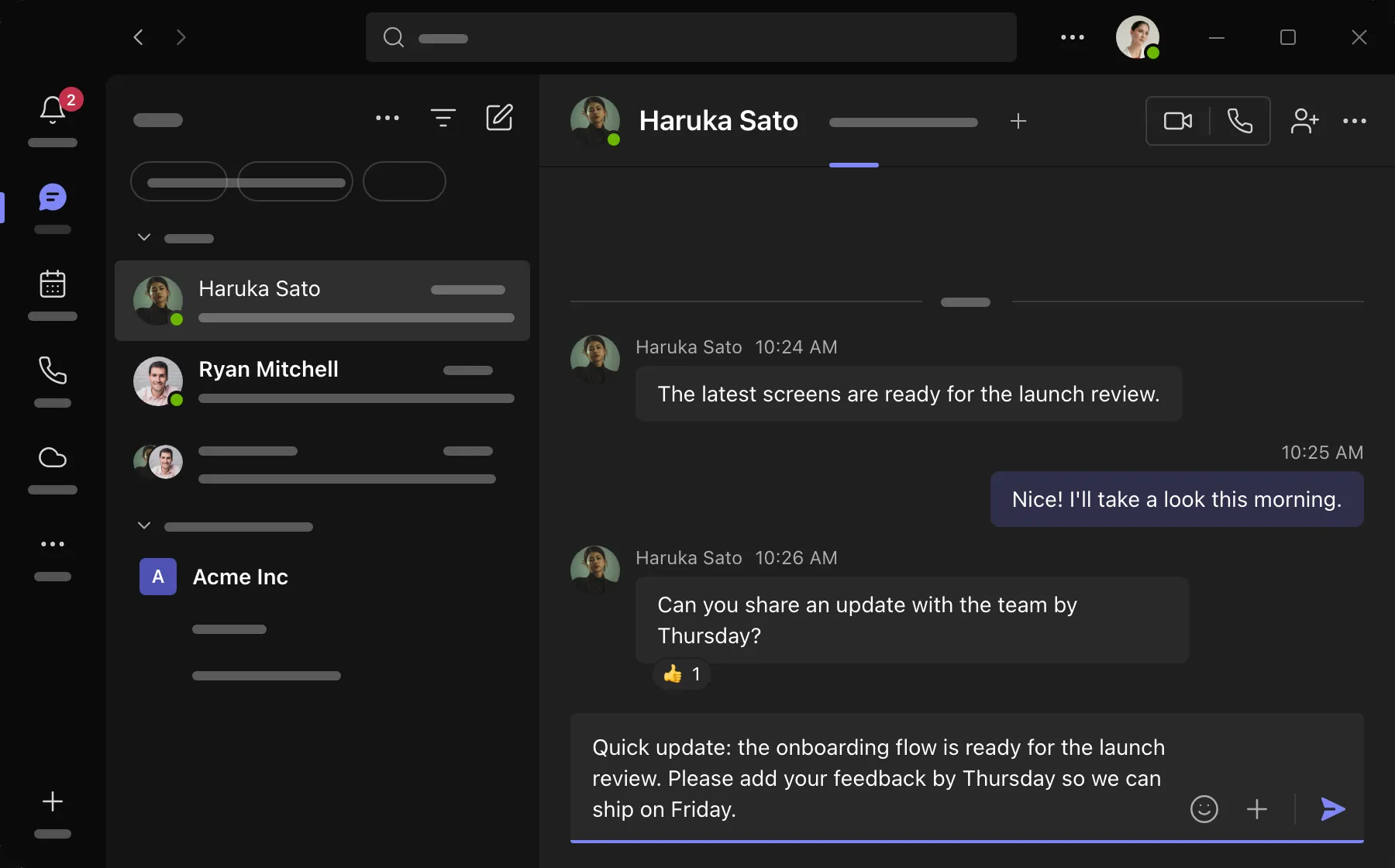
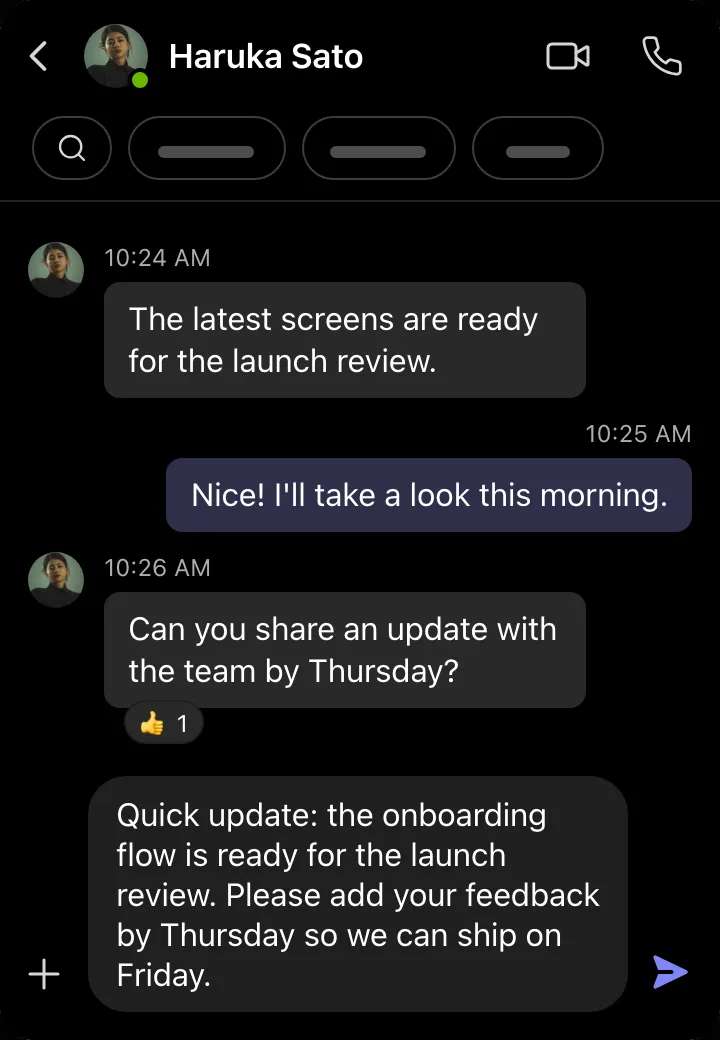
Aqua is a system-wide dictation layer for Mac, Windows, iPhone, and Android. On a Mac or Windows PC, hold a key with Teams open and speak, and your message appears in the compose box: a channel post, a chat reply, a meeting chat, or a task description.
Yes, on the desktop app with a Microsoft 365 subscription, the message box has a dictation microphone, the same engine that powers Dictate in Word and Outlook. It works. What it does not do is follow you: the browser tab you fill in next, the ticket you write, the terminal you paste into are all back to typing. It also does not learn your vocabulary, which in an enterprise chat tool is most of what you are typing, all the product names and internal acronyms nobody outside the company has heard. Aqua is one key everywhere, with a custom dictionary and 49 languages.
Start in a chat or channel compose box. Aqua puts your words into the field you have focused.
Used by people at


Yes, in the desktop app with a Microsoft 365 subscription, using the same dictation engine as Word and Outlook. Aqua's difference is that it works in every app, learns your vocabulary, and supports 49 languages.
Yes. Aqua works at the operating-system level, so the desktop app and the browser both work.
Aqua reads the context on your screen and adjusts, so channel posts come out structured and direct messages stay conversational.
Yes. Aqua runs on Mac, Windows, iPhone, and Android.
Free includes 2,000 words. With annual billing, Pro is $10 per month, Max is $19 per month, and Business is $19 per seat per month with a minimum of 2 seats.
Aqua works in every text box on your Mac, Windows PC, iPhone, and Android phone. These are some of the apps people use it in most.