
@0xferruccio
For coding prompting with voice nothing beats @aquavoice All the other transcription apps don't work well with code like tailwind class names
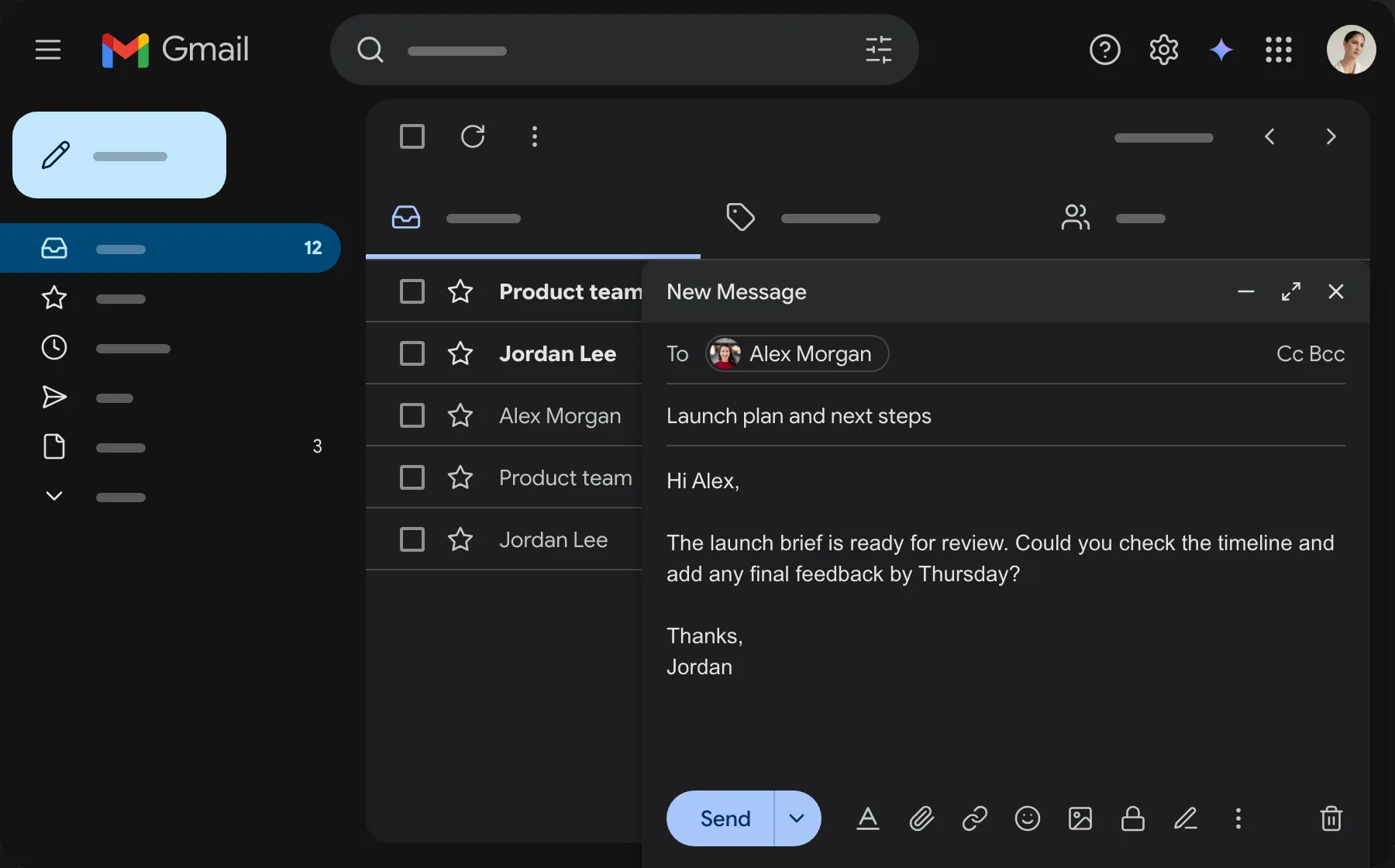
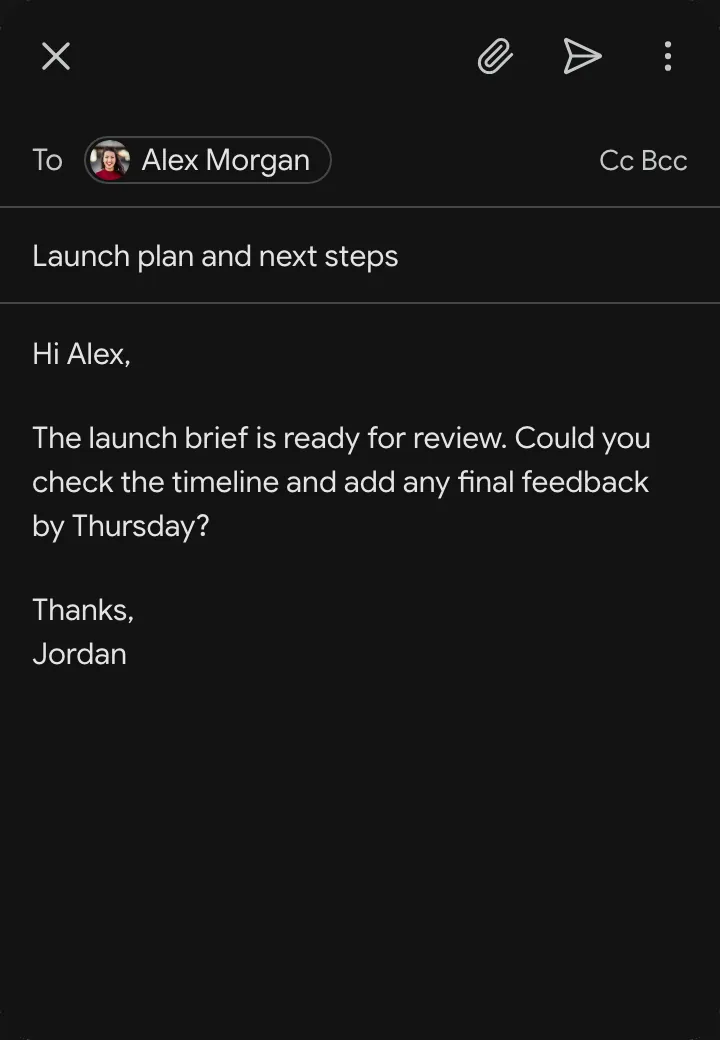
Aqua is a system-wide dictation layer for Mac, Windows, iPhone, and Android. On a Mac or Windows PC, hold a key with a Gmail compose window open and speak, and your reply appears in the body, formatted and ready to send. It works the same way in the subject line and the search box.
Not on desktop. Google's voice typing is scoped to Docs and Slides; the Gmail compose window has no microphone at all. On your phone you can tap the mic on the keyboard, but that is iOS or Android doing the work rather than Gmail. So the usual desktop options are a Chrome extension, macOS Dictation, or Windows voice typing. Aqua is the same idea done properly: it works in Gmail, and in every other app on the machine, it reads the thread you are replying to so the tone matches, and it keeps names and company terms right through a custom dictionary.
Start in the body of a draft or reply. Aqua puts your words into the field you have focused.
Used by people at


Not on desktop. Google's voice typing feature covers Docs and Slides, and the Gmail compose window has no microphone. Mobile uses your phone keyboard's mic, which is the operating system rather than Gmail.
No. Aqua is a desktop app that types into whatever field has focus, so it works in Gmail in any browser, and in the Gmail app on iPhone and Android.
Aqua reads the thread you are replying to and matches it: professional for client correspondence, direct for internal threads.
Yes. Aqua runs on Mac, Windows, iPhone, and Android.
Free includes 2,000 words. With annual billing, Pro is $10 per month, Max is $19 per month, and Business is $19 per seat per month with a minimum of 2 seats.
Aqua works in every text box on your Mac, Windows PC, iPhone, and Android phone. These are some of the apps people use it in most.