
@0xferruccio
For coding prompting with voice nothing beats @aquavoice All the other transcription apps don't work well with code like tailwind class names
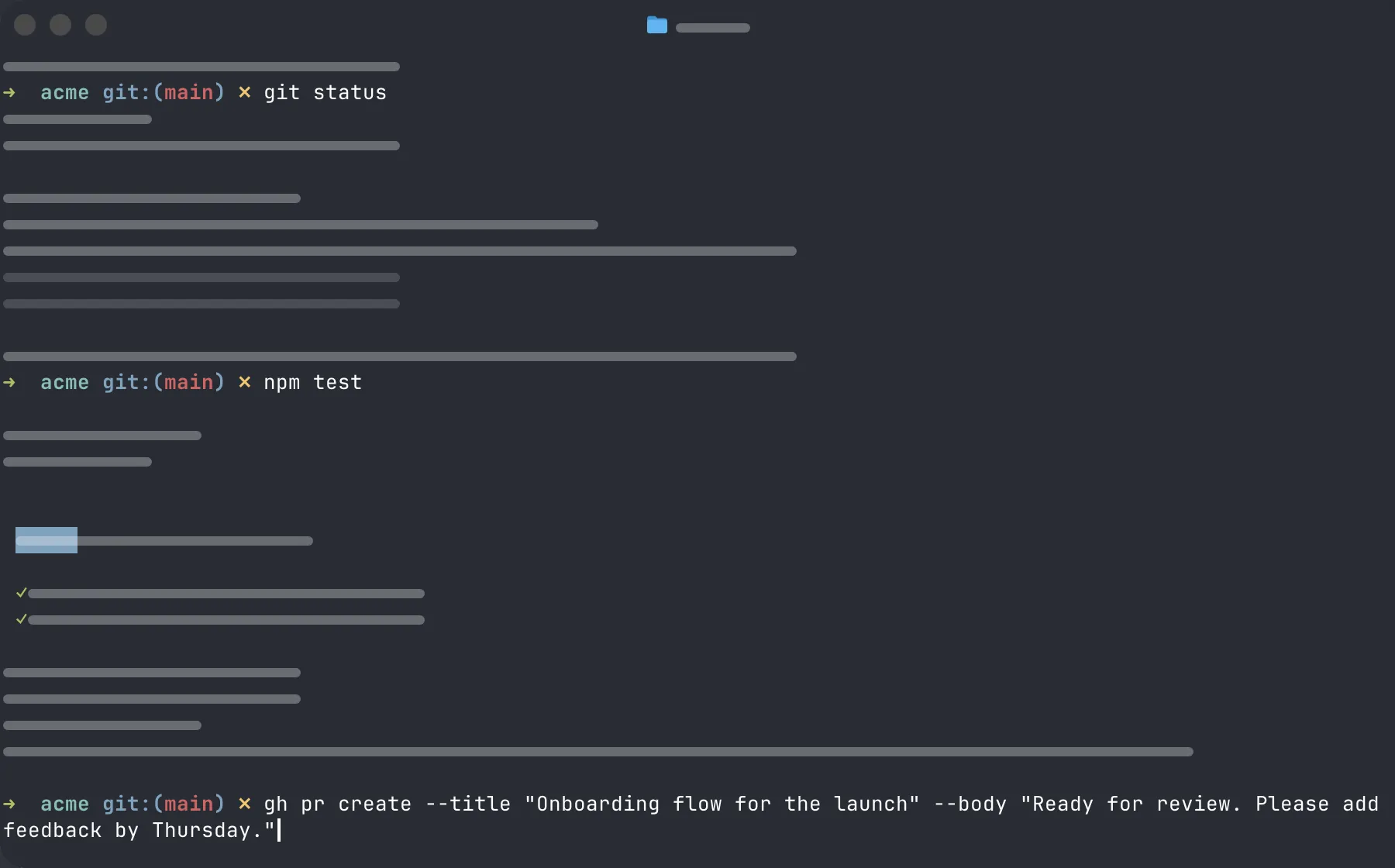
Ghostty is built for people who care about performance. Aqua fits right in. Hold a key, speak your command, and it appears in the terminal input at up to 230 words per minute. Fast to render, fast to input. No hunting for special characters, no retyping miskeyed flags.
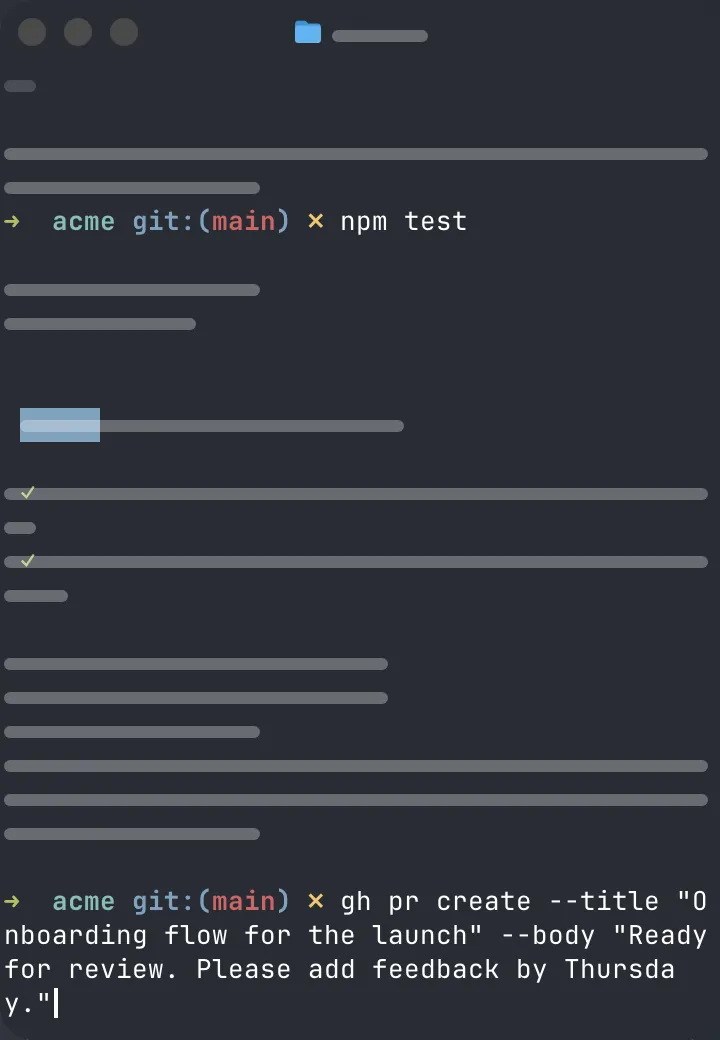
Aqua handles the accuracy demands of terminal input. Commands, arguments, paths, and scripting syntax come through cleanly. Use it for anything from a quick directory navigation to a complex multi-line command, and keep your hands free for everything else.
Start in the input for a coding agent running inside Ghostty. Aqua puts your words into the field you have focused.
Used by people at


Aqua works in every text box on your Mac, Windows PC, iPhone, and Android phone. These are some of the apps people use it in most.