
@0xferruccio
For coding prompting with voice nothing beats @aquavoice All the other transcription apps don't work well with code like tailwind class names
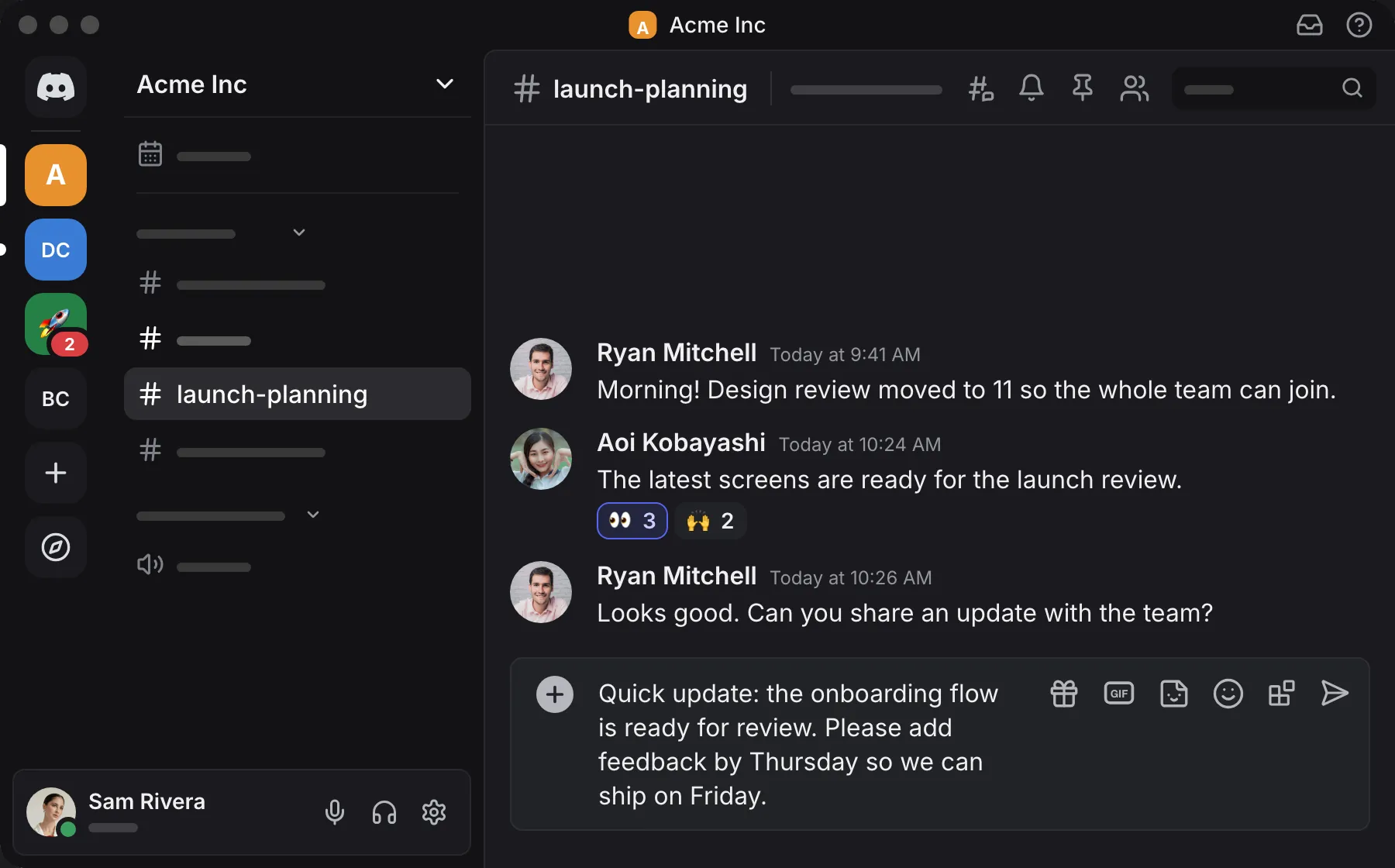
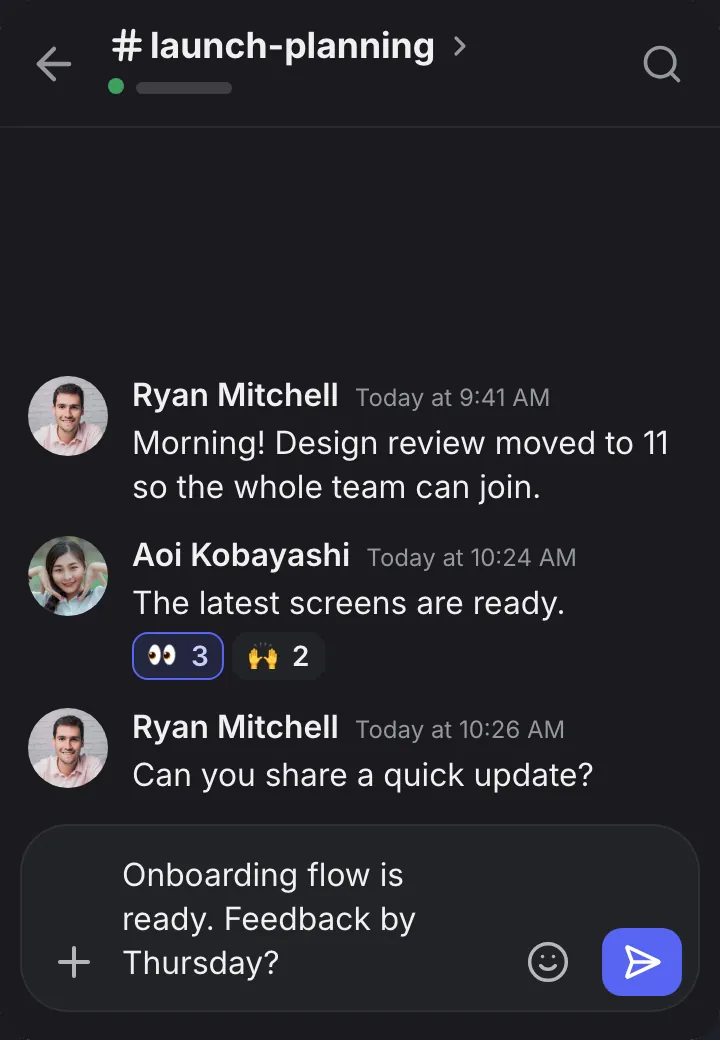
Discord moves fast. Whether you are coordinating in a busy server or catching up in a private thread, stopping to type breaks your rhythm. With Aqua, you hold a key and speak. Your message appears in the box, formatted and ready, at up to 230 words per minute.
Aqua reads the context on your screen before you say a word, so it understands the server, the channel, and the tone of the conversation you are in. It matches your register automatically: sharp and direct in team channels, relaxed and natural in casual chats. Custom dictionary support means it handles usernames, server names, and gaming terms without a second guess.
Start in the message box. Aqua puts your words into the field you have focused.
Used by people at


Aqua works in every text box on your Mac, Windows PC, iPhone, and Android phone. These are some of the apps people use it in most.