
@0xferruccio
For coding prompting with voice nothing beats @aquavoice All the other transcription apps don't work well with code like tailwind class names
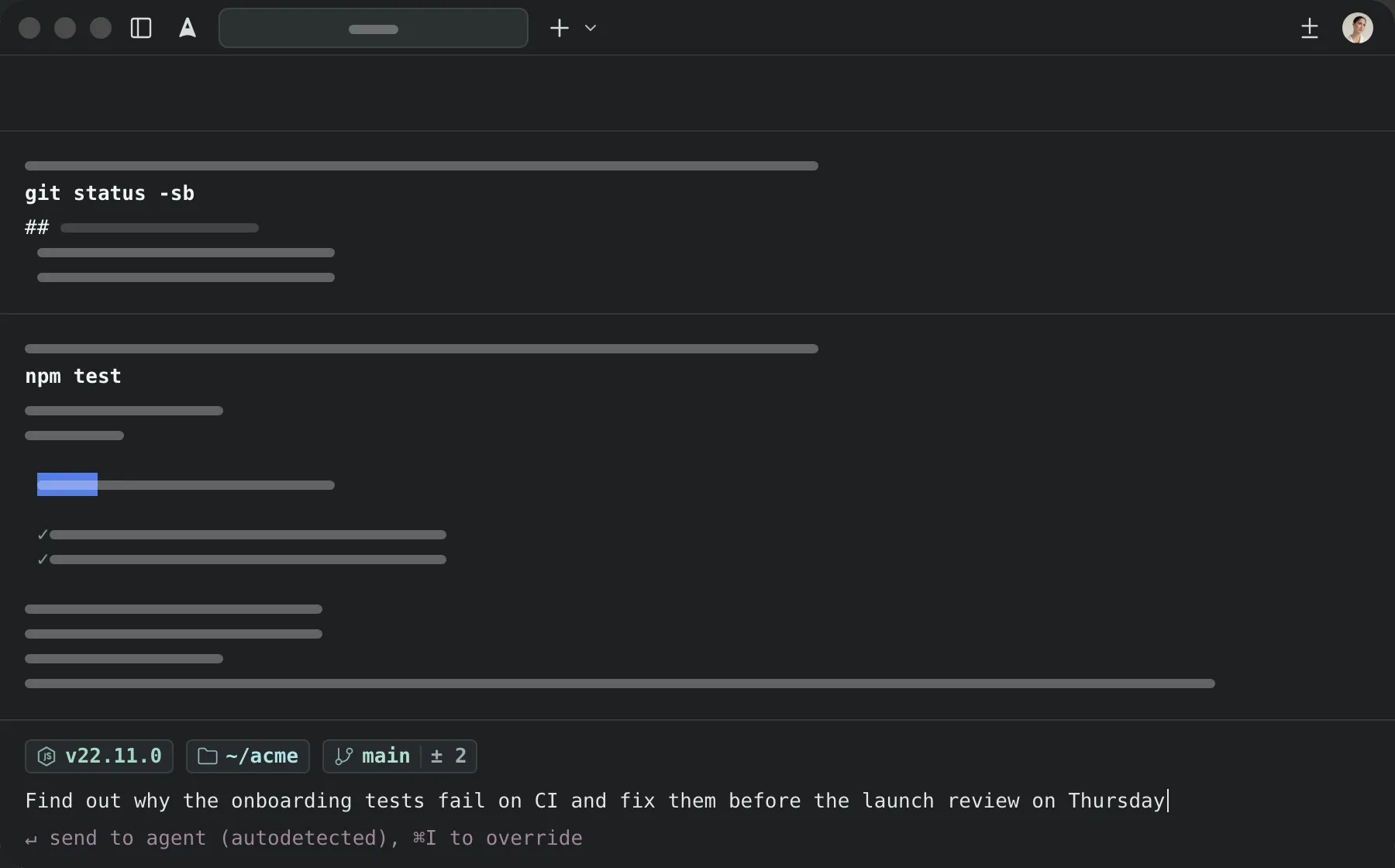
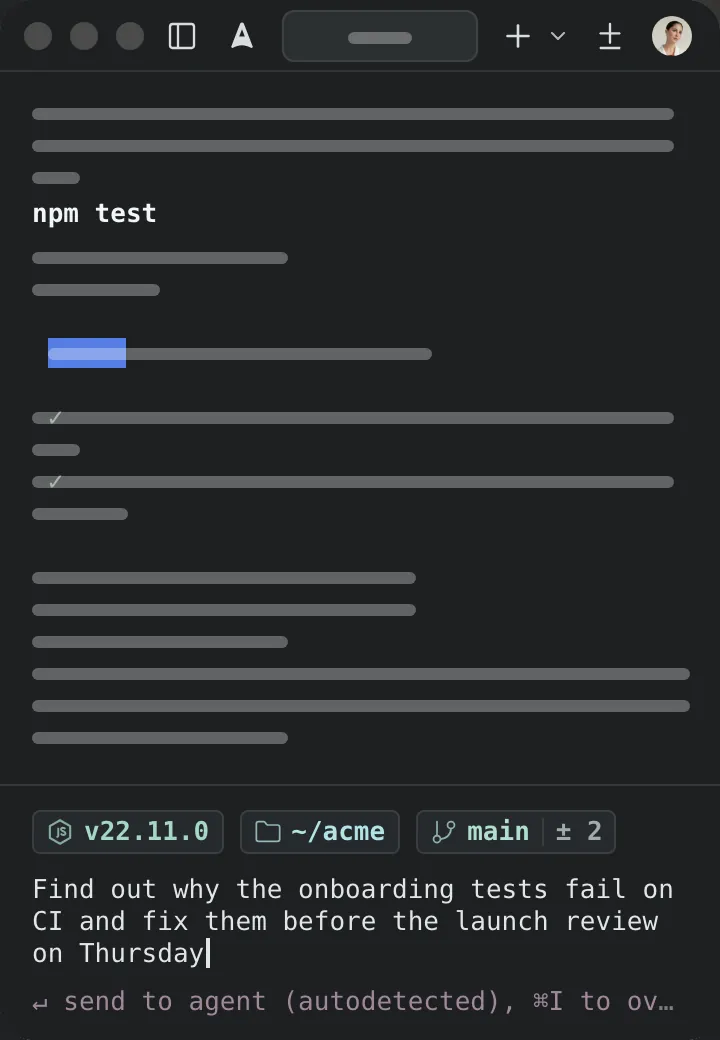
Warp is already the fastest terminal available. Aqua makes it faster still. Hold a key, speak your command, and it lands in the input block accurately at up to 230 words per minute. Whether you are running scripts, navigating directories, or chaining commands, Aqua removes the only thing still slowing you down.
Aqua understands terminal syntax. Flags, paths, environment variable references, and multi-part commands come through cleanly, and anything specific to your setup can go in your custom dictionary. The terminal is the least forgiving place to dictate, so glance at the line before you press Enter. Pair it with Warp's own AI features and you have a workflow where you speak what you want and the terminal works out how.
Start in the agent prompt field. Aqua puts your words into the field you have focused.
Used by people at


Aqua works in every text box on your Mac, Windows PC, iPhone, and Android phone. These are some of the apps people use it in most.