
@0xferruccio
For coding prompting with voice nothing beats @aquavoice All the other transcription apps don't work well with code like tailwind class names
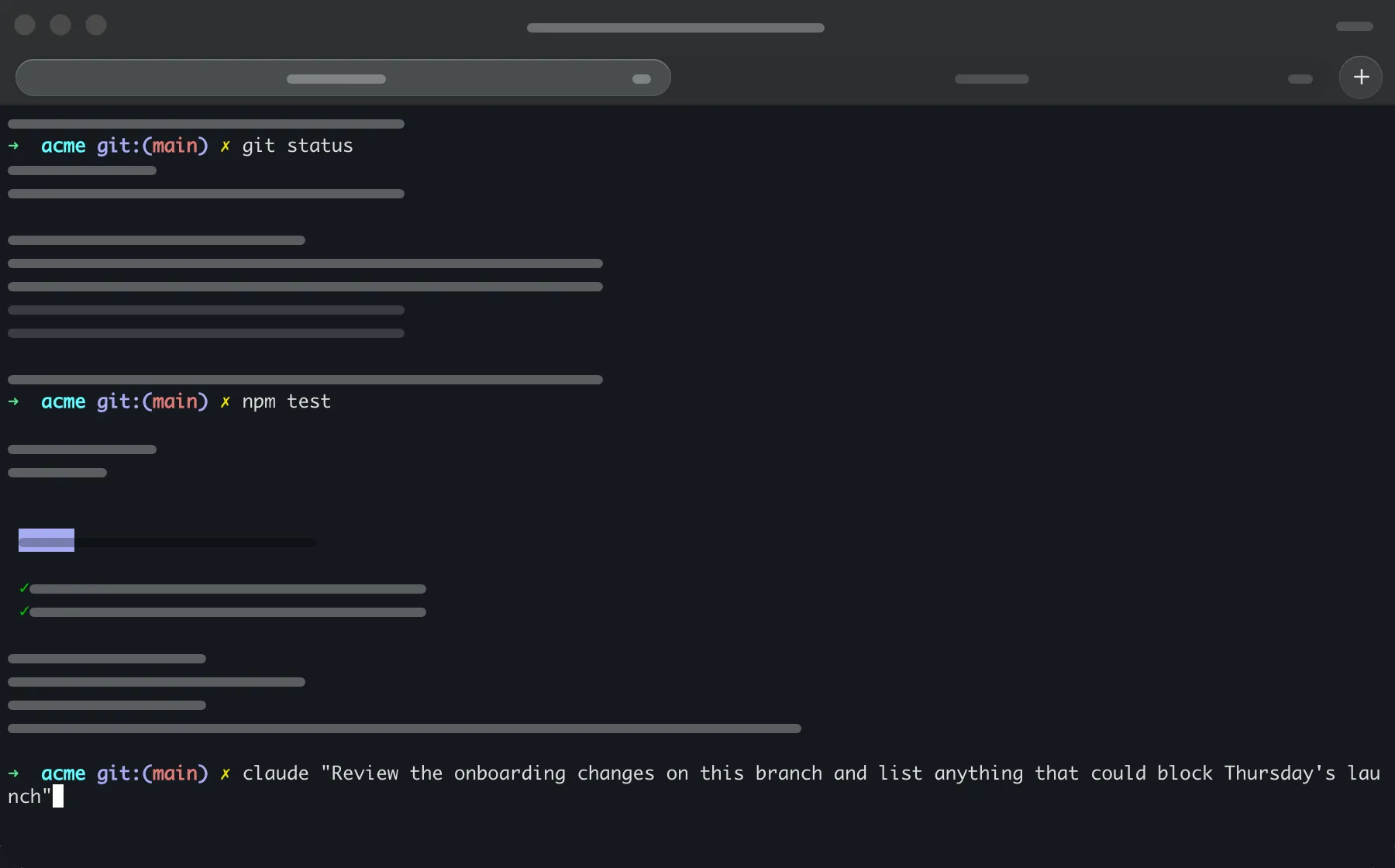
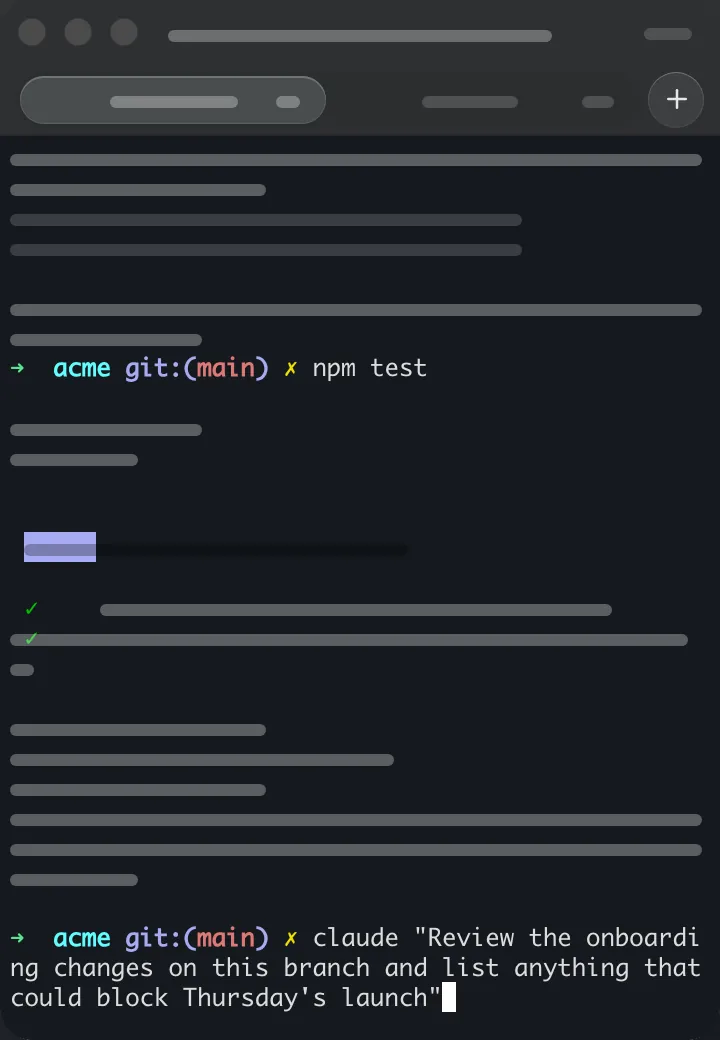
The terminal is fast, but typing long commands, flags, and file paths is not. With Aqua, you hold a key and speak directly into iTerm. Commands, arguments, and multi-part scripts land accurately at up to 230 words per minute so you never have to slow down for the keyboard.
Aqua handles the precise, unforgiving syntax of terminal input. File paths, flags, environment variables, and command sequences come through accurately. Use it for long commands you know by heart, documentation you are writing in the terminal, or anything where precision and speed both matter.
Start in the input for a coding agent running inside iTerm. Aqua puts your words into the field you have focused.
Used by people at


Aqua works in every text box on your Mac, Windows PC, iPhone, and Android phone. These are some of the apps people use it in most.