
@0xferruccio
For coding prompting with voice nothing beats @aquavoice All the other transcription apps don't work well with code like tailwind class names
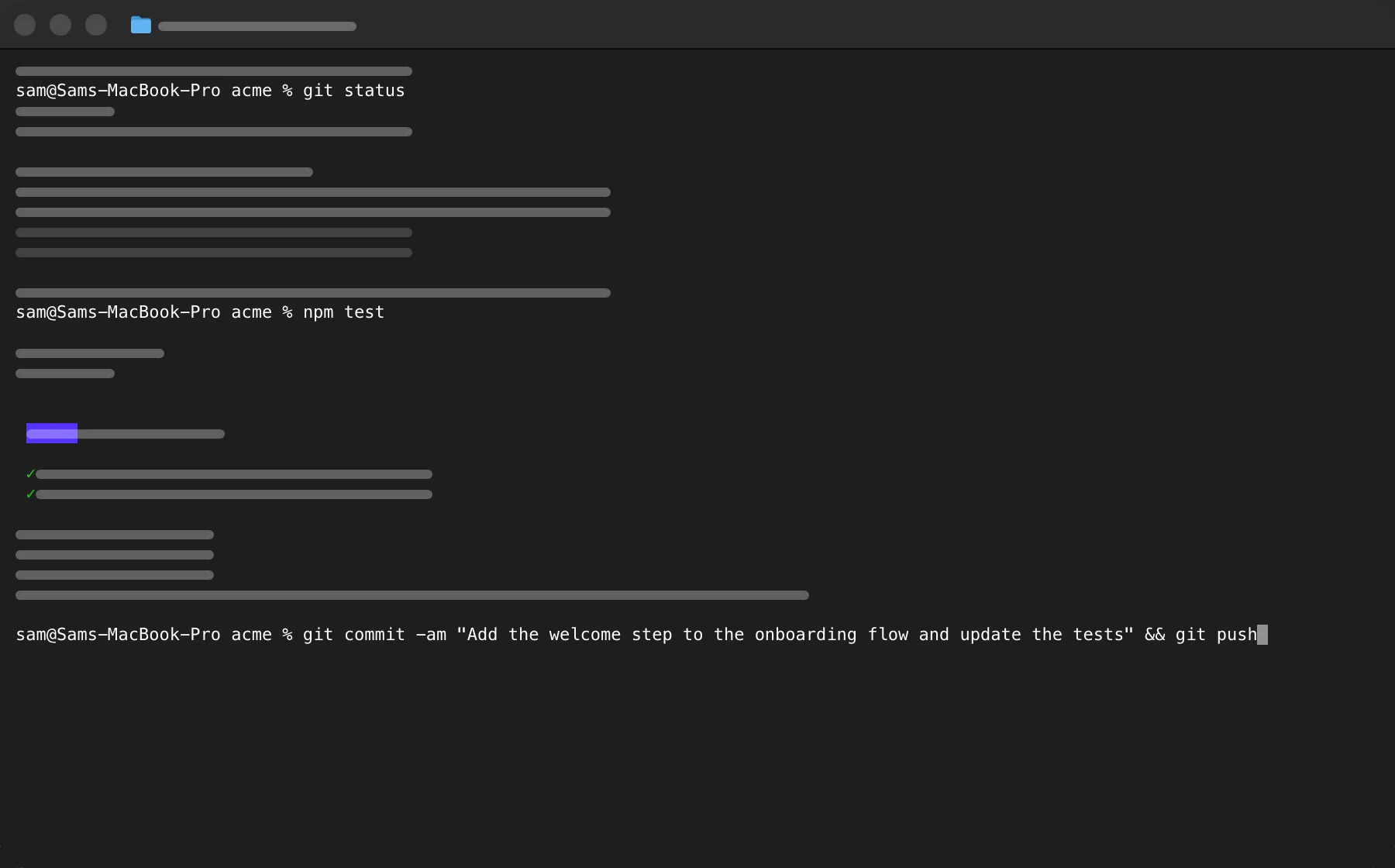
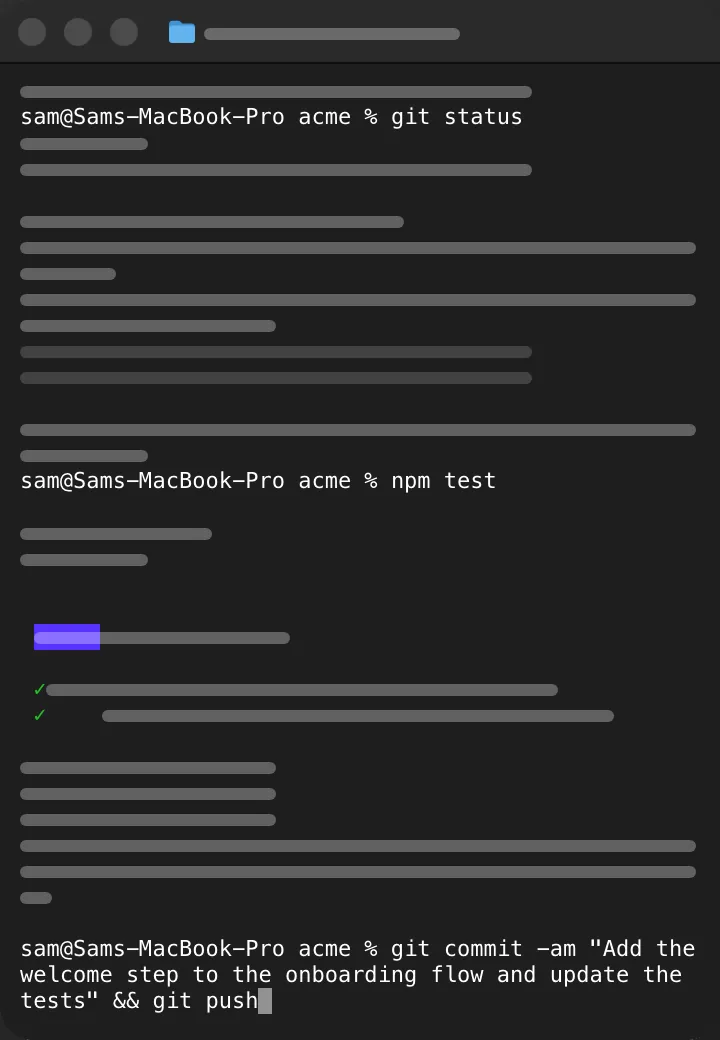
The Terminal is unforgiving. One wrong character and the command fails. Aqua brings both speed and accuracy to every input: hold a key, speak your command, and it lands in the prompt correctly at up to 230 words per minute. Less retyping, fewer mistakes, the same precise control.
Aqua understands the structure of terminal commands. Flags, file paths, environment variables, and shell syntax transcribe accurately so you can focus on what you want to run rather than how to type it. Use it for anything from a quick file operation to a multi-step script and keep your workflow uninterrupted.
Start in the input for a coding agent running inside Terminal. Aqua puts your words into the field you have focused.
Used by people at


Aqua works in every text box on your Mac, Windows PC, iPhone, and Android phone. These are some of the apps people use it in most.