The part of Aqua Voice on iPhone we liked least was the swipe.
You tapped the mic in Messages, and your iPhone threw you out of Messages and into Aqua. You swiped back, and then you could talk. Our own screen apologized for it: "Swipe back to your app. Unfortunately, Apple requires this step."
iOS does not hand a keyboard the microphone the way it hands one to an app, so our keyboard had to borrow it from the Aqua app. That was the detour. As of version 1.1.17, it is gone. The keyboard records your dictation itself.
Tap, talk, stay where you are
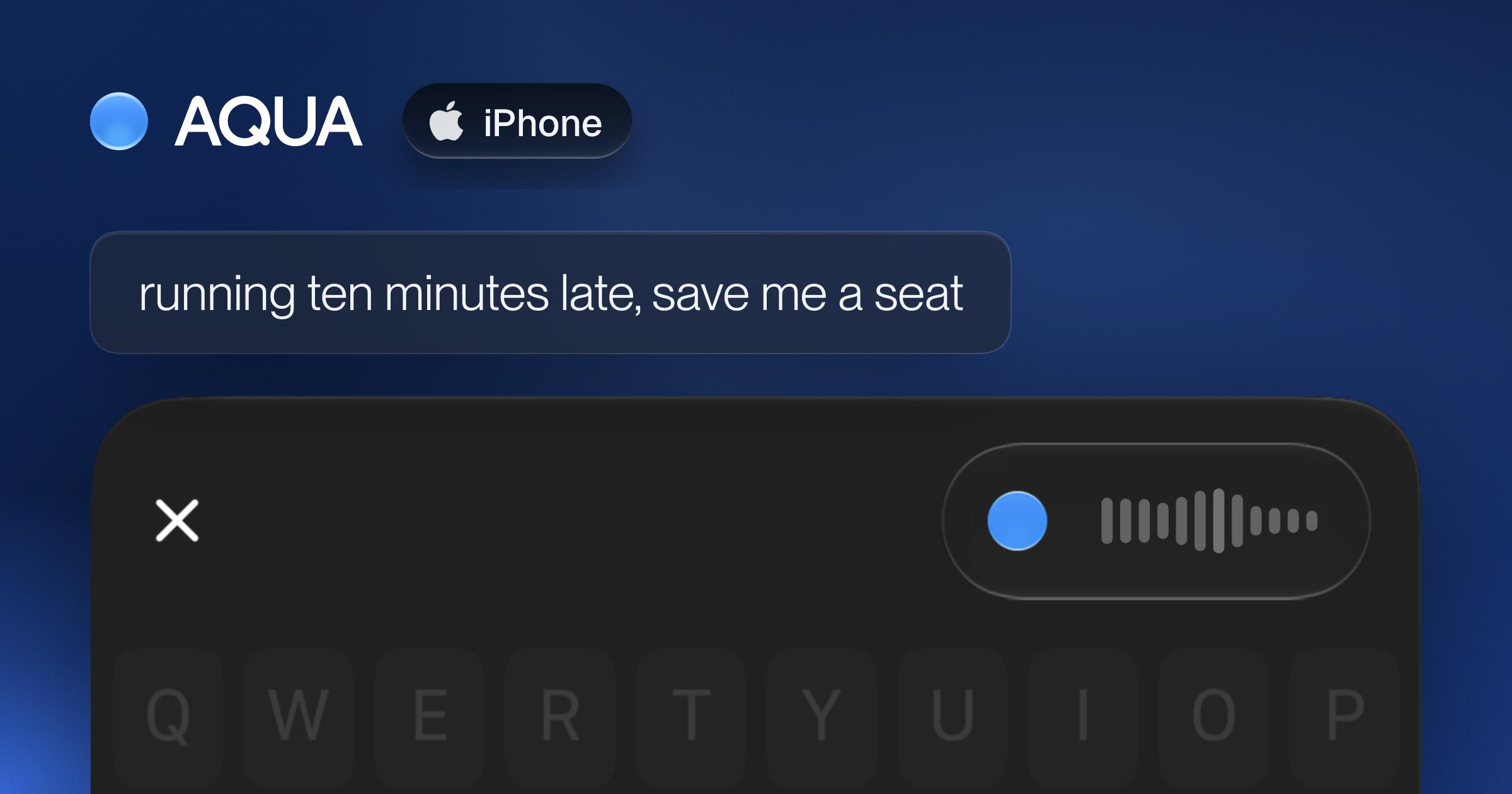
Tap the mic and the button opens into the recording control, right there in the keyboard. Talk, tap it again, and your words land at the cursor. Messages never leaves the screen. Neither does Claude, or Slack, or your notes.
It is quick, too. In our tests on an iPhone 17e, the microphone was live between 380 and 490 milliseconds after the tap.
One thing to know: the keyboard does the recording now, so a dictation ends when the keyboard closes. If you like to keep talking while you move between apps, turn on Launch Aqua to dictate in Aqua's Settings and you get the old behavior back.
It types now, too
A keyboard you only use for talking means switching keyboards every time you can't talk: on a train, in a meeting, at 1 a.m. So we taught ours to type.
In English, the Aqua keyboard now has autocorrect. Type "Whats the name ofthe place teh guys were goingbto try?" and you get "What's the name of the place the guys were going to try?" The apostrophe goes in when you tap space, the words you ran together come apart, and the swapped letters swap back.
When autocorrect guesses wrong, the word you typed is waiting in quotes at the left of the bar. Tap it and it stays. The same bar finishes words for you: type "tomor" and tap "tomorrow".
Or skip the taps. Slide your thumb across the letters of a word, lift, and the word goes in.
There are two smaller things we already can't give up. Slide your thumb along the space bar and the cursor moves.
Press delete and slide left, and whole words go at a time. Slide back and they return.
Autocorrect and suggestions run on your iPhone, so they work with no connection. They are English only for now. They turn on by themselves when English is one of your iPhone's languages. If it is not, the keyboard looks the way it did before, and you can turn them on under Autocorrect (English) in Aqua's Settings.
How to get it
Update Aqua Voice from the App Store. The keyboard you already set up is the new one.
If you have not tried Aqua on your phone yet, the iPhone page shows all of it. Get Aqua Voice for iPhone.