Most of what you know at work was said out loud. At a conference table. On a Slack huddle. Over lunch, with your phone on the table. To your computer, all day. And what wasn't said, you saw on your screen.
Your AI sees none of it. It works from whatever you remember to paste in.
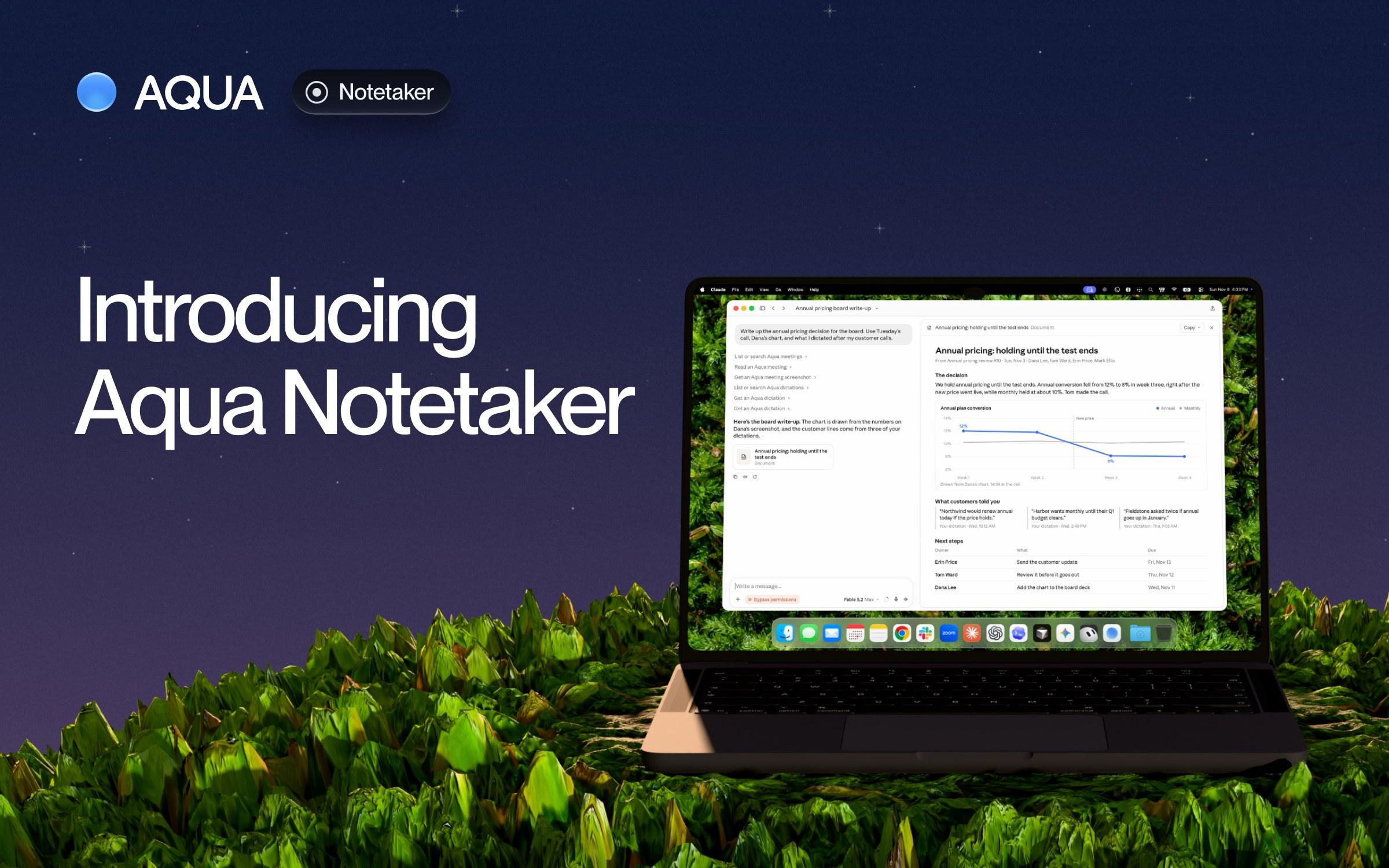
Today we're launching Aqua Notetaker on Mac, Windows, iPhone and Android. Capture the meeting and let your agent do the work.
Capture the meeting
Any call, any room. On a call, Notetaker listens to your microphone and to the audio your computer plays. There's no bot, so Zoom, Google Meet, Teams and a Slack huddle all work the same. In a room, it listens through your microphone and tells the voices apart: at the conference table with your laptop, or over lunch with your phone on the table.
Every word, and who said it. The transcript writes itself as people talk, with every line labeled by speaker. Name a speaker once, and Aqua Voice can recognize their voice in later meetings. Ask for notes, and you get a page you can read in a minute: a two-sentence lead, a section for each topic, and the next steps and decisions, when there were any. Anything you typed during the meeting stays exactly as you wrote it.
Accurate enough to act on. Avalon 1.5, our speech model, gets 97% of technical terms right. After an English meeting, Notetaker reads the transcript again to fix anything it misheard or gave to the wrong person. So you can take next steps without even double checking.
What wasn't said, you can circle. Someone shares a chart and says "this drop, right here." On your computer, pick up Aqua Pen and circle it. The screenshot goes into the transcript at that moment, so your agents see what you saw, not just what you heard.
Let your agent do the work
Aqua Voice already had what you say to your computer: the Slack replies, the emails, the prompts you give Claude Code. Notetaker adds what you say to other people.
Aqua keeps the pieces together. The decision from the call, the chart you circled, the note you dictated after. Connect Aqua MCP to Claude, Codex, Grok Bot, Muse, or any agent to access the whole story, not your summary of it.
One question can draw on all of it:
- "What did I promise in meetings this week, and did I follow up?" It reads the next steps with your name on them, then checks your dictations for the messages you sent.
- "I'm meeting Dana at 3. What did we decide last time, and what's still open?" It finds your meetings with Dana and lists the decisions and the open items, each with the meeting it came from.
- "Read meeting 42 and build what we agreed on." In Claude Code or Codex, the spec your team talked through is something your coding agent can read.
On your computer, a finished meeting also has an Ask Claude button. It opens Claude with the meeting already linked, so all you type is the question.
Your meetings stay yours
Private until you share it. Only you can open a meeting. When you share one, add everyone who was on the call, or copy a link. Your agent acts as you, so it sees your meetings and the ones people shared with you. Aqua MCP tells it to ask you before it shares or deletes a meeting, and it can't delete one for good.
Tell the room. There's no bot in the call, so the other people won't see that Aqua Voice is there. Let them know, and get their consent where the law requires it.
Aqua Voice has a SOC 2 Type II audit report and is ISO 27001 certified, and GDPR and HIPAA compliant. The reports are in our Trust Center.
How to get it
Your first 3 meetings are free. Pro includes 3 meetings a month, and Max and Business include unlimited meetings.
Update Aqua Voice and open Notetaker: it's in the sidebar on your computer and in the app on your phone. To connect your agent, open Connections and click Connect next to Claude or ChatGPT.
Coming from Granola or Otter? Import your past meetings in Notetaker settings, and they join your Aqua Voice library.
Then ask: "What were the material changes from our last design call?" And say "go."