When you talk about your screen, you point. This chart. That button. Right here. In a room, your finger does half the explaining.
Your agent only gets the words. It can't see what "this" means. So you stop talking, take a screenshot, find the file, drag it in, and then describe where to look.
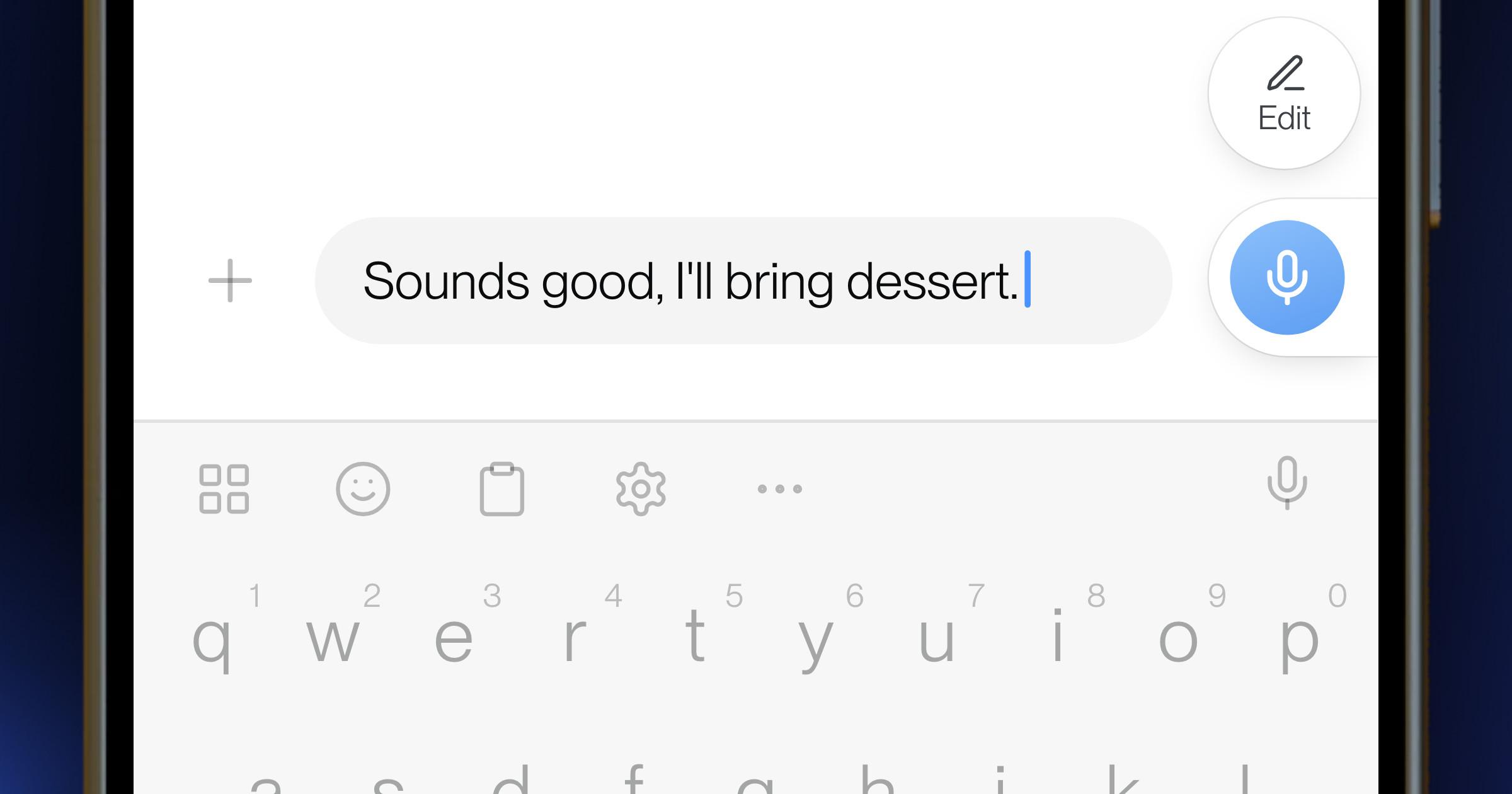
Today we're launching Aqua Pen on Mac and Windows. Circle what you mean while you dictate, and the screenshot pastes in after your words.
Say it and circle it
- Start dictating into an app that takes images, like Claude, ChatGPT, Cursor or Codex.
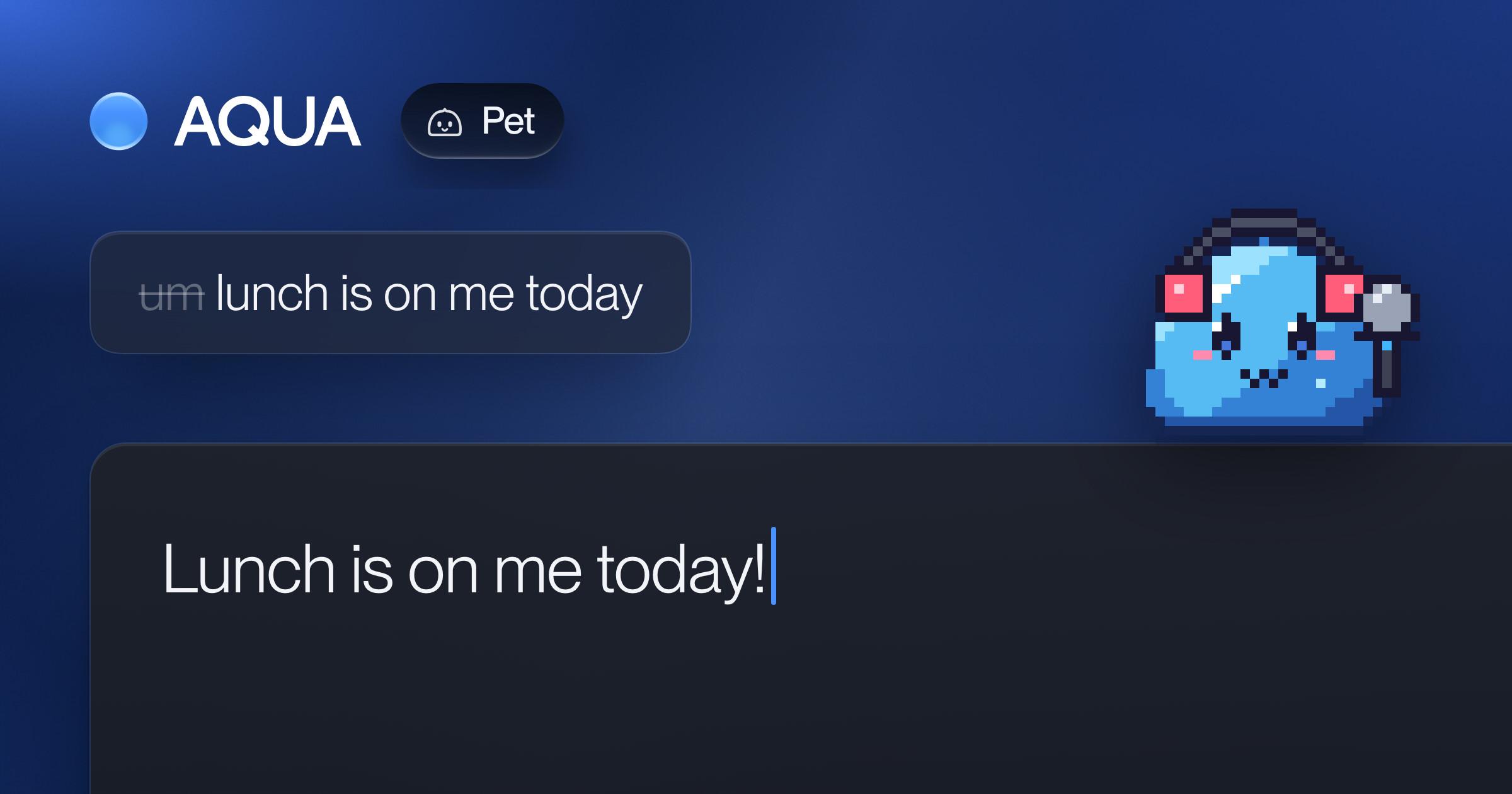
- Pick up the pen: press your Screenshot pen shortcut, or click the pen on the Floating Bar or your pet.
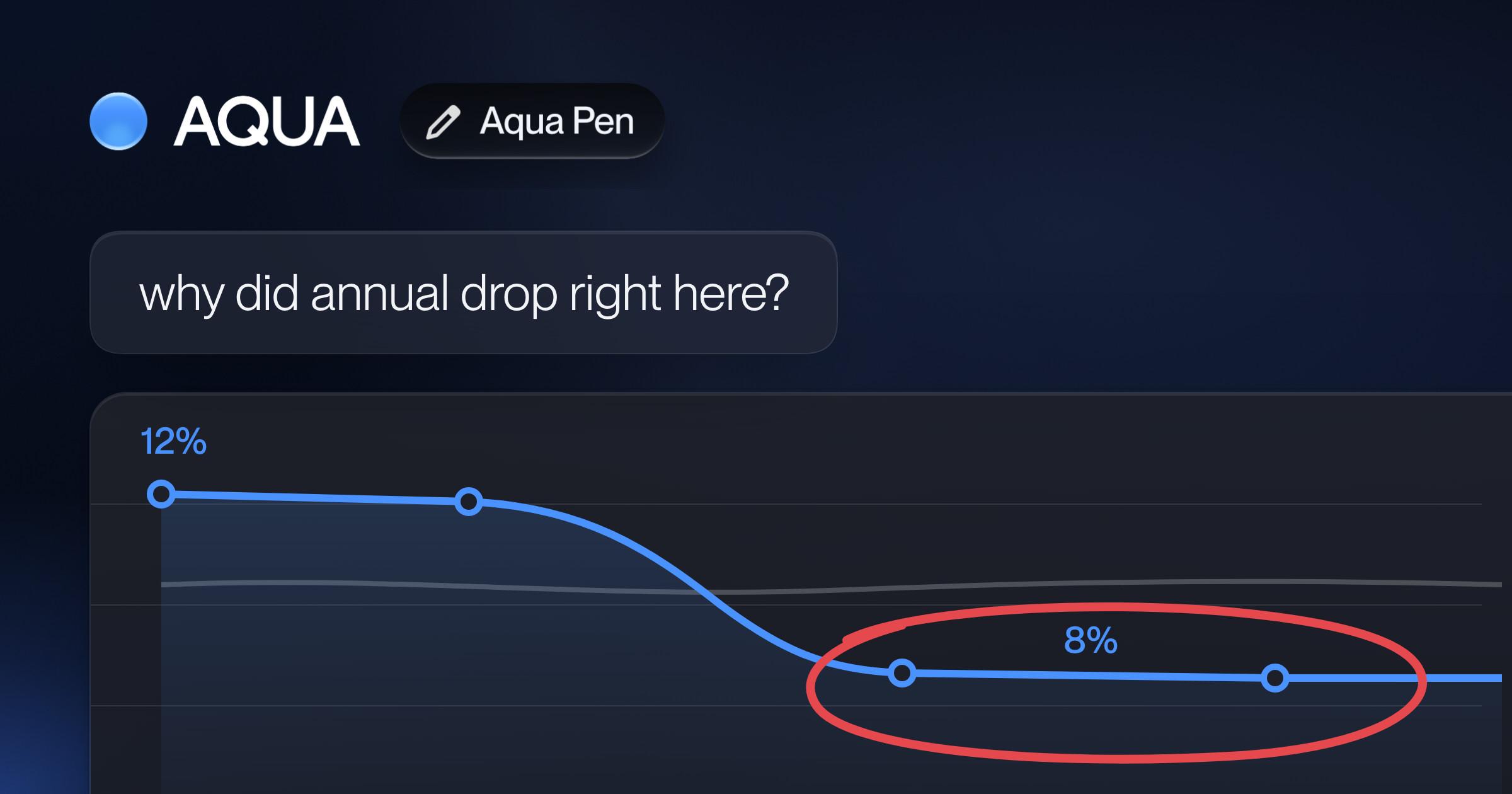
- Circle what you mean: the drop in the chart, the button that's broken, the line of code. Aqua takes the screenshot when you stop drawing, with your marks and the window around them.
- Finish talking. Your words paste in, and the screenshot follows them.
"Why did annual drop right here?" now arrives with the drop circled. "Why doesn't the total add up here?" arrives with the total circled. Your agent works from what you see, not from your description of it.
While you talk, the screenshot tray holds what you captured. Open a screenshot, drag it into another app, or remove it from the dictation.
Circle it in a meeting
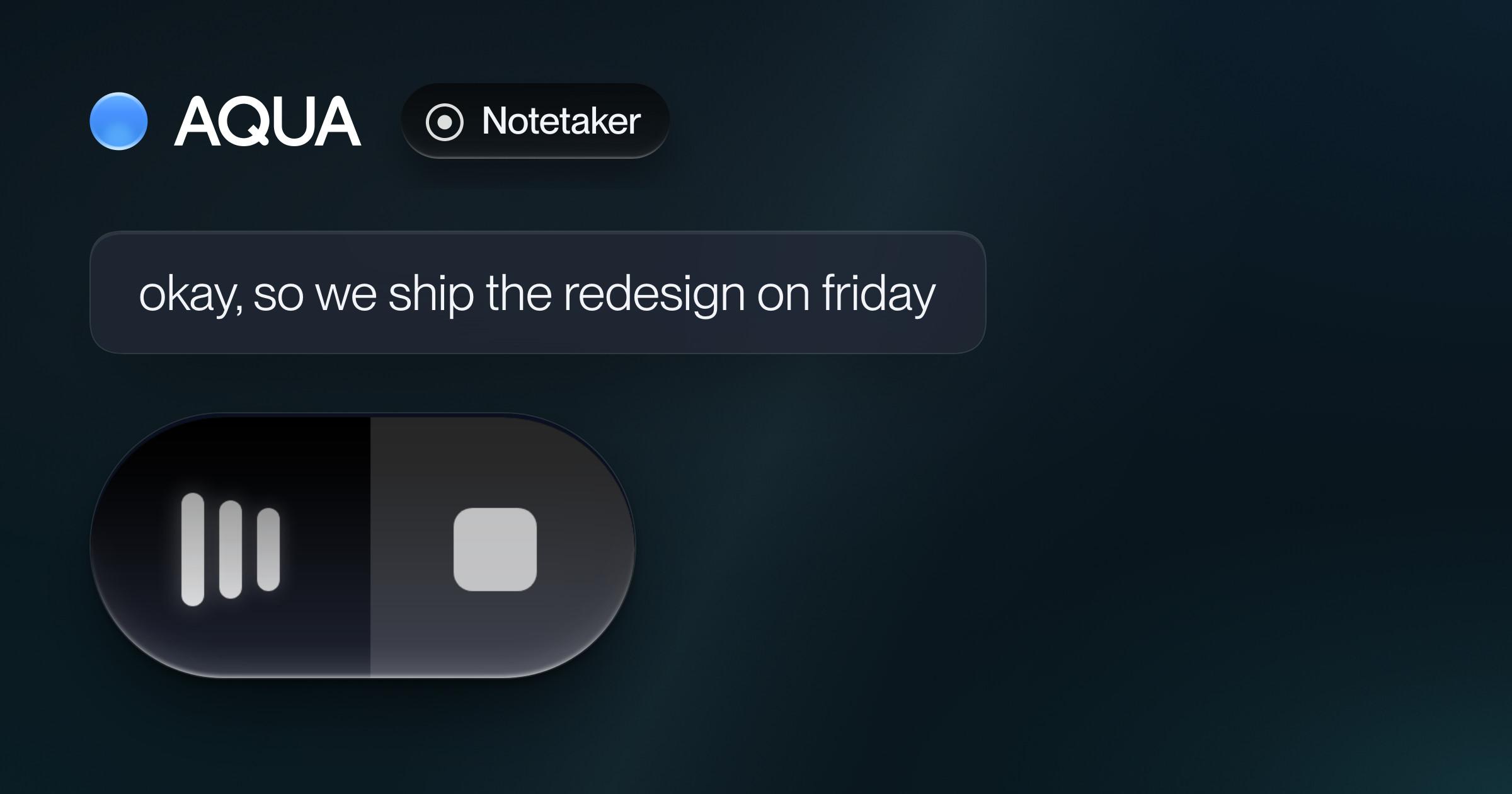
While Notetaker records, circle a slide, a chart or a detail on a shared screen. Aqua saves the screenshot with the meeting at the moment you took it, next to what was being said. When your agent reads the meeting through Aqua MCP, it can open the screenshots too.
Or just take a screenshot
Not dictating or recording? Pick up the pen anyway. Aqua copies what you circled to your clipboard and keeps a copy in History.
Only what you circle
Pen captures the windows you draw on, not your whole screen. Screenshots from your dictations are saved on your computer, and with Privacy Mode on, Aqua doesn't upload them. Meeting screenshots stay with the meeting, also in Privacy Mode. To keep the Floating Bar and your pet out of your screenshots, turn on Hide Aqua in screenshots.
How to get it
Aqua Pen is in Aqua Voice for Mac and Windows, on every plan, including Free. Update Aqua Voice, open Settings → Pen, turn on Pen, and choose your Screenshot pen shortcut. On a Mac, allow Screen Recording when Aqua asks. The Aqua Pen guide has the details.